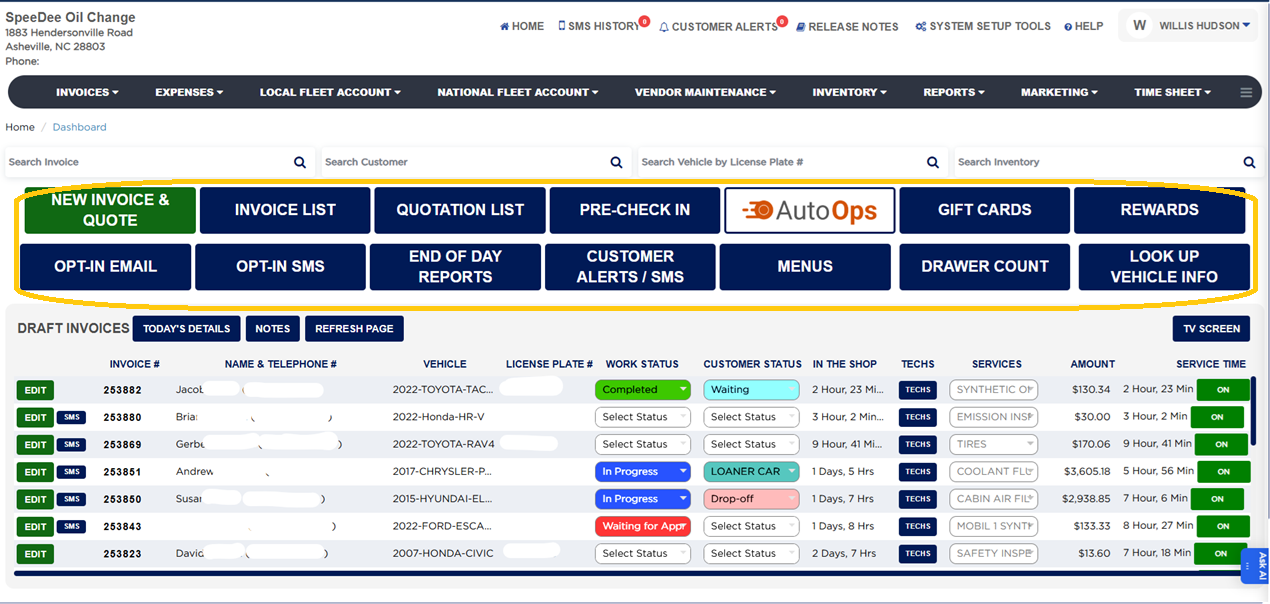
From the Home screen Click DRAWER COUNT to pop open the cash drawer.
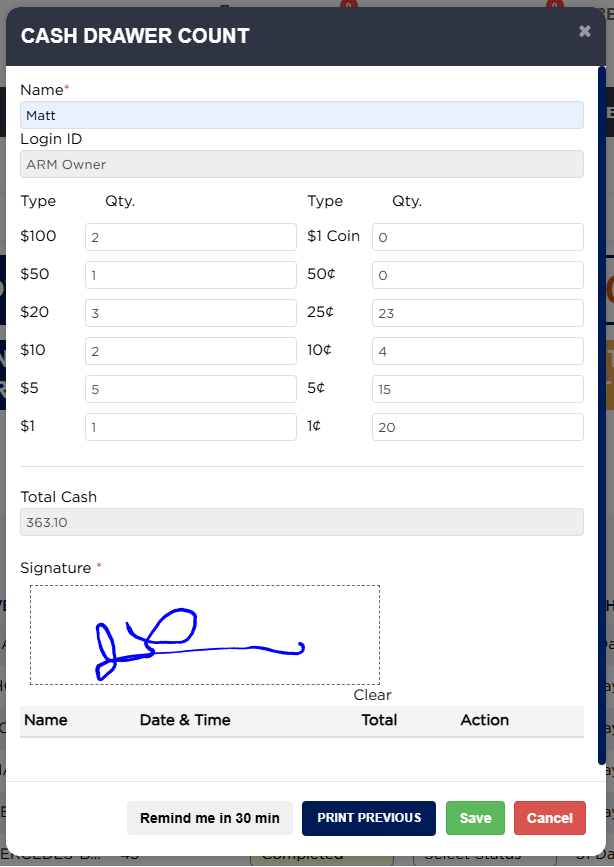
Count the cash on hand and enter the quantity of each denomination (hundreds, fifties, and so on).
Sign off on the count to confirm it.
This is typically the morning count: it carries the drawer over from the previous End of Day, which is useful when the shift changes to a new employee.
The count can be set to be required at morning login so a user must complete it before doing anything else (configured in System Setup Tools → Master Business Configuration).