ARM Help

How do employees clockin and clock out in ARM

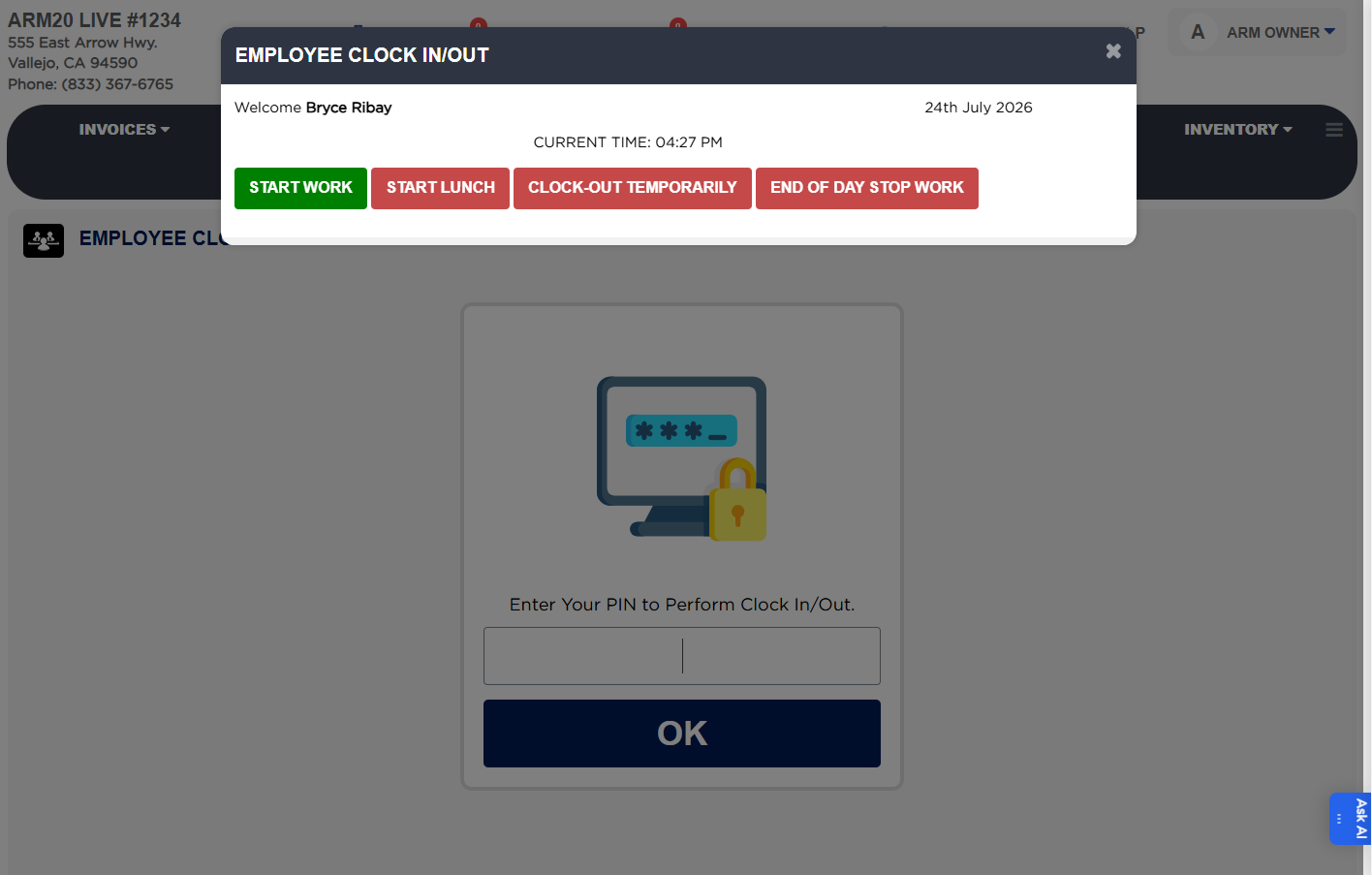
How do I clock in and clock out using the Auto Repair Manager? Employees log into the Timesheet Entry screen with their PIN. Options include Start Work, Start Lunch, Start Break, Clock Out Temporarily, and End of Day.

1 how-to answer 3 screenshots Open in ARM Markdown

How do I log into the Timesheet Entry screen and record work hours? #

  1. Log into the Timesheet Entry screen using your PIN.
  2. Select Start Work to begin logging your work time.
  3. Select Start Lunch or Start Break to record your lunch or break time.
  4. Use Clock Out Temporarily if you need to leave temporarily.
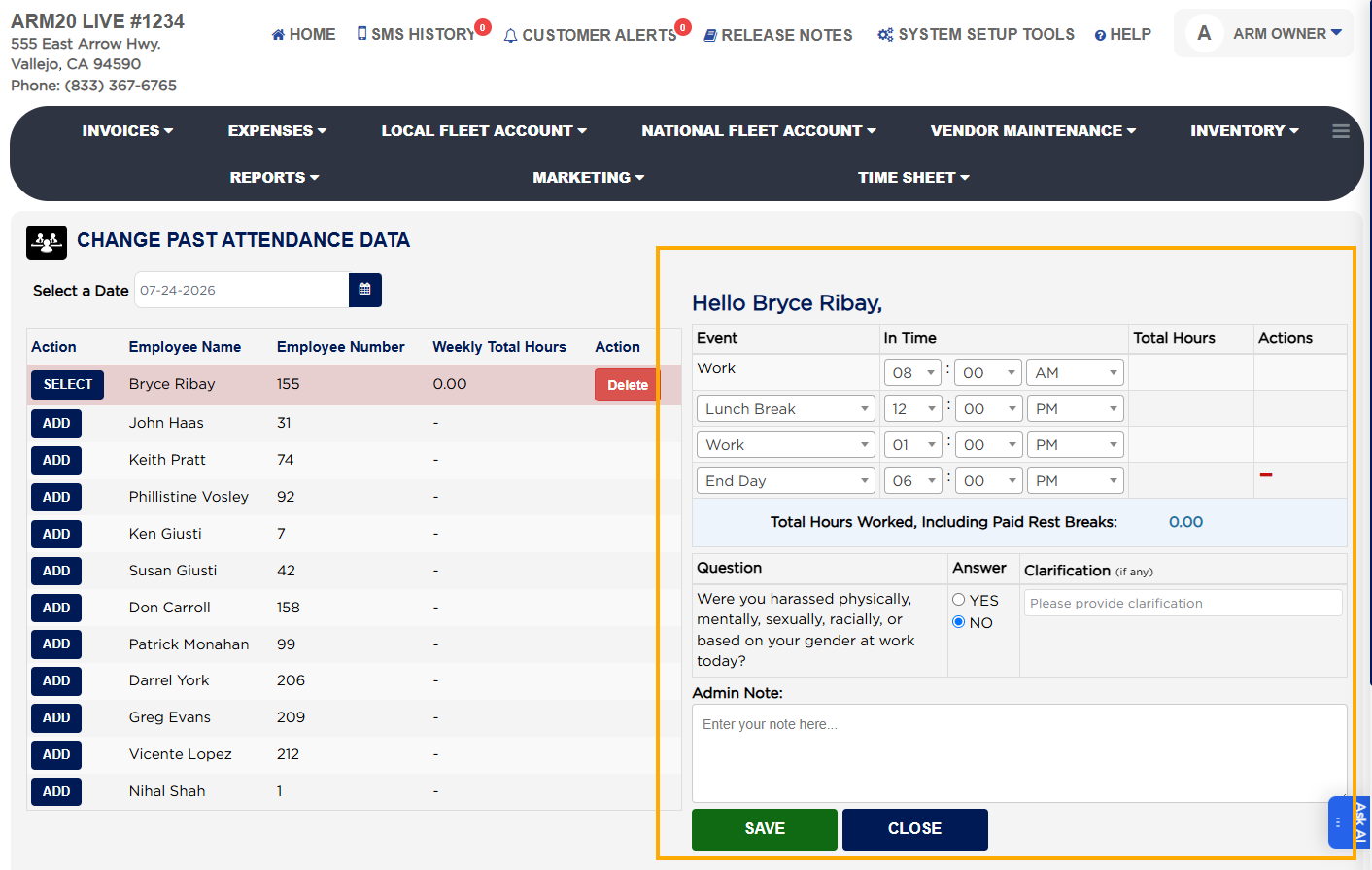
  5. At the end of the day, answer the configured safety questions.
  6. Save your timesheet after completing all entries.
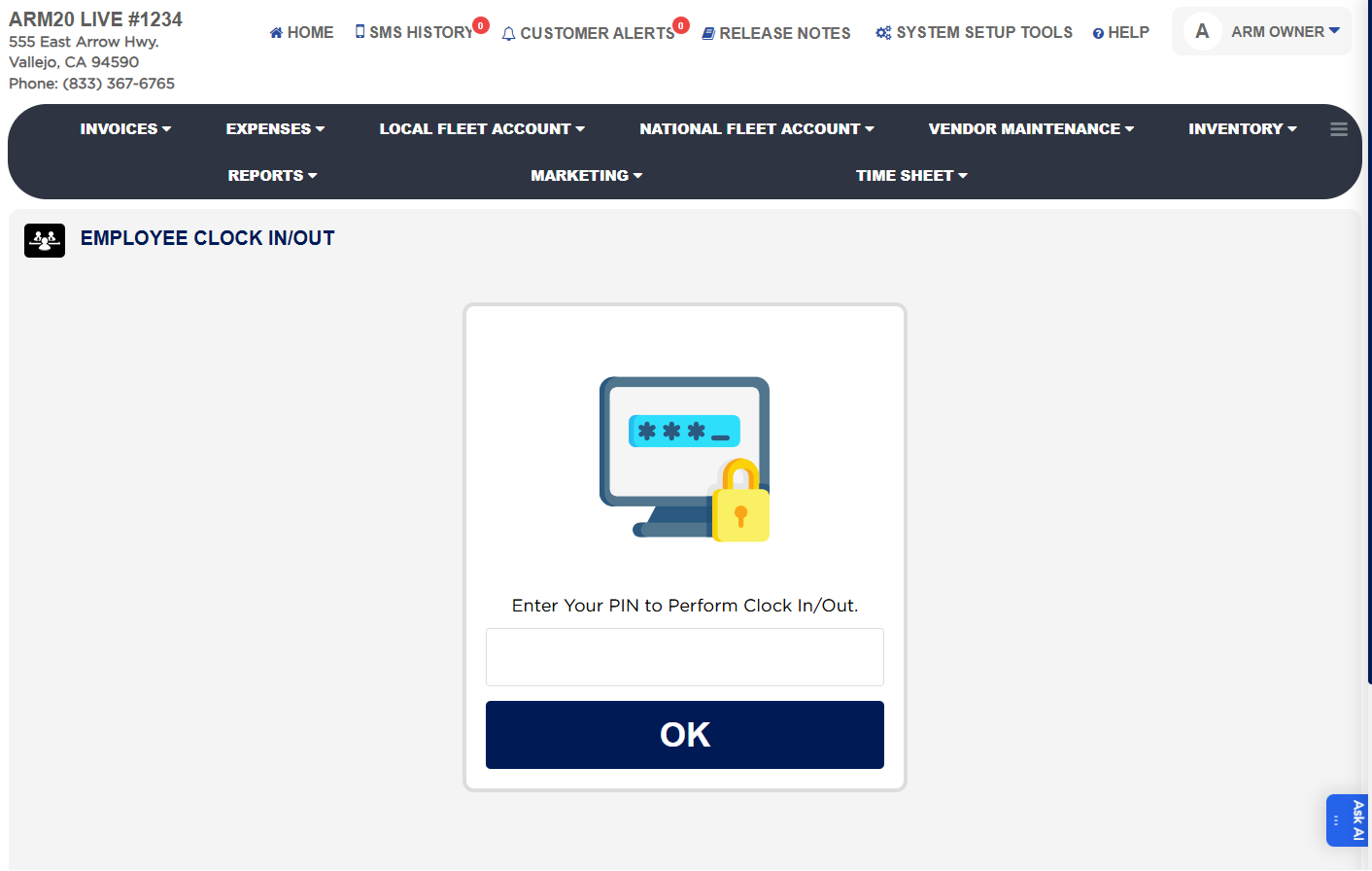
Employee Timesheet Entry options
End-of-Day timesheet submission with questions
Employee Timesheet Entry Options
About this screen

The system automatically tracks entries (clock-in, breaks, clock-out). At the end of the day, employees answer the configured safety questions before saving their timesheet.

Ask AI