How do I send brake reminders? #
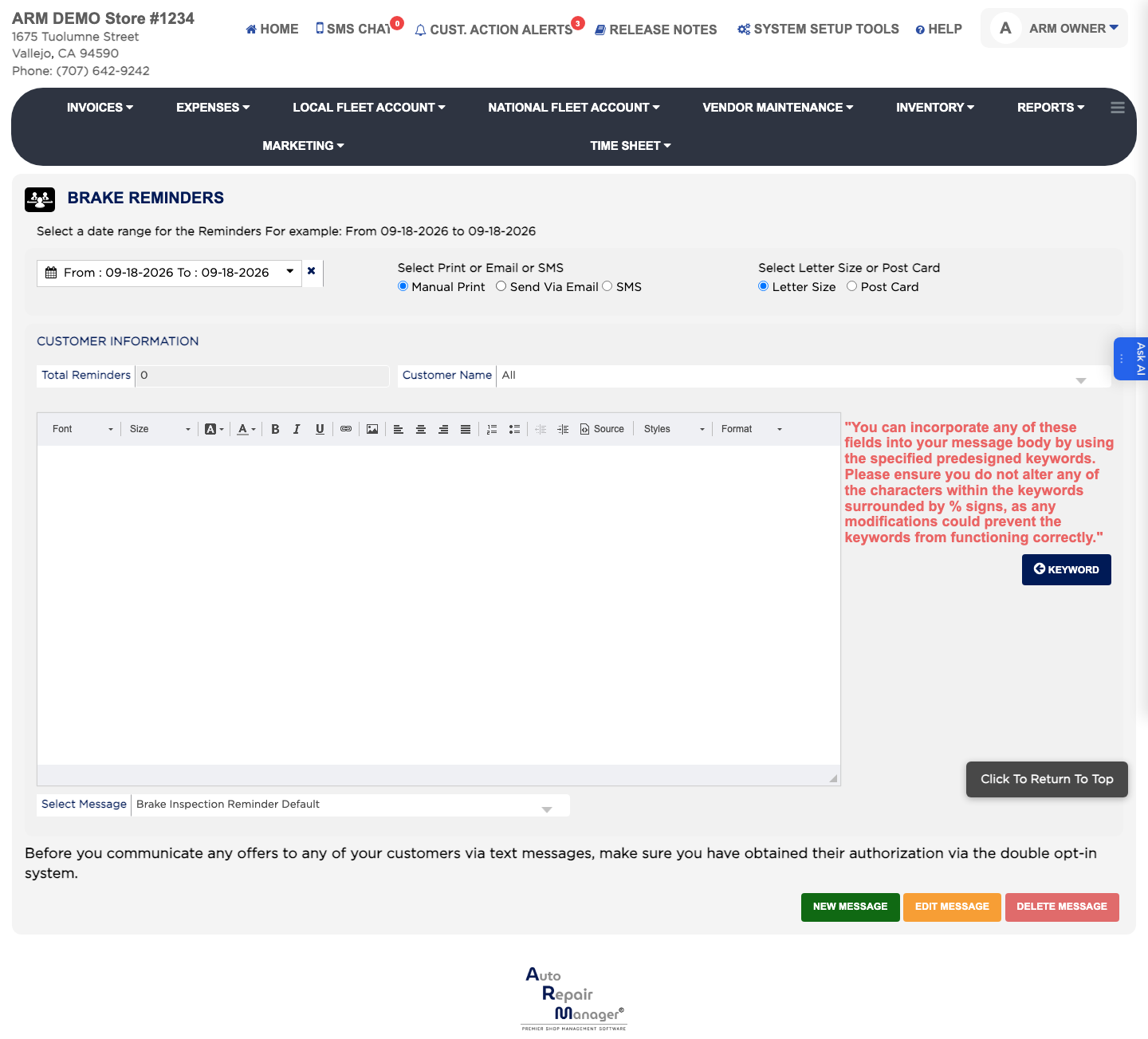
- From the Home Screen, click Marketing → Brake Reminders.
- Set the From and To dates to the period the brake work was carried out in.
- Under Select Print or Email or SMS, choose Manual Print, Send Via Email or SMS.
- Under Select Letter Size or Post Card, choose the shape of the printed reminder.
- Click Go and check Total Reminders.
- Pick the wording in Select Message — Brake Inspection Reminder Default, Default or Revised Brake Inspection.
- Click E-Mail All, SMS All or Print All to contact everyone, or the Individual button to contact only the customer you selected.