How do I send oil change reminders? #
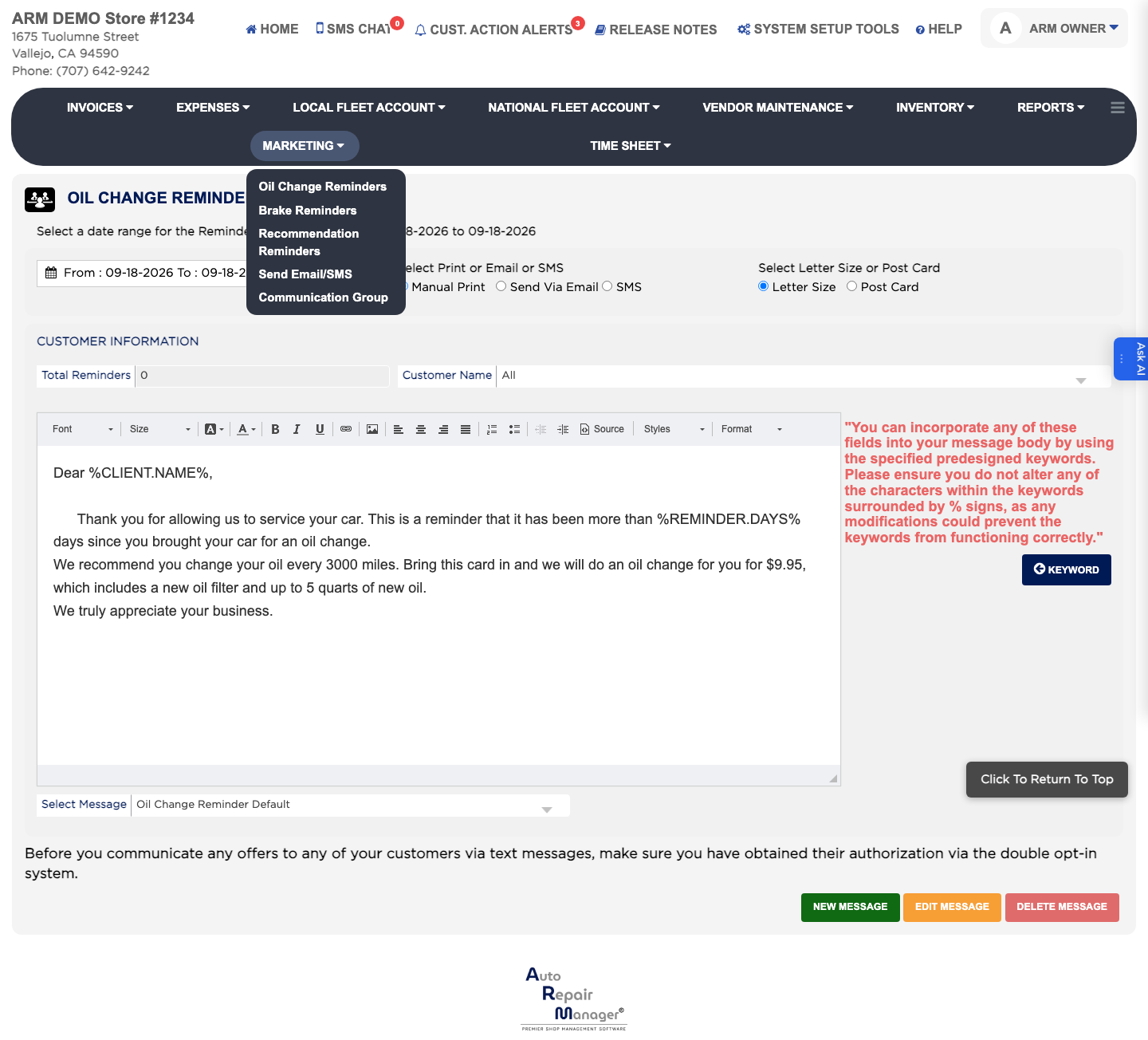
- From the Home Screen, click Marketing → Oil Change Reminders.
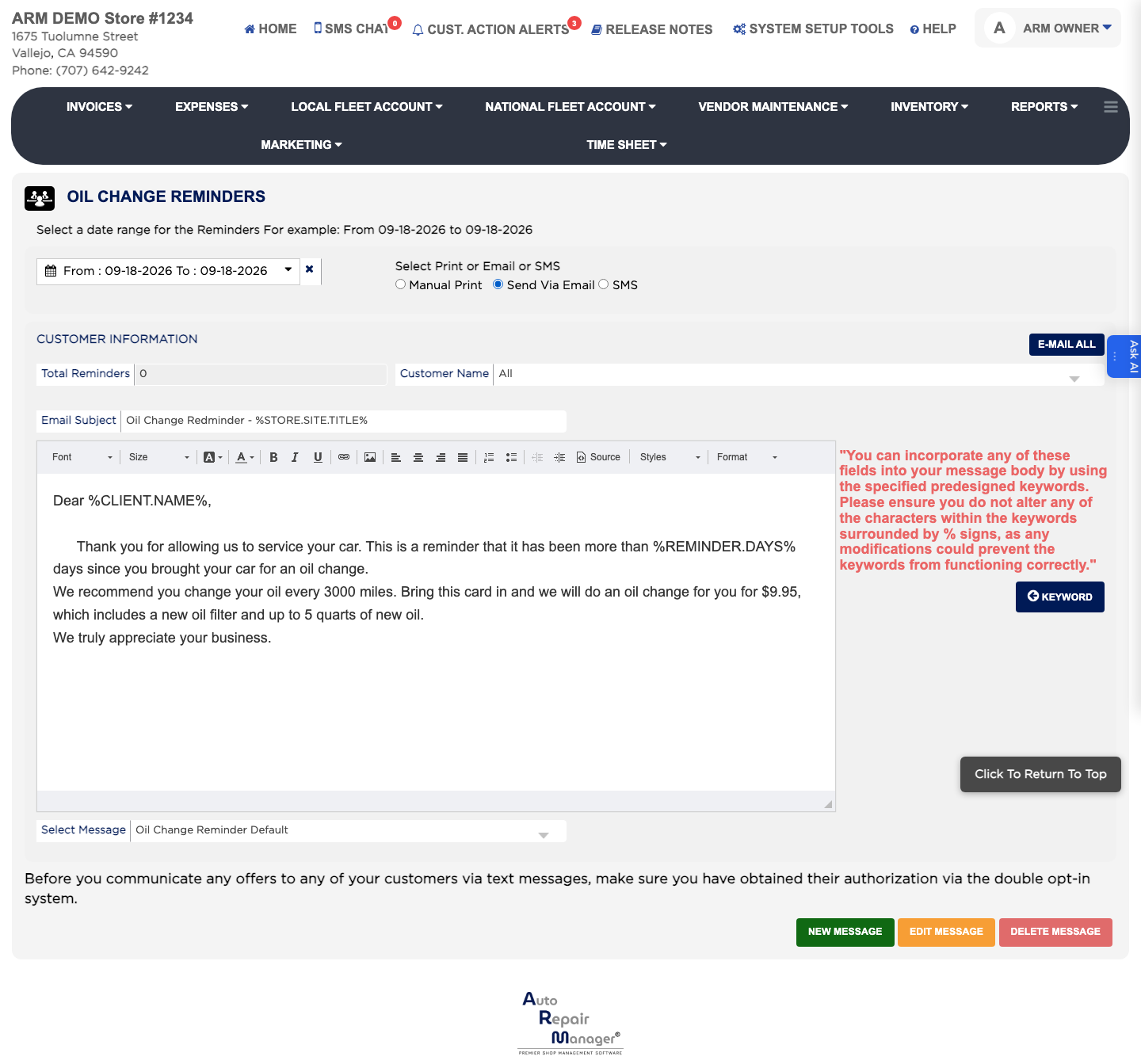
- Set the From and To dates to the period the oil changes were carried out in.
- Under Select Print or Email or SMS, choose Manual Print, Send Via Email or SMS.
- Under Select Letter Size or Post Card, choose Letter Size or Post Card. This sets the shape of the printed reminder.
- Click Go. Total Reminders shows how many customers match, and Customer Name lets you narrow to one person.
- Check the message, then click E-Mail All, SMS All or Print All to reach everyone in the list, or E-Mail Individual, SMS Individual or Print Individual to send to just the customer you selected.