How do I create a communication group? #
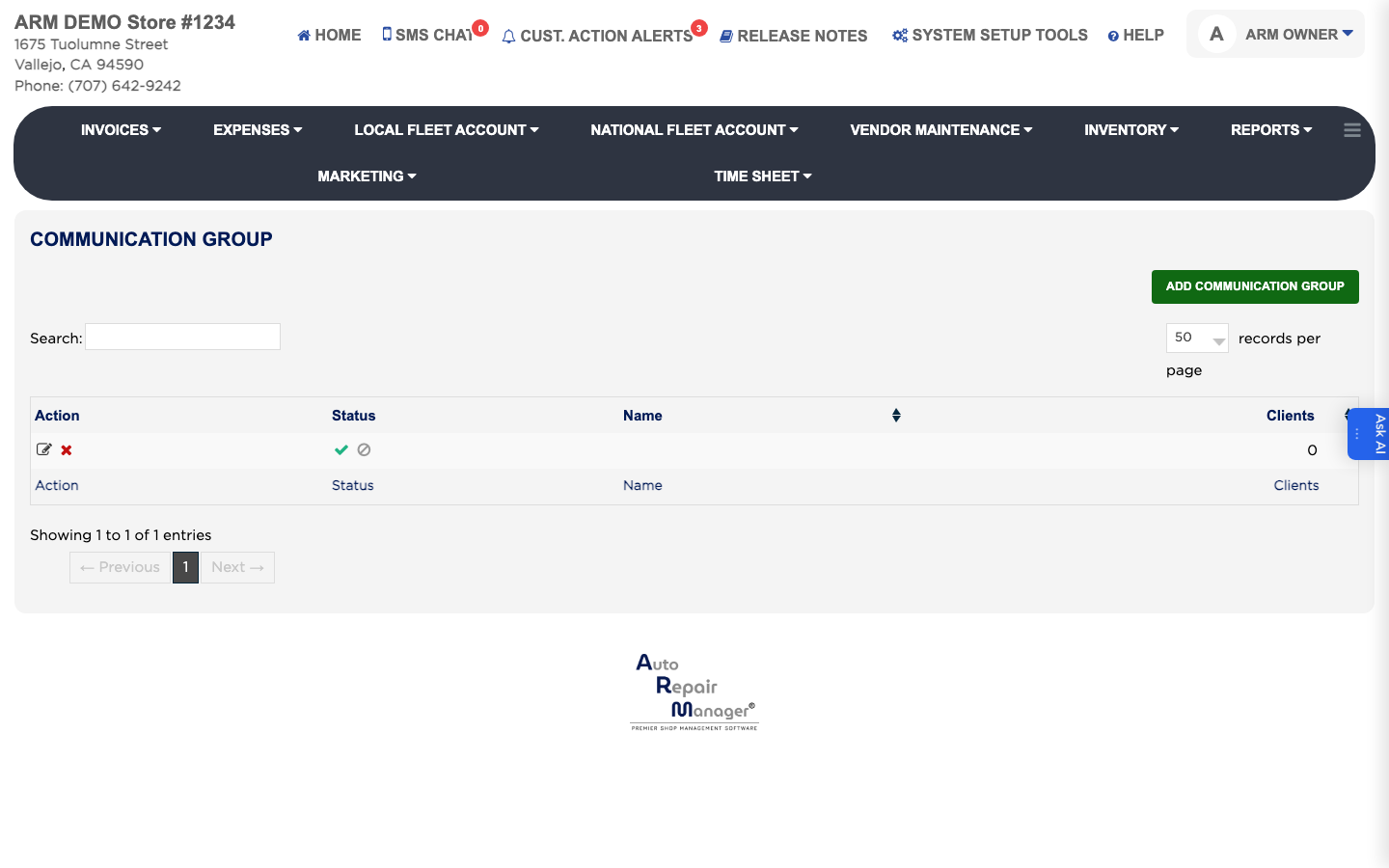
- From the Home Screen, click Marketing → Communication Group.
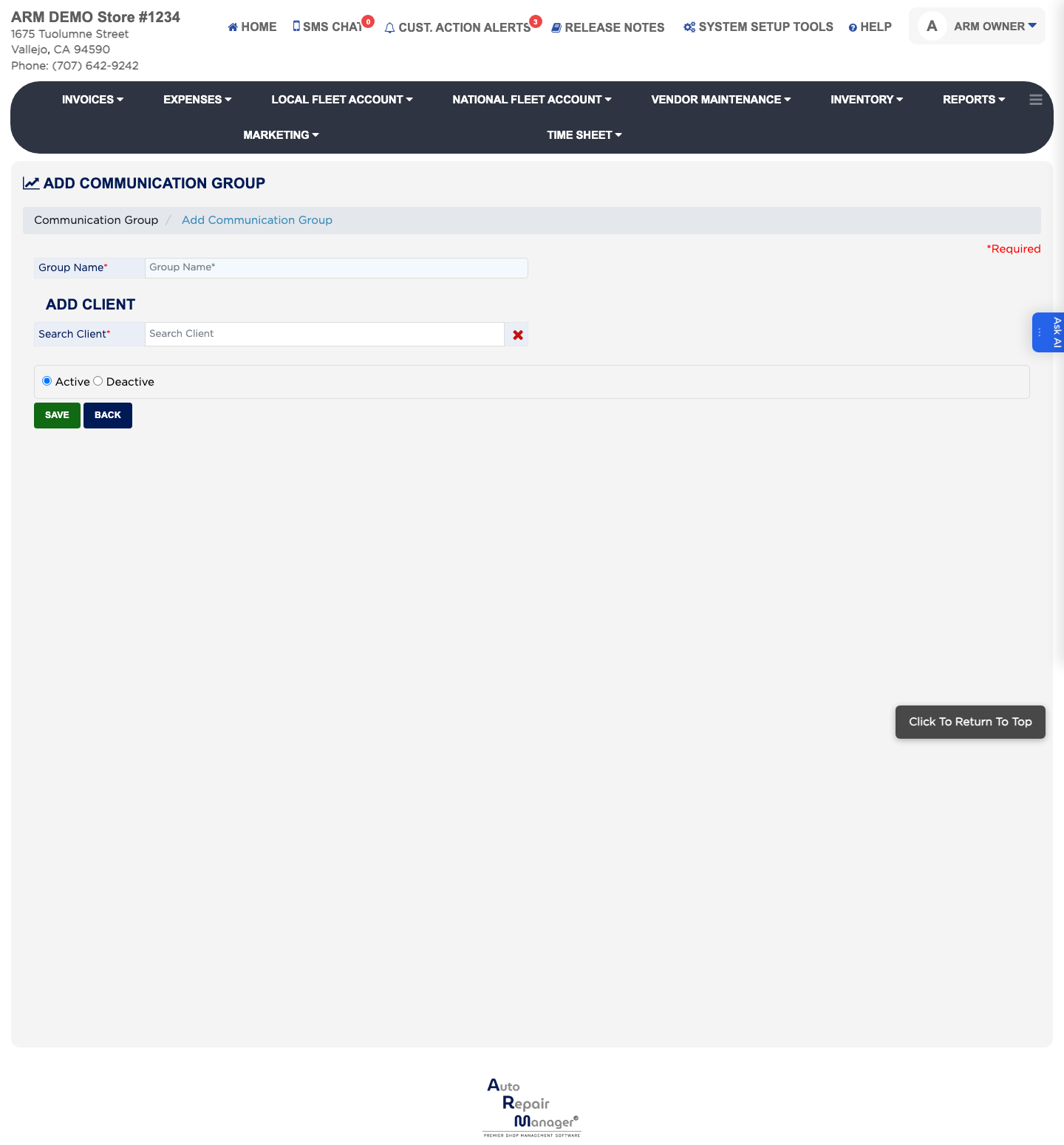
- Click Add Communication Group.
- Enter the Group Name. This is required.
- Type a customer's name in Search Client and pick them from the results to add them to the group. Repeat for each member.
- Leave Status set to Active.
- Click Save.