How do I open the Marketing screens? #
- From the Home Screen, click Marketing in the top menu bar.
- Choose the screen you want: Oil Change Reminders, Brake Reminders, Recommendation Reminders, Send Email/SMS or Communication Group.
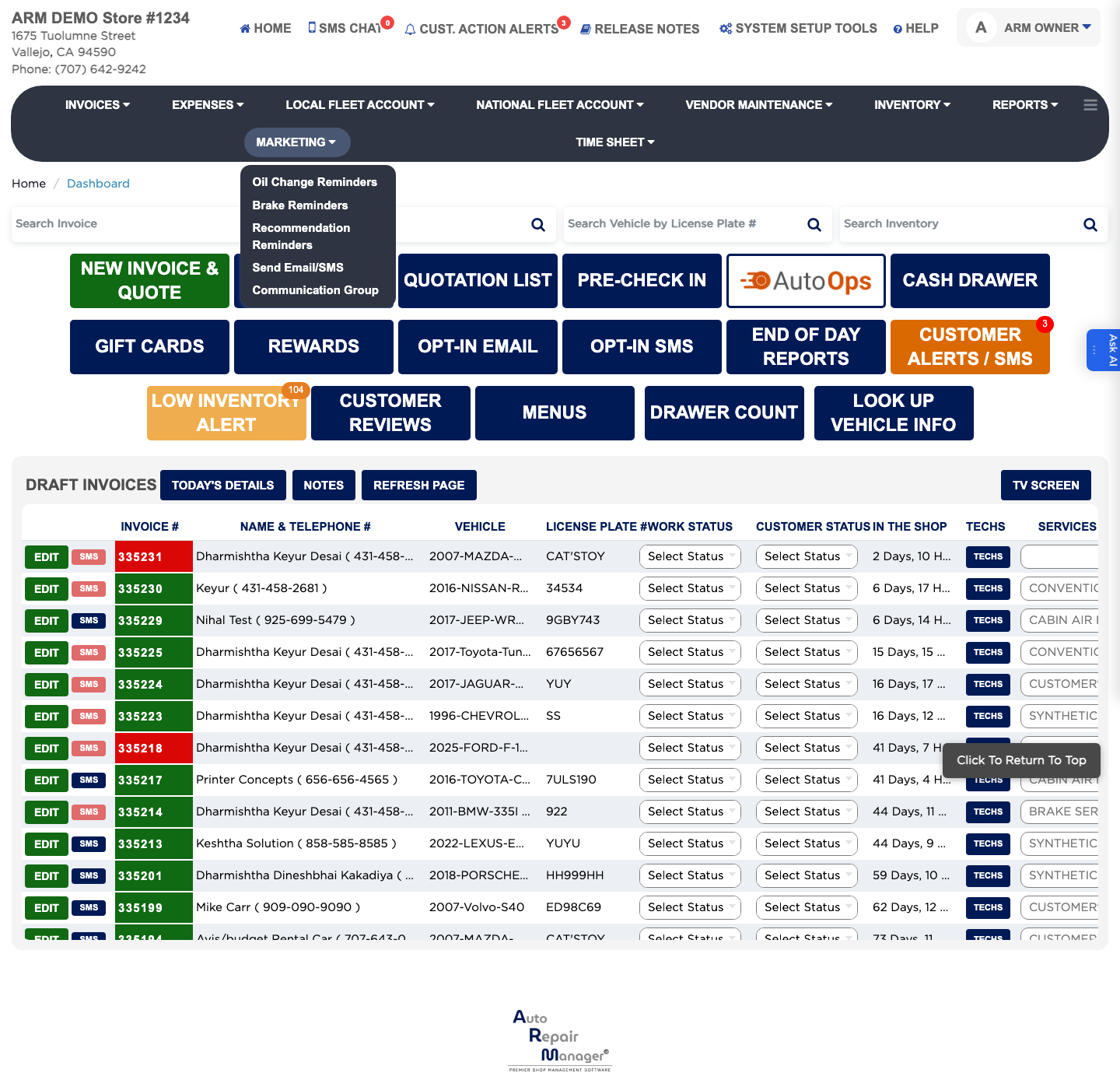
The Marketing menu is how you bring customers back in. It holds three reminder screens that find people who are due to return — Oil Change Reminders, Brake Reminders and Recommendation Reminders — plus Send Email/SMS for a one-off message and Communication Group for building a named list of customers to message together. All of it works from your invoice history, so a customer only appears once they have had work finalized.