How do I send a message to all my customers? #
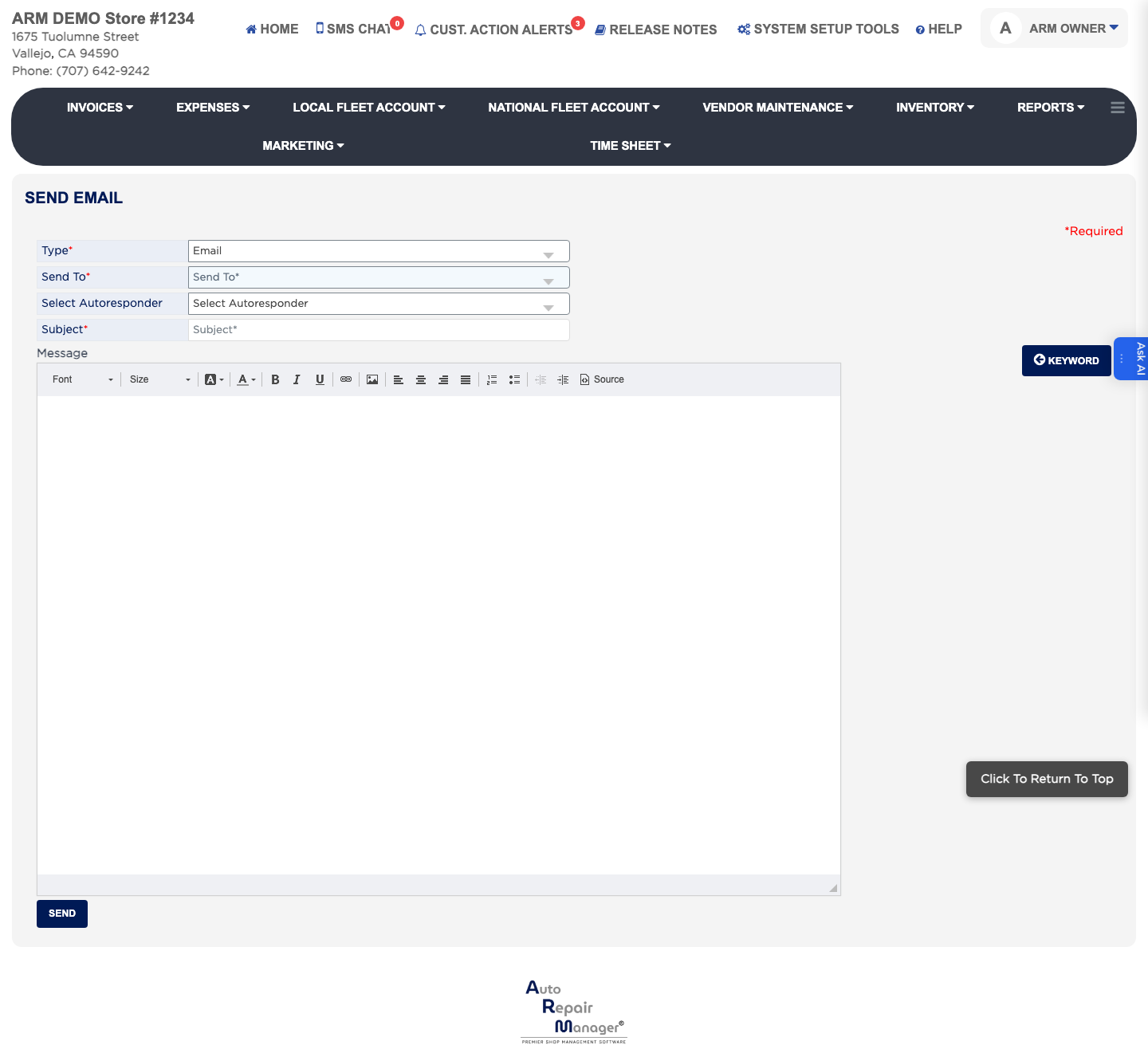
- From the Home Screen, click Marketing → Send Email/SMS.
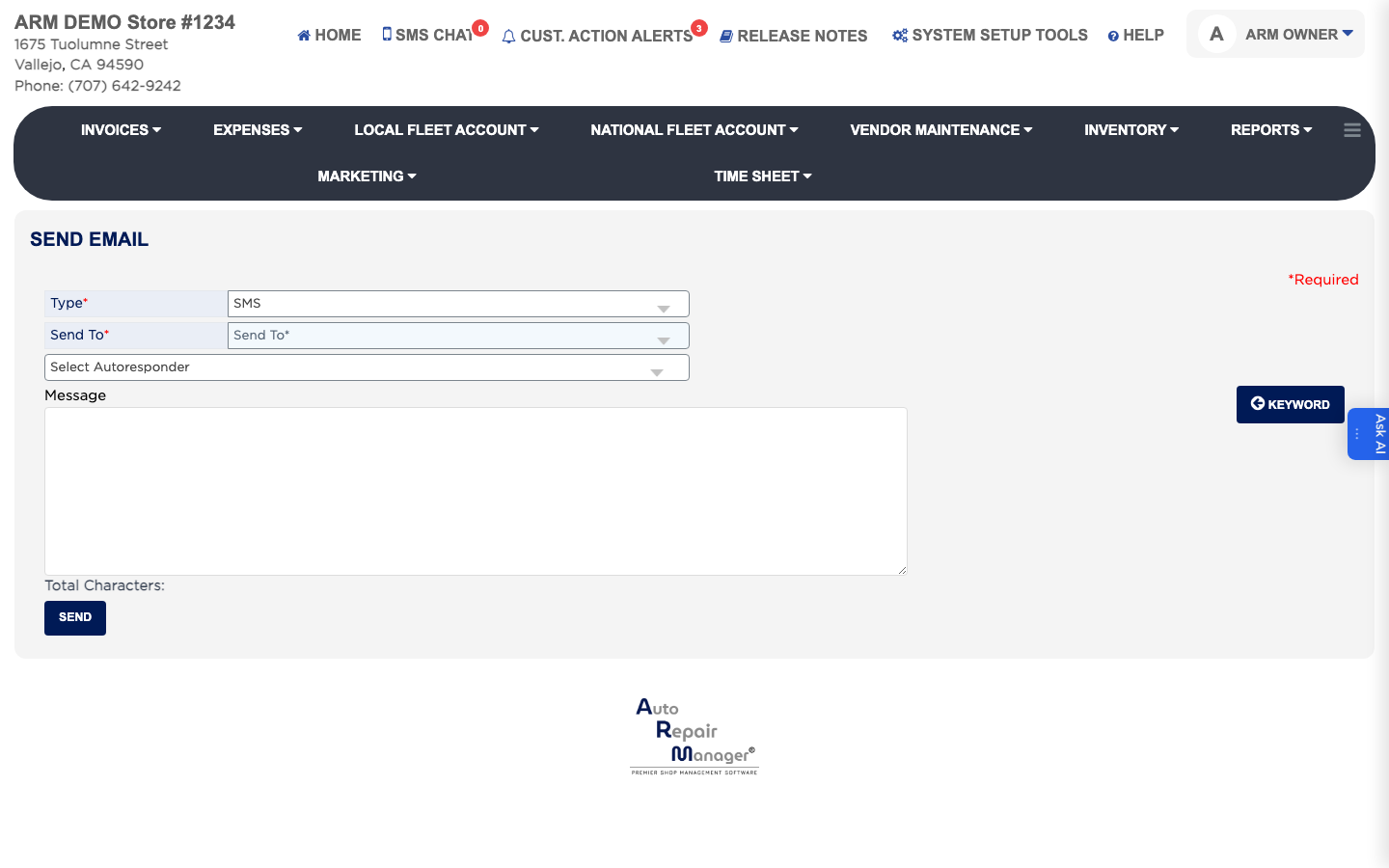
- Set Type to Email or SMS. This is required, and it changes the rest of the form.
- Set Send To to All Customers. The number beside each choice tells you how many people will receive it.
- For an email, enter the Subject. This is required.
- Write the message in the editor, or pick a ready-made one under Select Autoresponder.
- Click Keyword to insert a placeholder such as the customer's name.
- Click Send.