How do I find a part? #
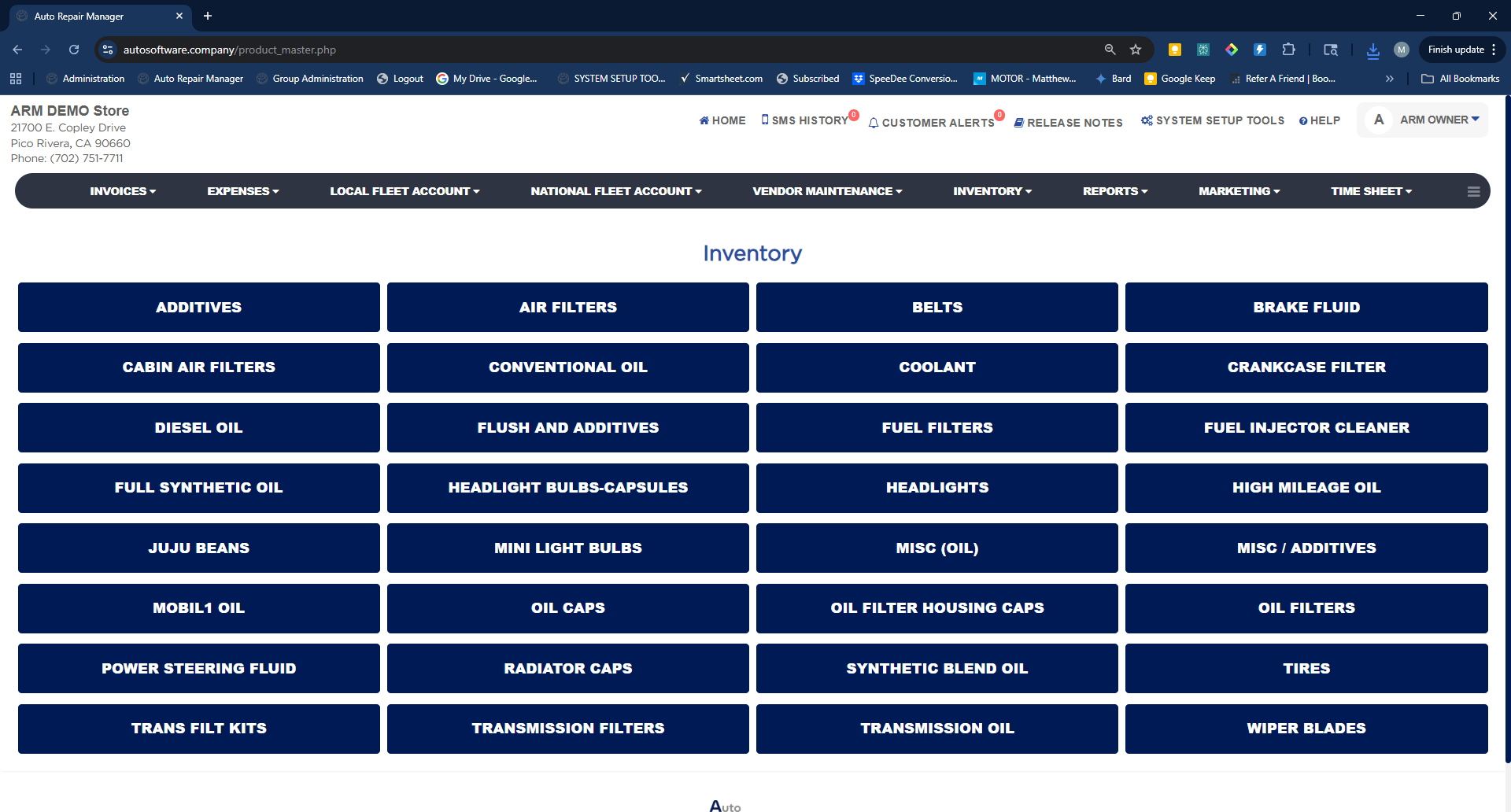
- From the Home Screen, click Inventory → Parts.
- Click the category button for the part — for example Air Filters.
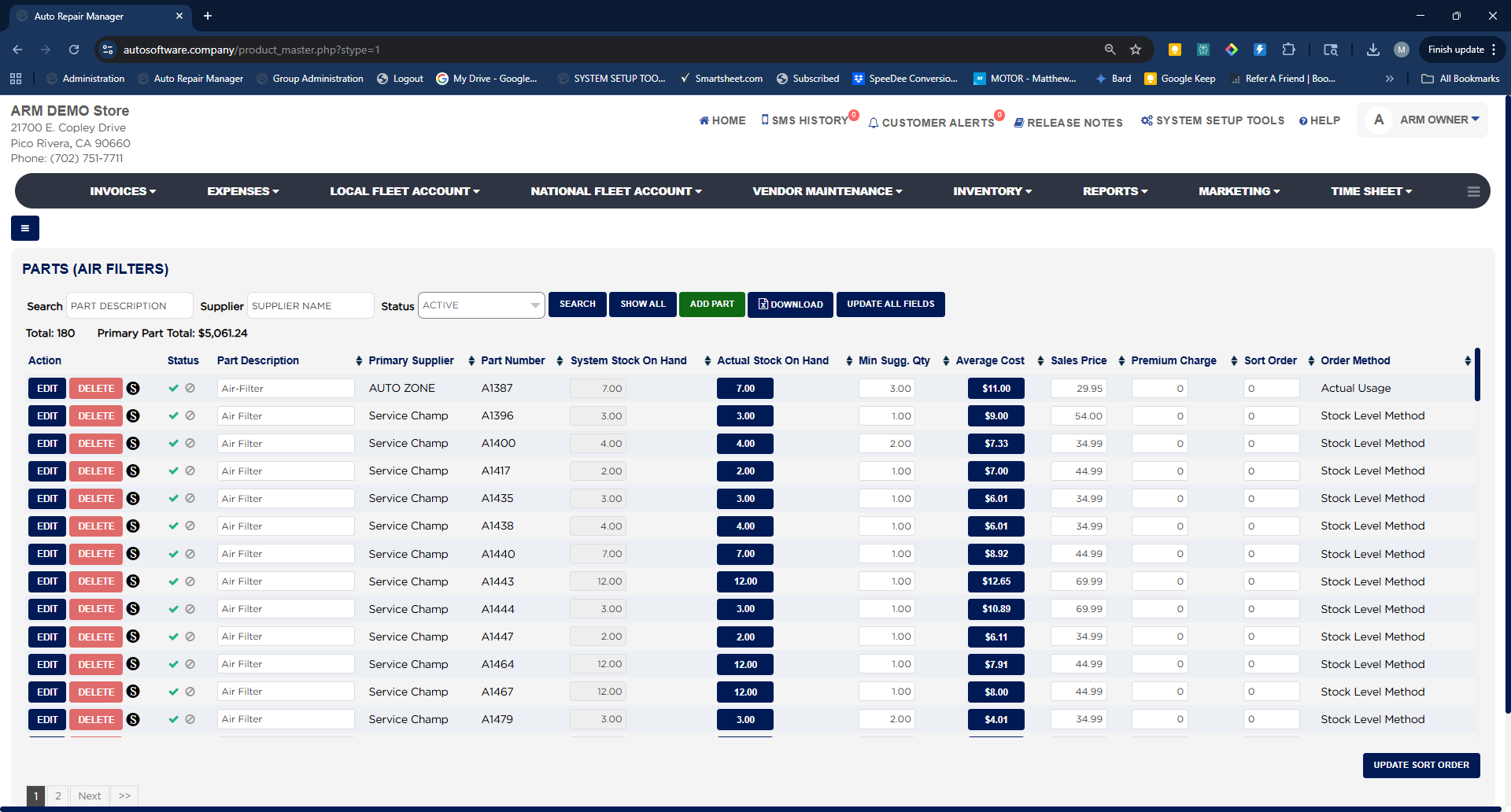
- Type a description in Search, or a vendor in Supplier, set Status to Active or Deactive, and click Search. Click Show All to list every part in the category, or Download to export the list as a spreadsheet.