ARM Help

3rd Party Merchant Coupon

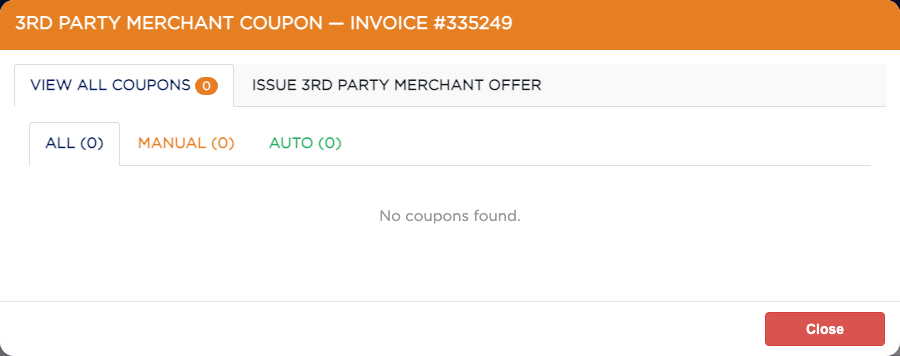
3RD PARTY MERCHANT COUPON gives the customer an offer from a partner business, such as a local car wash or restaurant, set up under your shop's cross-merchandising program. VIEW ALL COUPONS shows the coupons on this invoice, and ISSUE 3RD PARTY MERCHANT OFFER adds one. Coupons added to a draft show Pending Finalization, and their codes are created when the invoice is finalized. The codes print on the finalized invoice under 3rd Party Merchant Offers, with a QR code. Some service packages add coupons by themselves; these show under AUTO.
1 how-to answer 1 screenshot Open in ARM Markdown

How do I give the customer a partner's coupon? #

  1. From the Home Screen, click Invoices → Invoice List and open the invoice.
  2. Click 3RD PARTY MERCHANT COUPON.
  3. Click ISSUE 3RD PARTY MERCHANT OFFER.
  4. Choose the 1. MERCHANT, then the 2. OFFER, and click Add. Your shop may ask for a password.
  5. Add any more, then click Issue coupons.
  6. The coupon is listed under VIEW ALL COUPONS. On a draft its code is created when you finalize; on a finalized invoice it is created straight away.
3rd Party Merchant Coupon

Ask AI