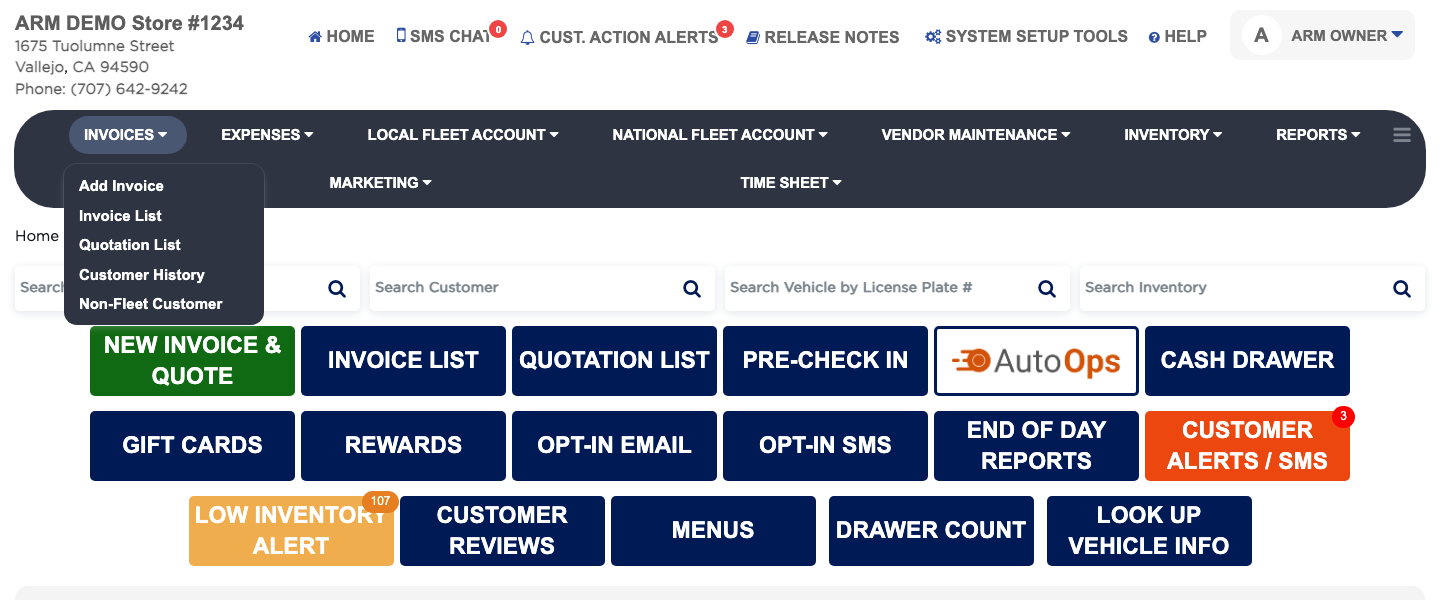
Accessing Invoices
The Invoices menu is where every job in the shop starts and ends. Add Invoice opens a new invoice or quotation for a customer and vehicle, Invoice List finds the invoices you have already written, Quotation List holds the quotes you have given, Customer History shows what each customer has spent, and Non-Fleet Customer keeps your list of everyday retail customers. The Home Screen also has shortcut buttons for the most used of these: NEW INVOICE & QUOTE, INVOICE LIST and QUOTATION LIST.