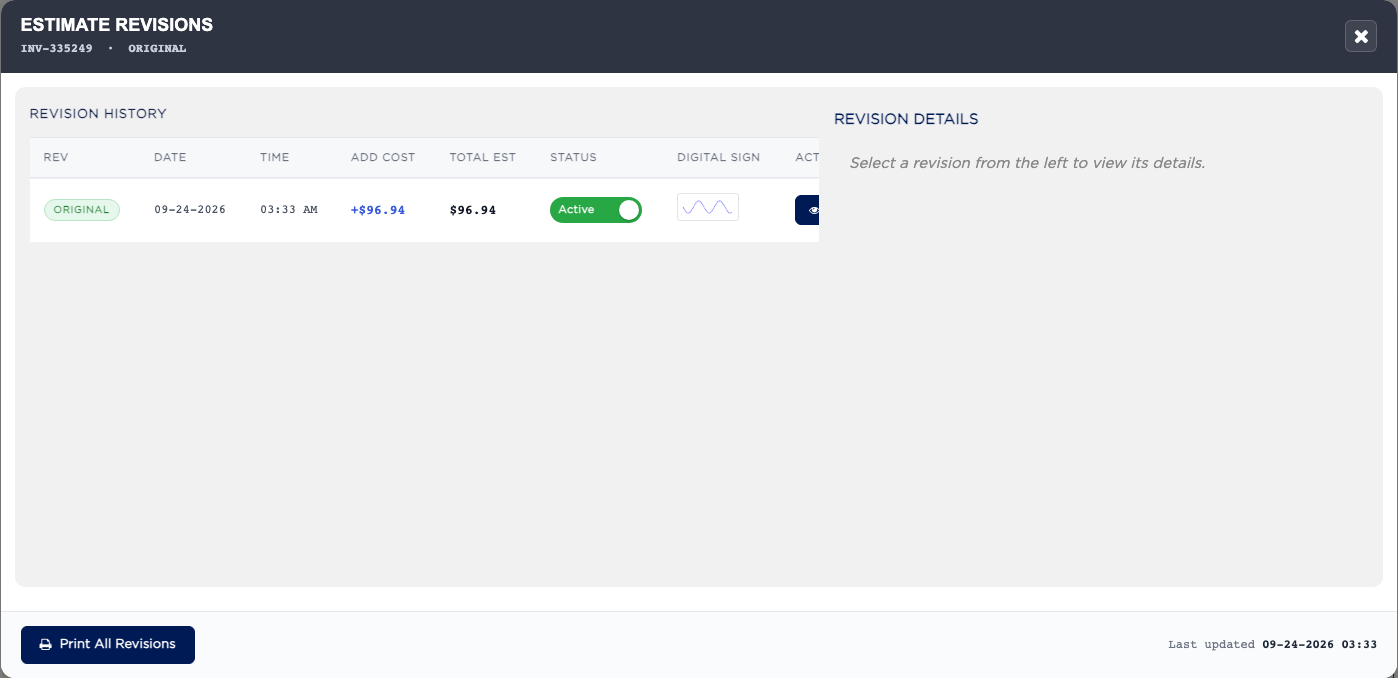
How do I see and print the estimate revisions? #
- From the Home Screen, click Invoices → Invoice List and open the invoice.
- Click ESTIMATE REVISIONS.
- Click VIEW on a row to see the labor, parts and totals at that revision, or PRINT to print it.
- Click Print All Revisions to print them all.