ARM Help

Private Notes and Invoice Notes

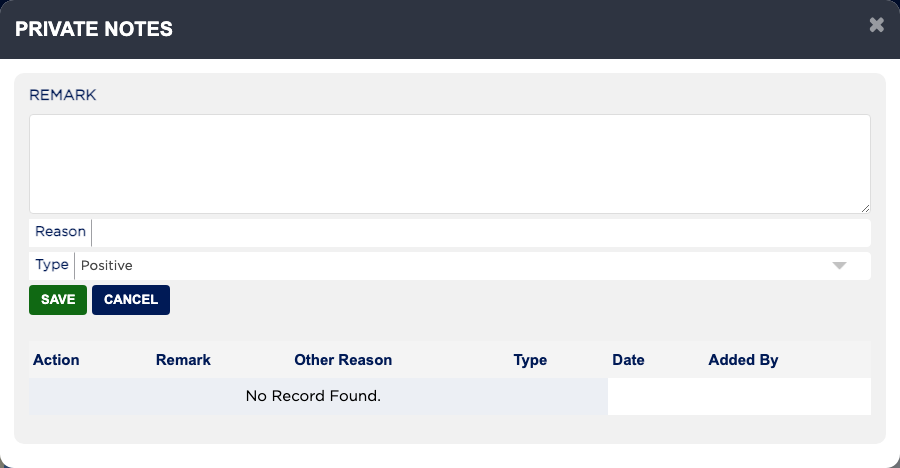
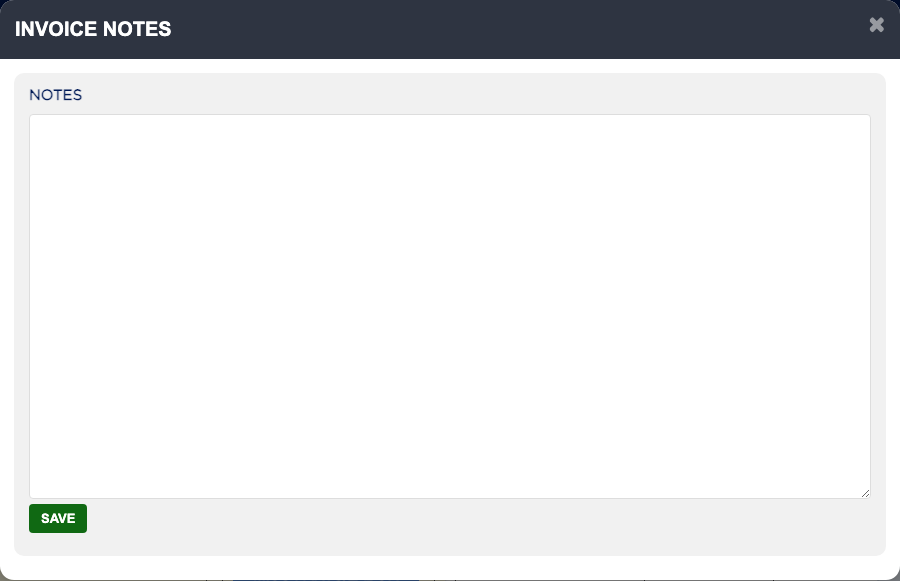
There are two kinds of notes. PRIVATE NOTES are staff-only remarks about the customer, marked Positive or Negative, and they follow the customer onto every invoice; the red and green numbers on the button count the negative and positive notes, and they never print. INVOICE NOTES belong to this invoice only: they print on the invoice and appear as a note under Prior Invoice Recommendations at the vehicle's next visit. The INVOICE NOTES button turns red when the invoice has notes.
2 how-to answers 2 screenshots Open in ARM Markdown

How do I add a private note about a customer? #

  1. From the Home Screen, click Invoices → Invoice List and open the invoice.
  2. Click PRIVATE NOTES.
  3. Type the Remark, add a Reason if you like, and set Type to Positive or Negative.
  4. Click SAVE. The note is listed with the date and who added it. Use the icons beside a note to edit or delete it.
Private Notes
Private Notes
Invoice Notes
Invoice Notes

How do I add a note that prints on the invoice? #

  1. From the Home Screen, click Invoices → Invoice List and open the invoice.
  2. Click INVOICE NOTES.
  3. Type the note in NOTES and click SAVE. It is saved straight away, without saving the invoice.

Ask AI