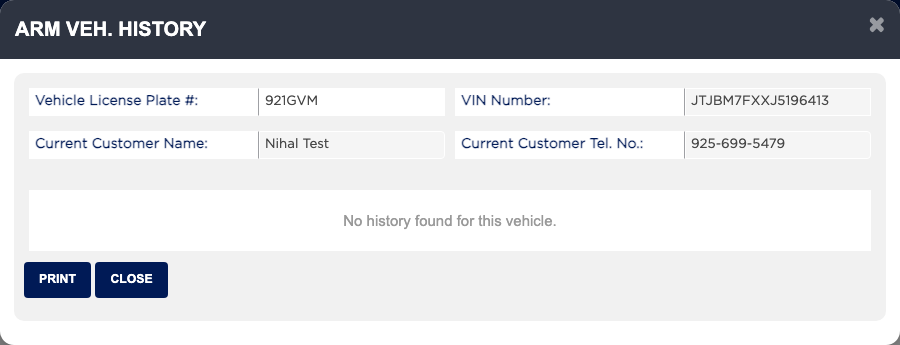
How do I see what we did on this vehicle before? #
- From the Home Screen, click Invoices → Invoice List and open the invoice.
- Click ARM VEH. HISTORY.
- Scroll through the history. Click the eye icon on an entry to open that invoice in a new tab.
- To look up another vehicle, type its plate in Vehicle License Plate # and pick it from the list.
- Click PRINT for a Customer History Report, or CLOSE.