How do I write a quotation? #
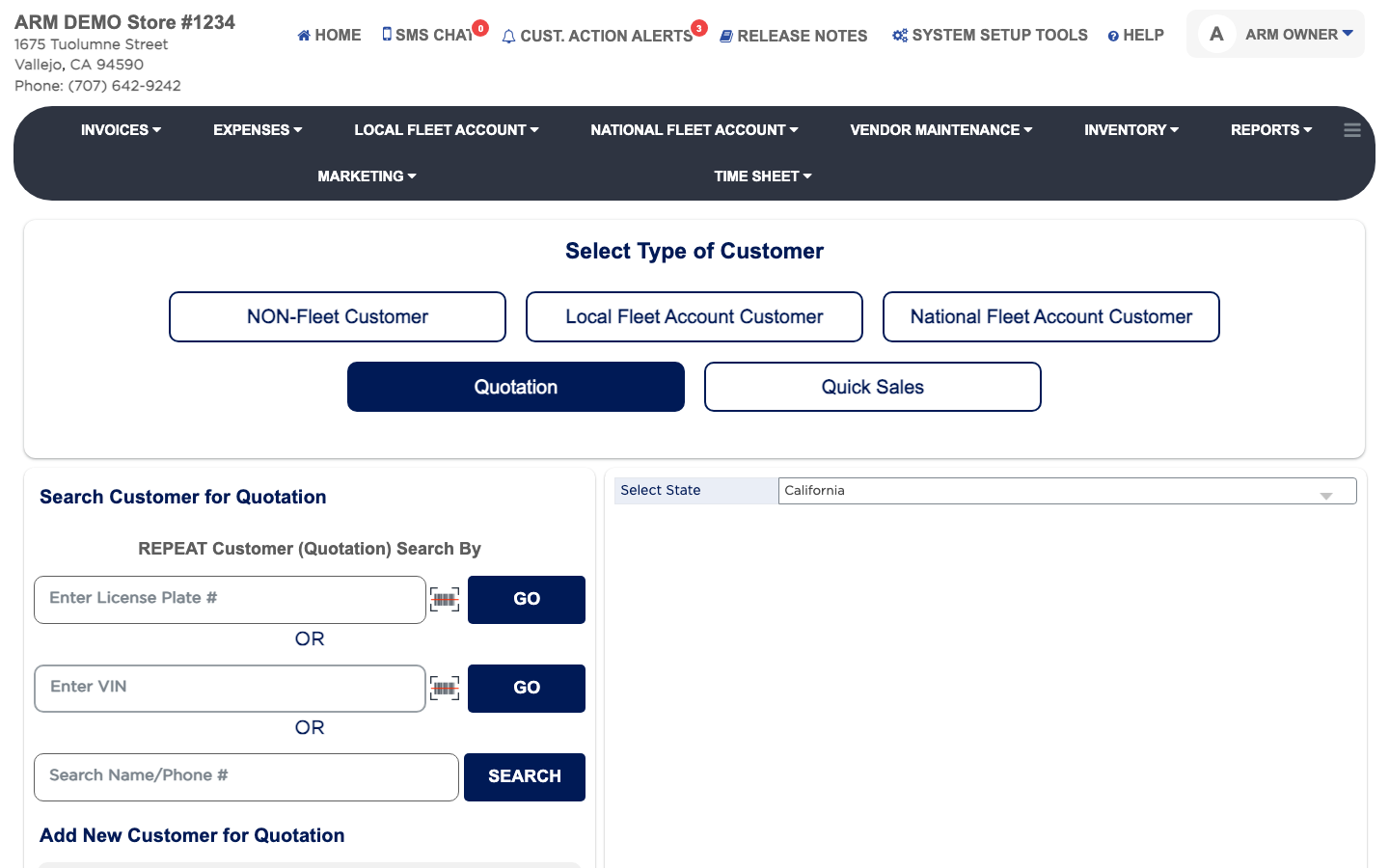
- From the Home Screen, click Invoices → Add Invoice.
- Click Quotation.
- Under REPEAT Customer (Quotation) Search By, search by License Plate #, VIN, or name and phone. For someone new, fill in Add New Customer for Quotation. Only the Name is required.
- Click SELECT beside the customer, then SELECT beside the vehicle, or add one with ADD VEHICLES.
- Enter the Odometer reading and click SAVE & GO TO QUOTE.
- Add the services, parts and labor, then click SAVE. The number at the top reads Quotation #.