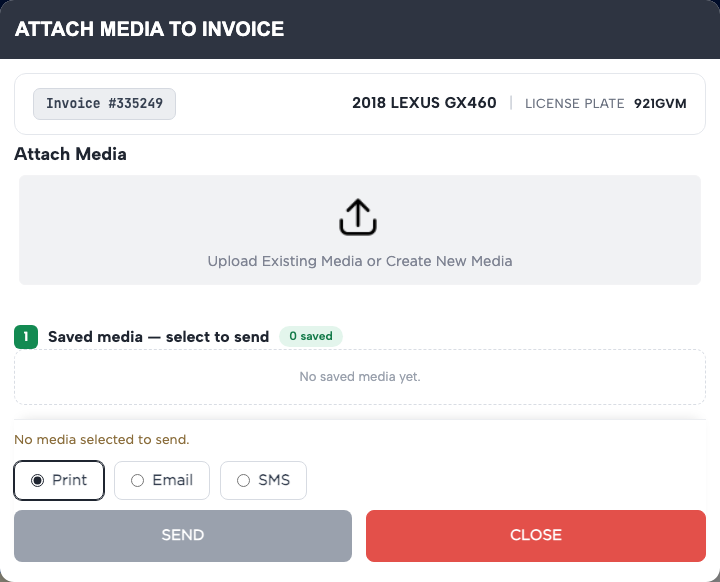
How do I add photos or videos to an invoice? #
- From the Home Screen, click Invoices → Invoice List and open the invoice.
- Click ATTACH MEDIA.
- Click Upload Existing Media or Create New Media and choose the files, or take a photo on a phone or tablet.
- For a single file, add a Message if you like and click Save. Several files at once are saved together.
- The files appear under Saved media — select to send.
- To change a message later, edit it on the card and click UPDATE. To remove a file, click the trash icon and confirm.