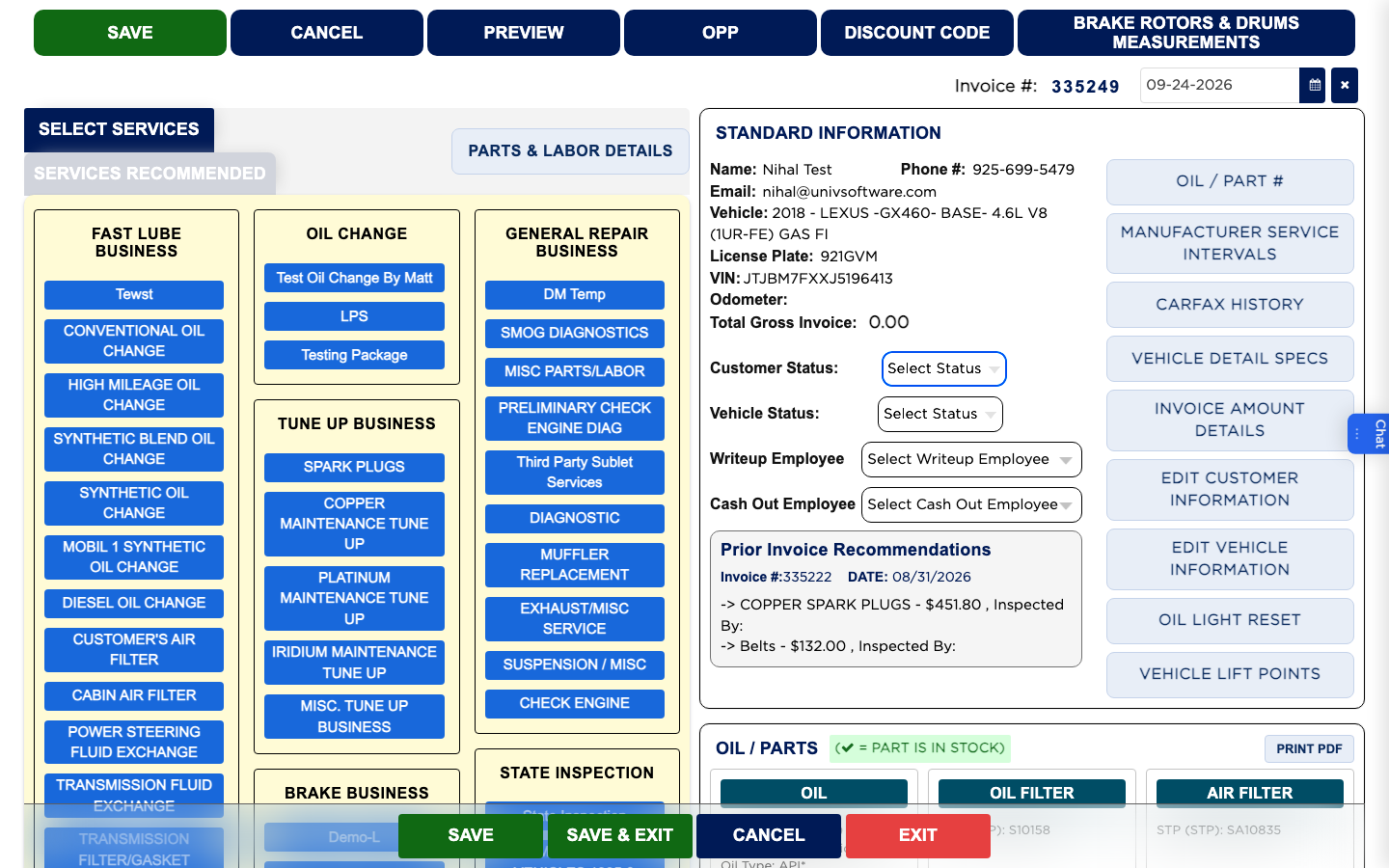
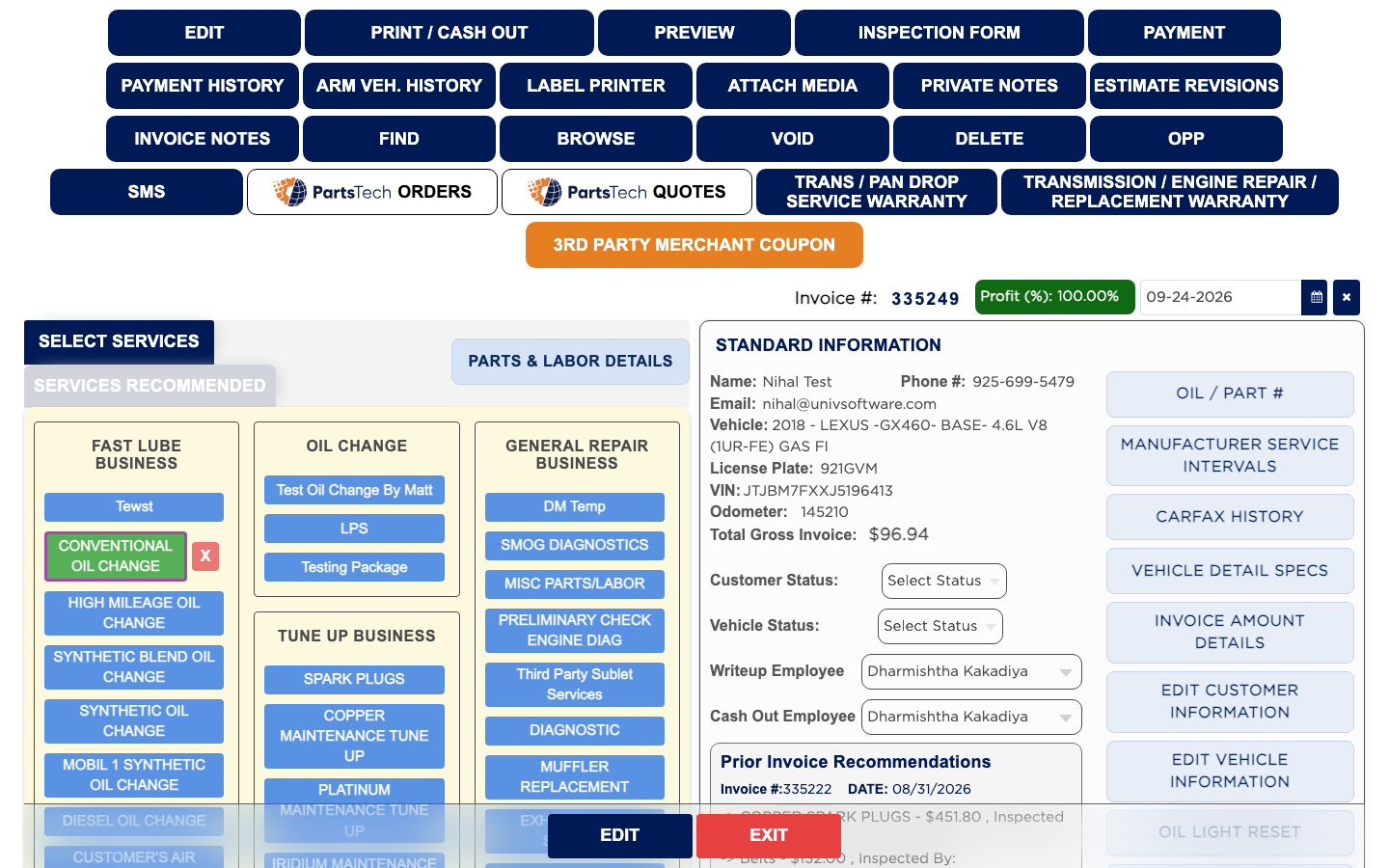
The Invoice Screen
The invoice screen is where the job is written. The left side holds the work: the Select Services buttons, grouped by business type, and below them the LABOR and PARTS tables. The right side holds STANDARD INFORMATION about the customer and vehicle, a column of quick buttons, the OIL / PARTS panel for this vehicle, the EDIT VEHICLE INFORMATION and EDIT CUSTOMER INFORMATION panels, and INVOICE AMOUNT DETAILS with the fees, discounts and totals. The Invoice # and date sit above the right side, and the words Draft Invoice or Finalized Invoice at the bottom tell you where the invoice stands. A saved invoice opens read-only, so nothing changes by accident until you click EDIT.