How do I enter brake measurements? #
- From the Home Screen, click Invoices → Invoice List, open the invoice and click EDIT.
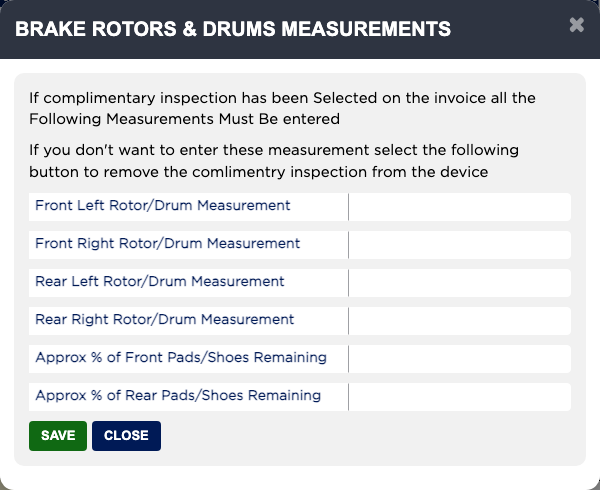
- Click BRAKE ROTORS & DRUMS MEASUREMENTS.
- Enter the Front Left, Front Right, Rear Left and Rear Right Rotor/Drum Measurement, and the Approx % of Front Pads/Shoes Remaining and Approx % of Rear Pads/Shoes Remaining.
- Click SAVE, then SAVE on the invoice.
- If the invoice includes the free inspection and you are not measuring the brakes, click Remove Complimentary Inspection and confirm. Otherwise the brake measurements must be entered before the invoice can be finalized.