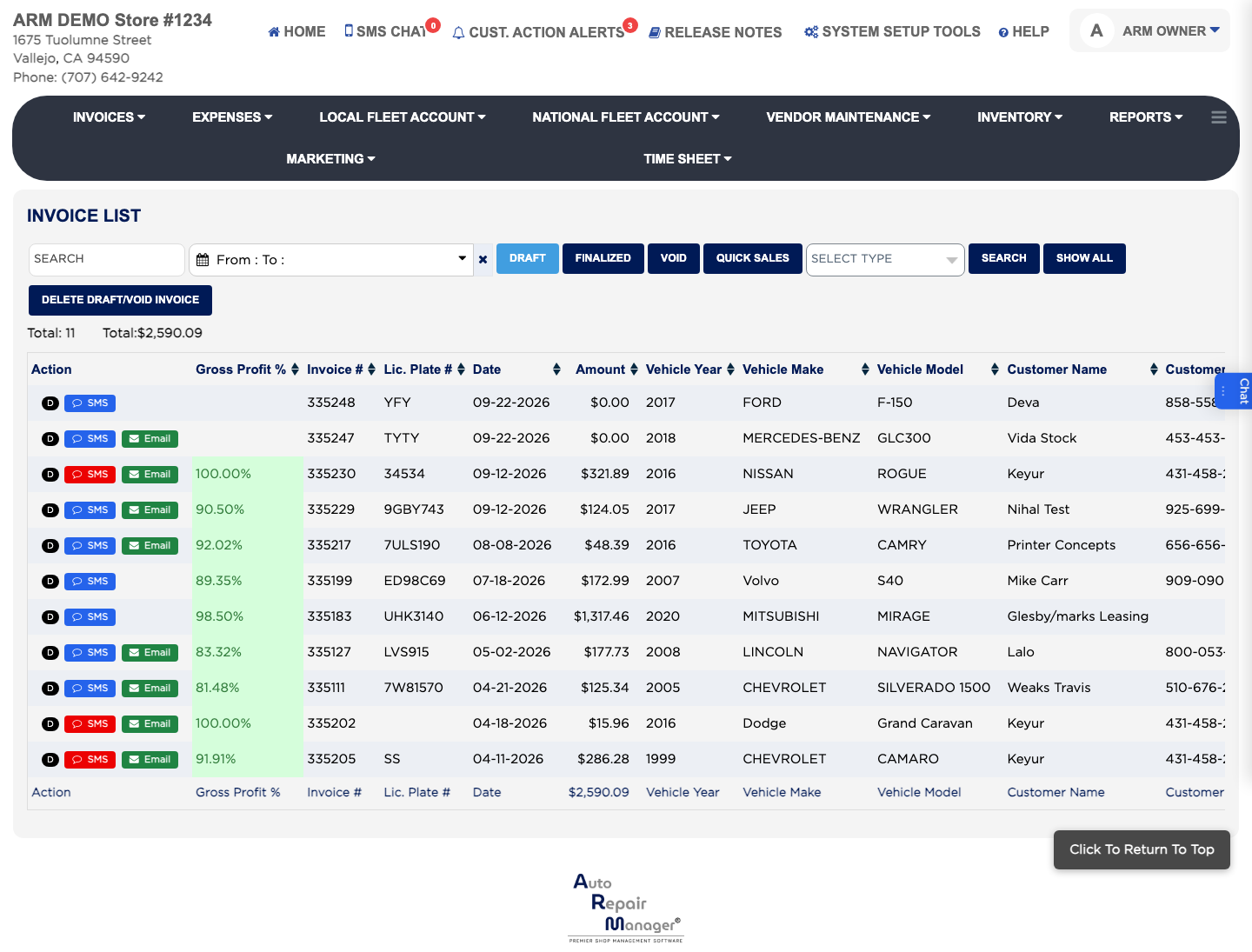
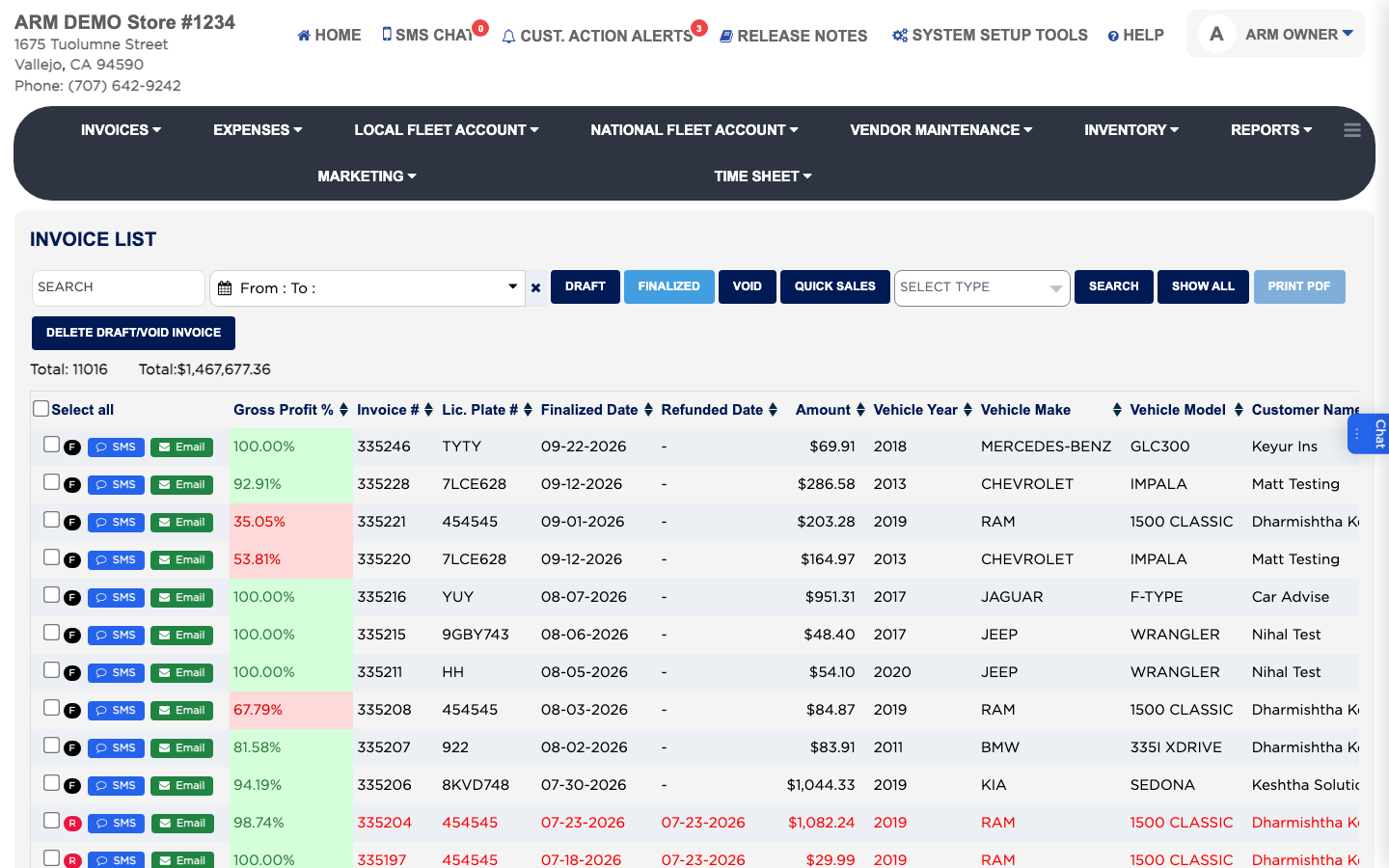
How do I find an invoice? #
- From the Home Screen, click Invoices → Invoice List.
- Type a customer name, phone number, plate, VIN or invoice number in Search and click SEARCH. A search looks through every invoice, draft, finalized and void alike, and the letter in the Action column tells you which each one is.
- To narrow by date, click From : To :, pick a range such as This Month or Last 30 Days, and click Apply. On the Finalized view the dates are the finalized dates.
- To see only paid or unpaid invoices, choose Paid In Full or Unpaid/Partial Paid in Select Type.
- Click SHOW ALL to clear everything and go back to the Draft view.