How do I text the customer about their car? #
- From the Home Screen, click Invoices → Invoice List and open the invoice.
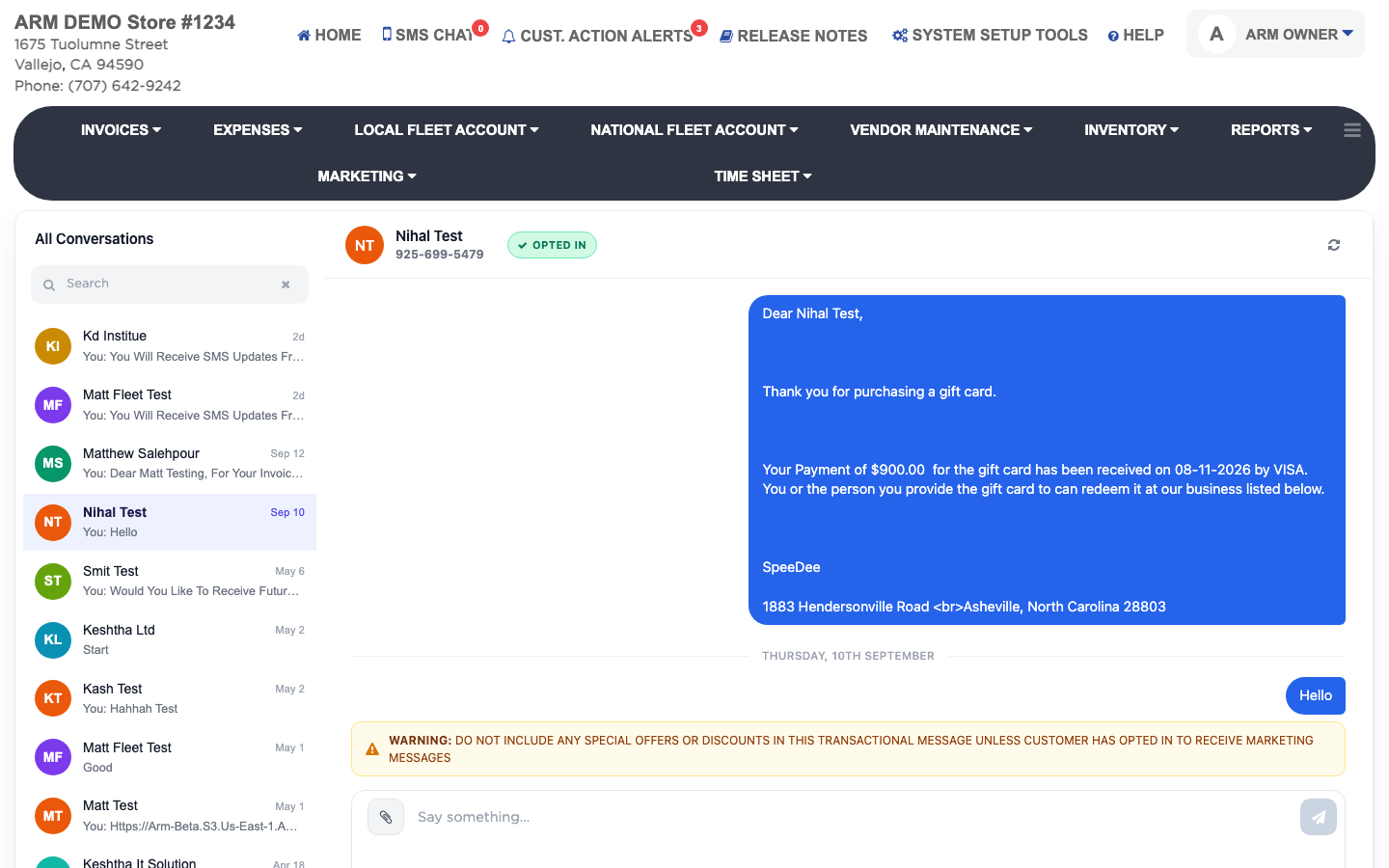
- Click SMS. The customer's conversation opens.
- Type in the message box and click Send, or press Return. Shift + Return starts a new line.
- To send a photo or PDF, attach it. Each file can be up to 5 MB.
- Keep offers and discounts out of these messages unless the customer has agreed to marketing texts.