How do I add a service from a coupon? #
- From the Home Screen, click Invoices → Invoice List, open the invoice and click EDIT.
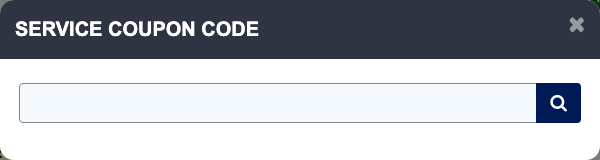
- Click COUPON CODE.
- Type or scan the code and press Enter. ARM adds the package and says "Package added Successfully."
- "Package already added." means that package is already on the invoice. "NO SERVICE COUPON CODE FOUND" means the code is not set up.
- Click SAVE on the invoice.