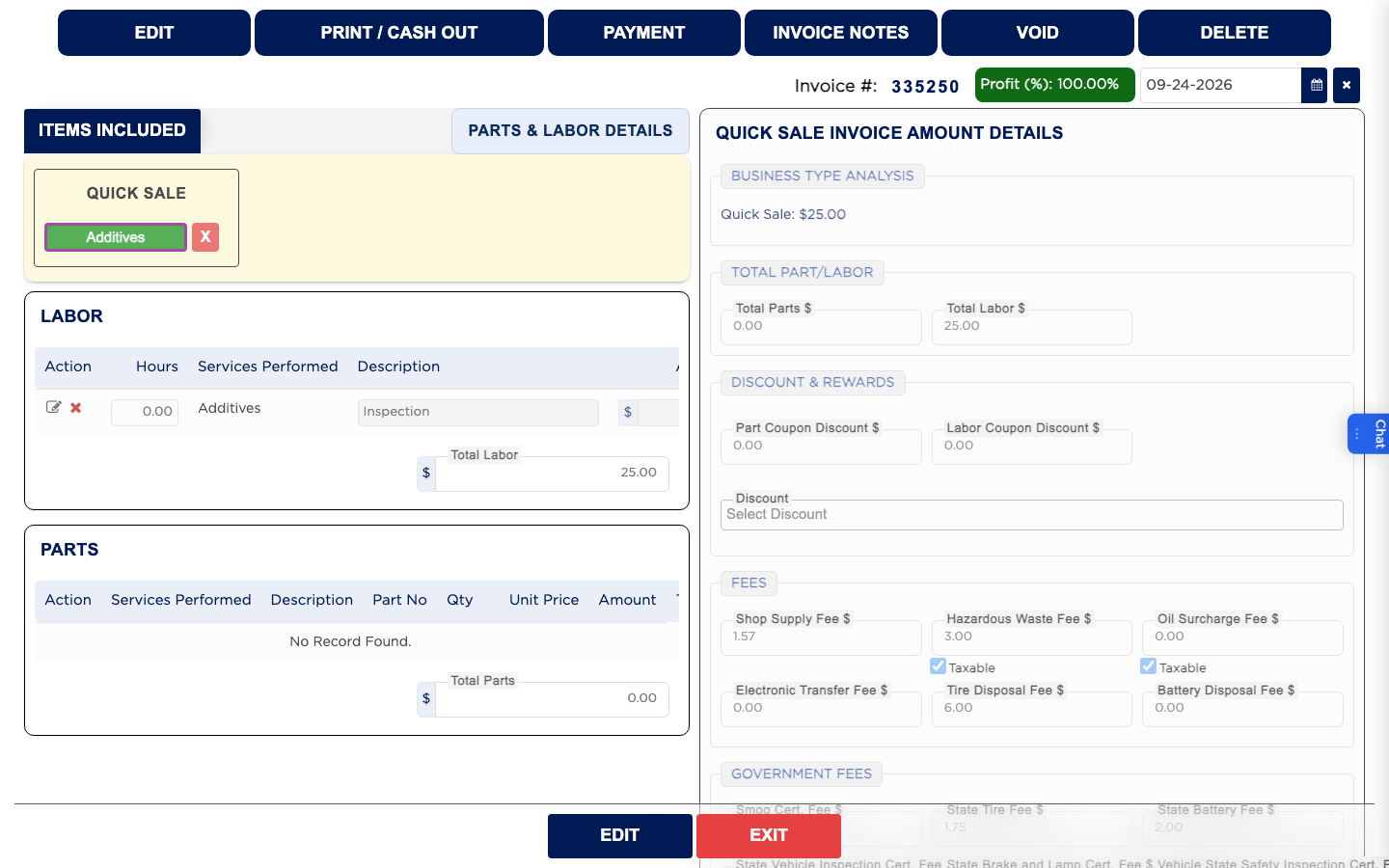
How do I ring up a quick sale? #
- From the Home Screen, click Invoices → Add Invoice.
- Click Quick Sales.
- Choose a referral in the Referral Form and click DONE, if your shop asks for one.
- Under Items Included, click the item group, such as Additives.
- In Select or Add Service, check that the item is highlighted green and its price is right. When a group has only one item ARM selects it for you, and clicking a highlighted item takes it off again.
- Click SAVE & CLOSE.
- Click SAVE. The sale gets an invoice number.
- Take the payment and finalize it from PRINT / CASH OUT, the same as any invoice.