How do I print or send a quotation? #
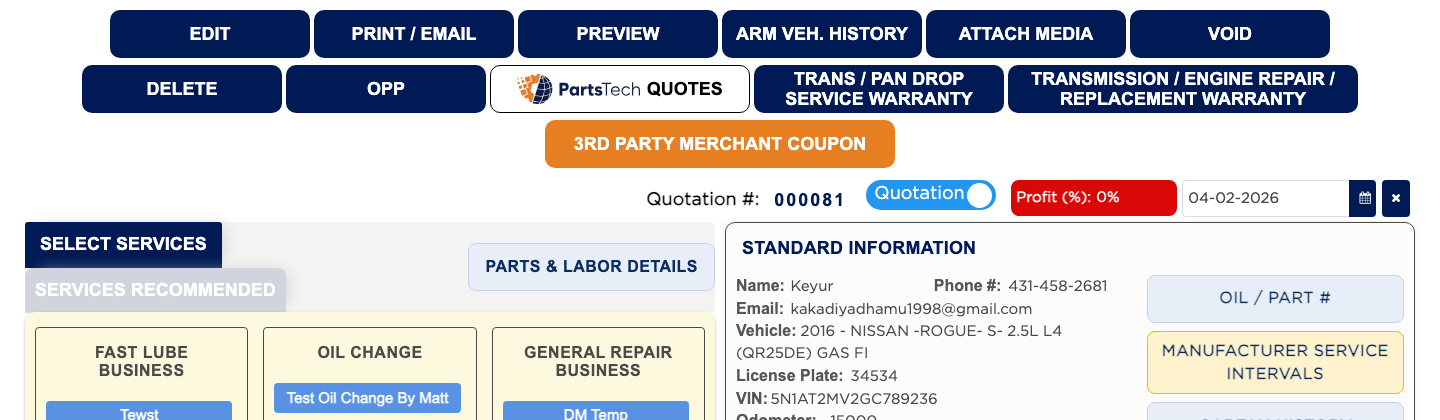
- From the Home Screen, click Invoices → Quotation List and open the quotation.
- Click PRINT / EMAIL.
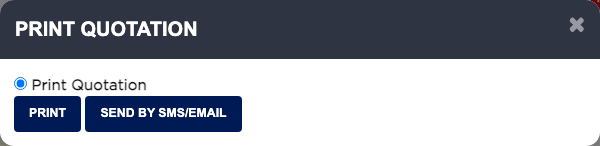
- Leave Print Quotation selected and click Print, or click Send by SMS/Email to send it.
- In SMS/Email, check the email or phone and click Save & Email or SMS. The email you enter is saved on the customer's record.