Adding Services, Labor and Parts
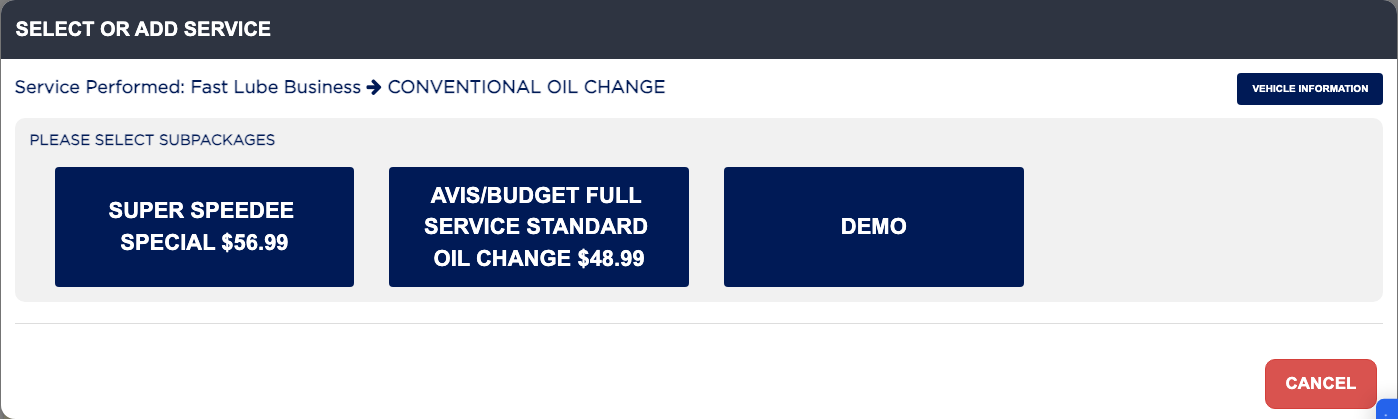
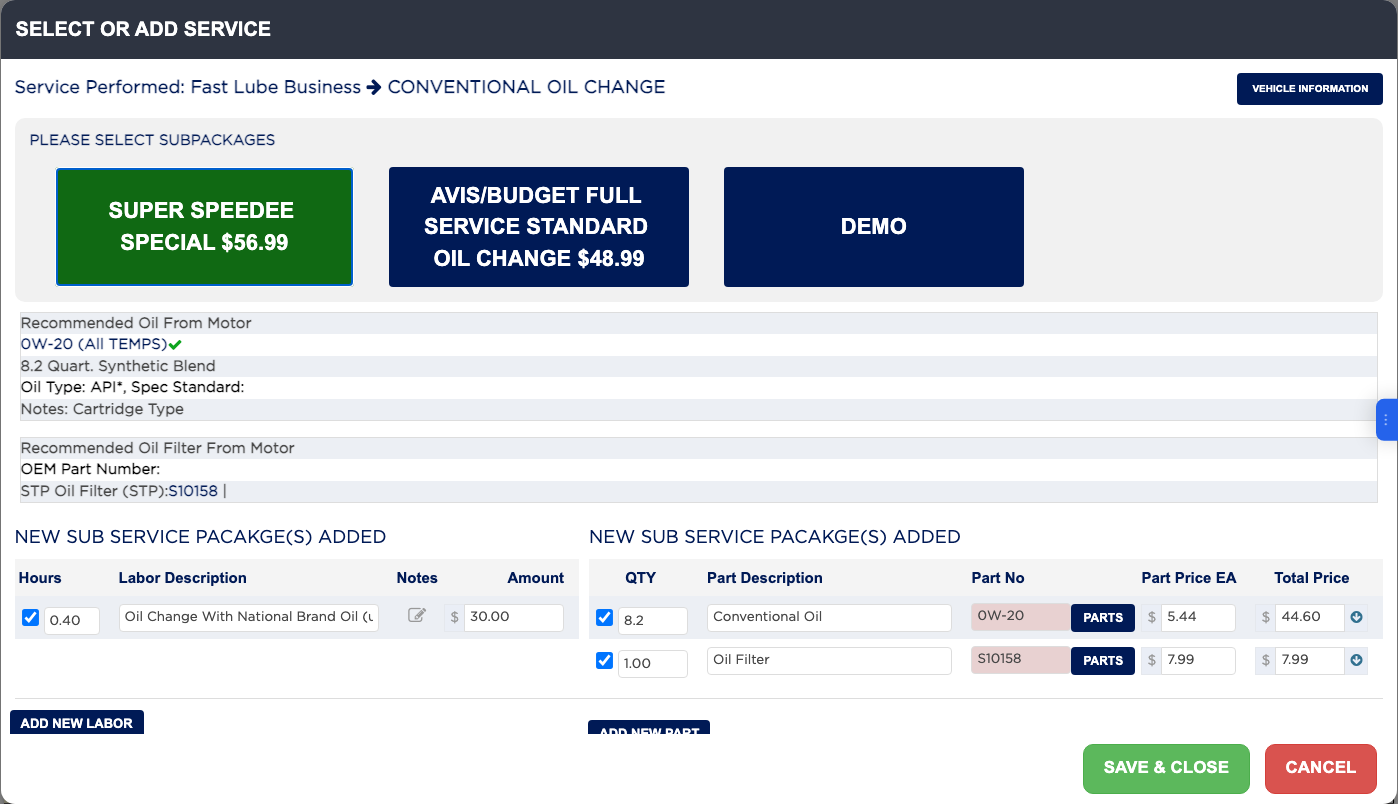
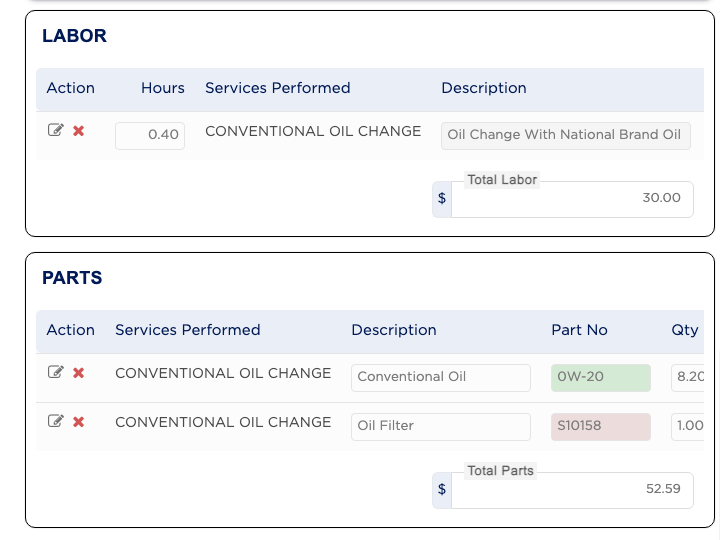
Services are added by clicking the service buttons under Select Services. Each block is a business type, such as Fast Lube Business or Brake Business, and each button is a master service package such as Conventional Oil Change. Clicking a package opens Select or Add Service, where you choose the sub-package, which is the exact job and price, and ARM fills in the labor and parts for it. Blue buttons are not on the invoice; green buttons are. A purple border on a green button means that package is complete: every part has a part number and every line has a technician.