ARM Help

Edit Services Recommended But Not Purchased By Customers

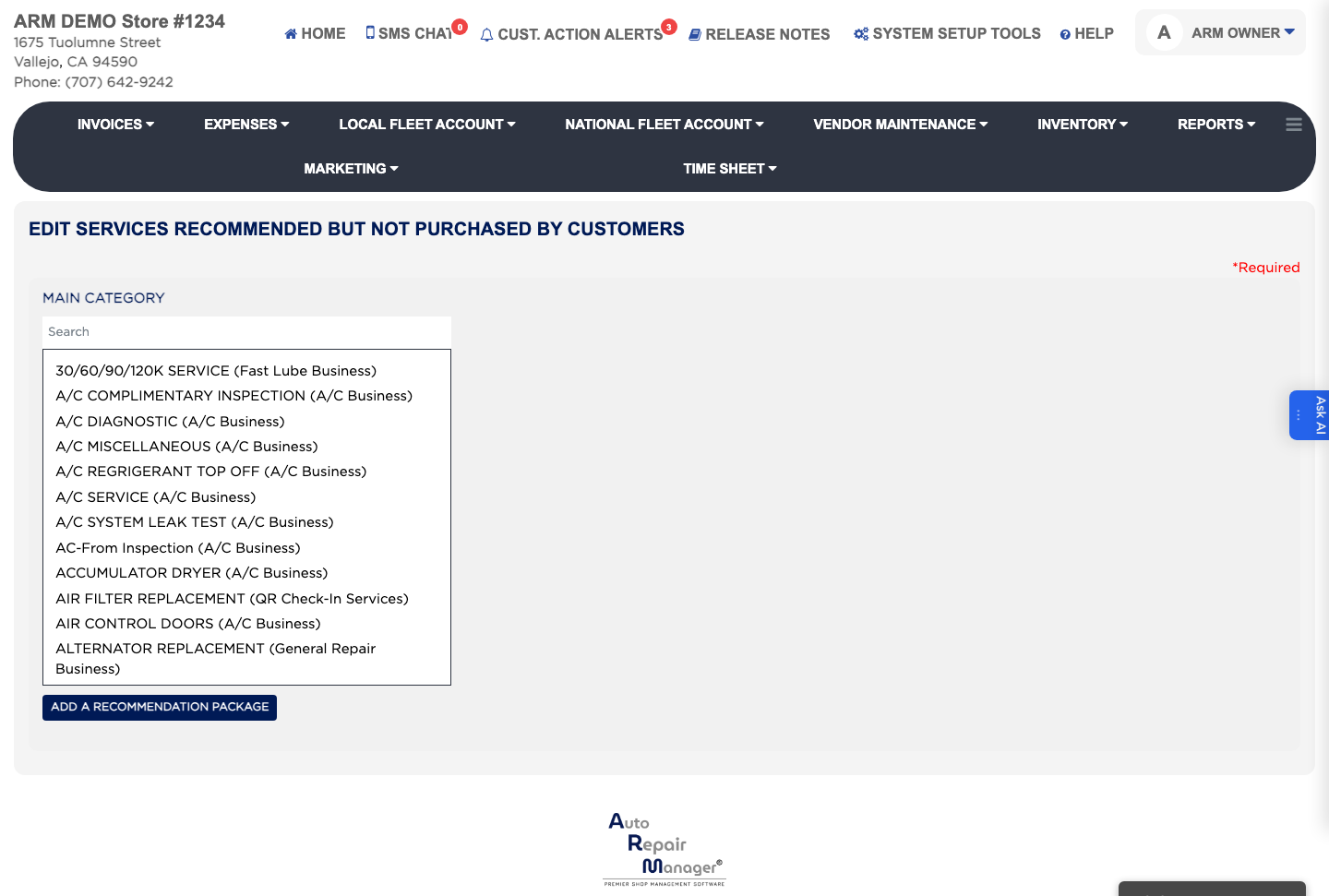
This screen holds the recommendation packages a technician can suggest when work is found but not bought on the day. Keeping them here means a recommendation goes onto the customer's record with a consistent description and price, so it can be followed up later. Each package holds its own Parts & Labor lines and Comments.

2 how-to answers 1 screenshot Open in ARM Markdown

How do I add a recommendation package? #

  1. From the Home Screen, click System Setup Tools → Edit Services Recommended But Not Purchased By Customers.
  2. Pick the Main Category the recommendation belongs to.
  3. Click ADD A RECOMMENDATION PACKAGE and enter its name.
  4. Click ADD A NEW PARTS & LABOR.
  5. Enter the Part/Labor Description, which is required, then the Price $ and the Rec. Mileage the work is due at.
  6. Add any wording the customer should see in the comments box.
  7. Click save changes.
Recommendation packages and their parts and labor

How do I change or remove a recommendation? #

  1. From the Home Screen, click System Setup Tools → Edit Services Recommended But Not Purchased By Customers.
  2. Type part of the name in the Search box to find the package.
  3. Click the line you want under Parts & Labor and edit its Part/Labor Description, Price $ or Rec. Mileage.
  4. Click save changes, or click Delete Parts & Labor to remove the line.

Ask AI