How do I set up North Bank card processing? #
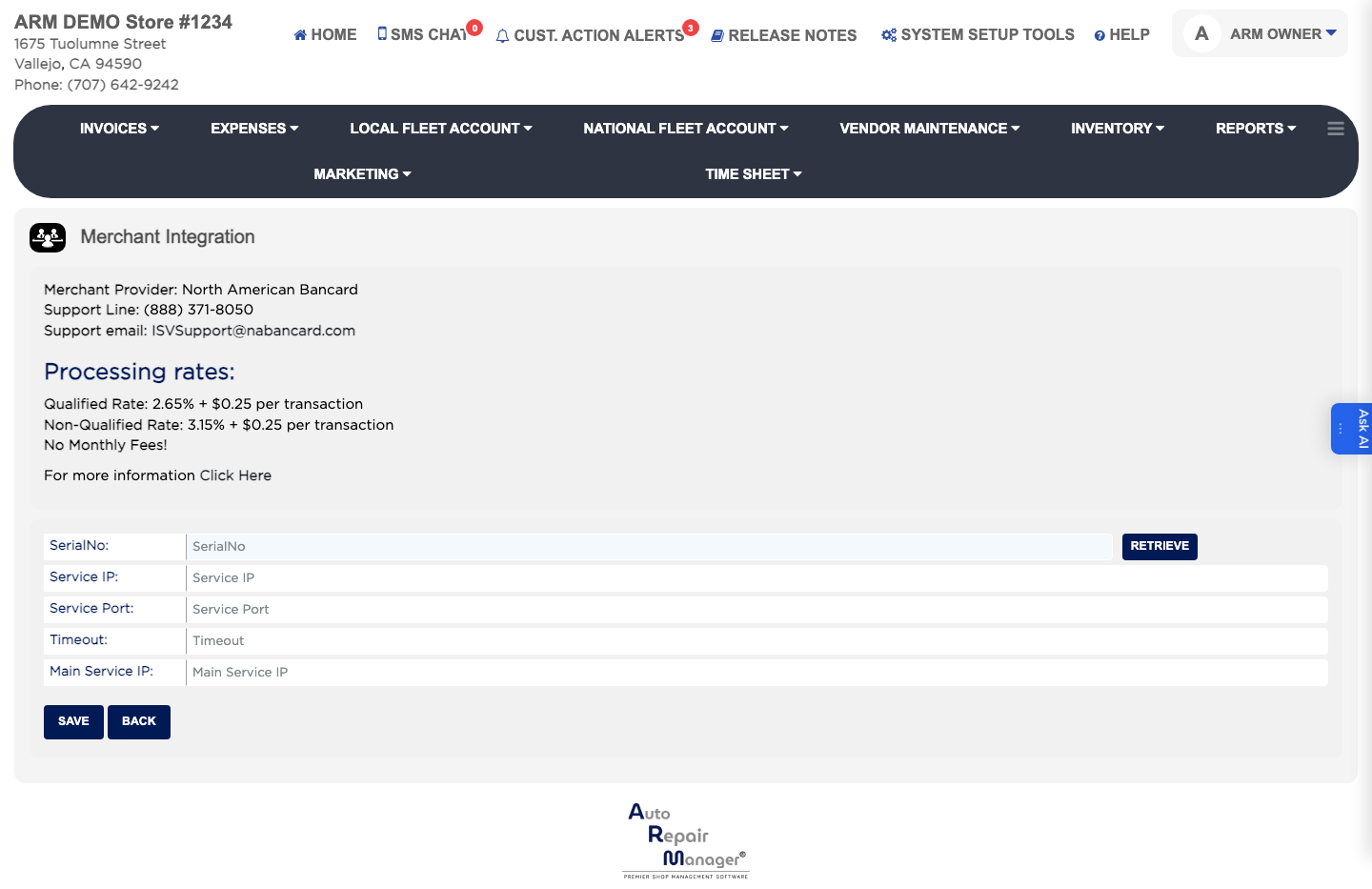
- From the Home Screen, click System Setup Tools → North Bank Merchant Processing Services.
- Enter the SerialNo of your account.
- Enter the Service IP, the Service Port and the Main Service IP as supplied by North Bank, and set the Timeout.
- Click Retrieve to pull your current processing rates and confirm the connection works.
- Click Save.