How do I add or replace the card ARM bills? #
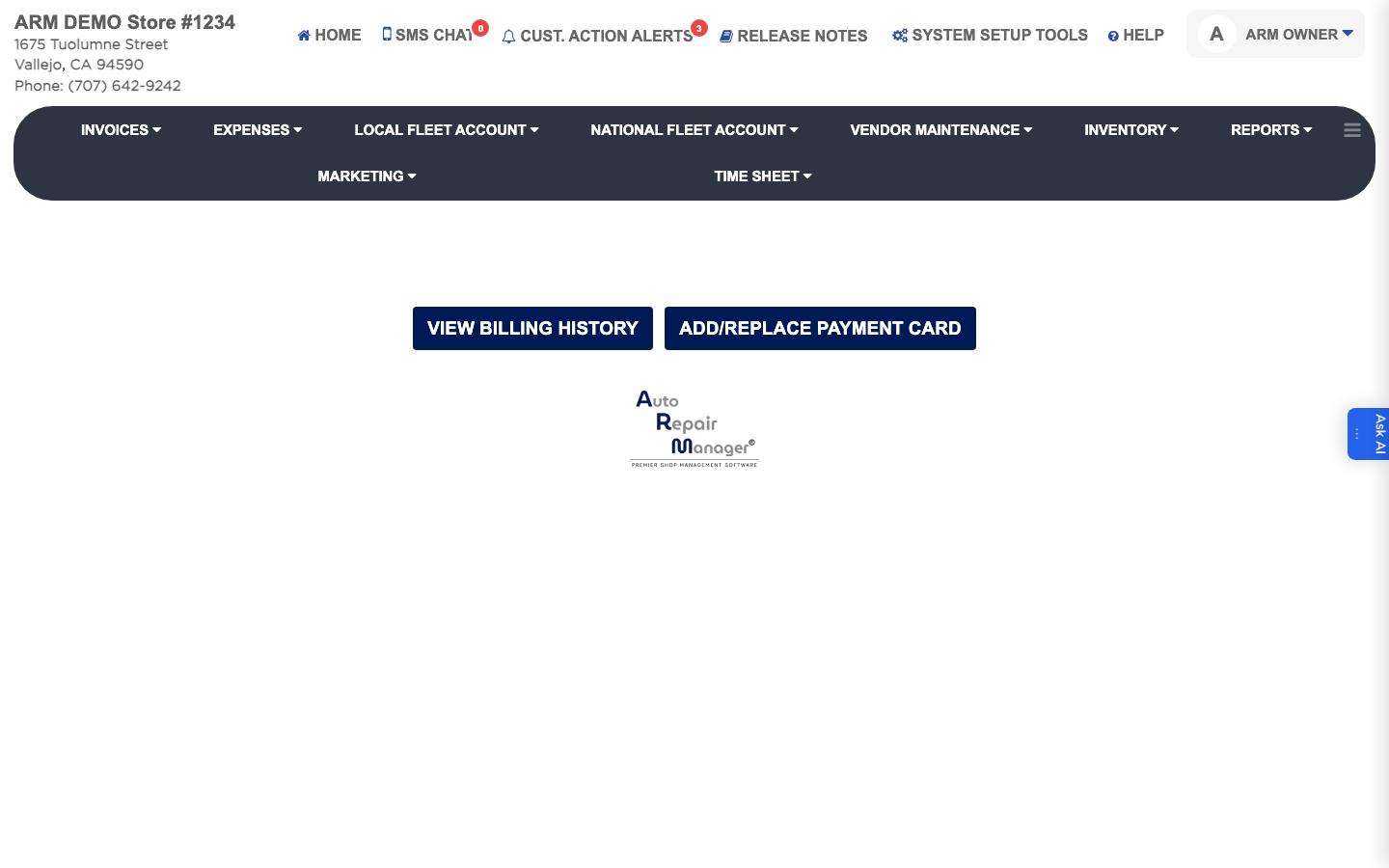
- From the Home Screen, click System Setup Tools → Enter Payment Method for ARM & Billing History.
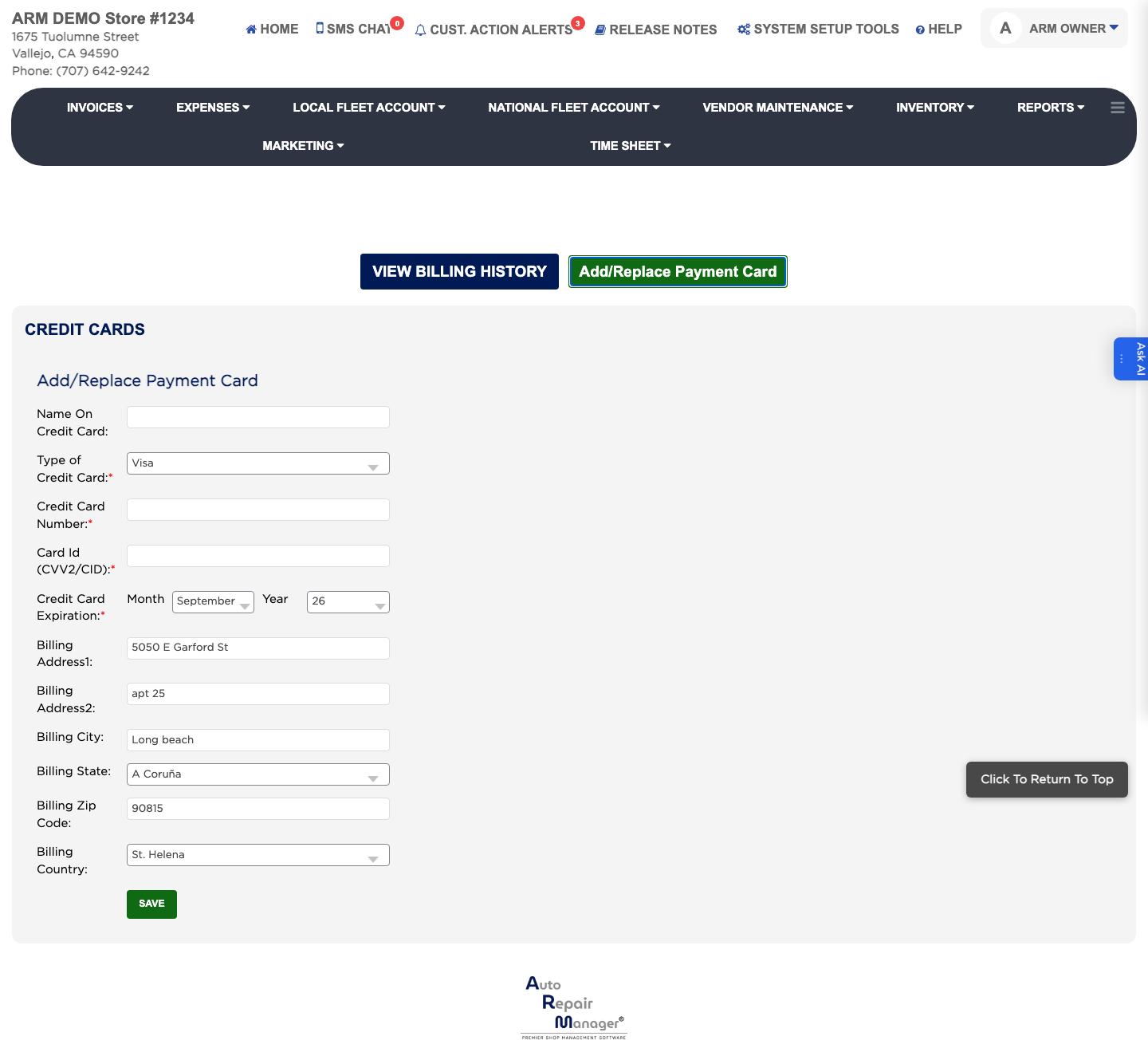
- Click Add/Replace Payment Card.
- Enter the Name On Credit Card and choose the card type: Visa, Mastercard, American Express or Discover.
- Enter the Credit Card Number and the Card Id (CVV2/CID). Both are required.
- Choose the expiry Month and Year.
- Enter Billing Address1, Billing Address2, Billing City, the billing state, Billing Zip Code and the billing country.
- Click Save.