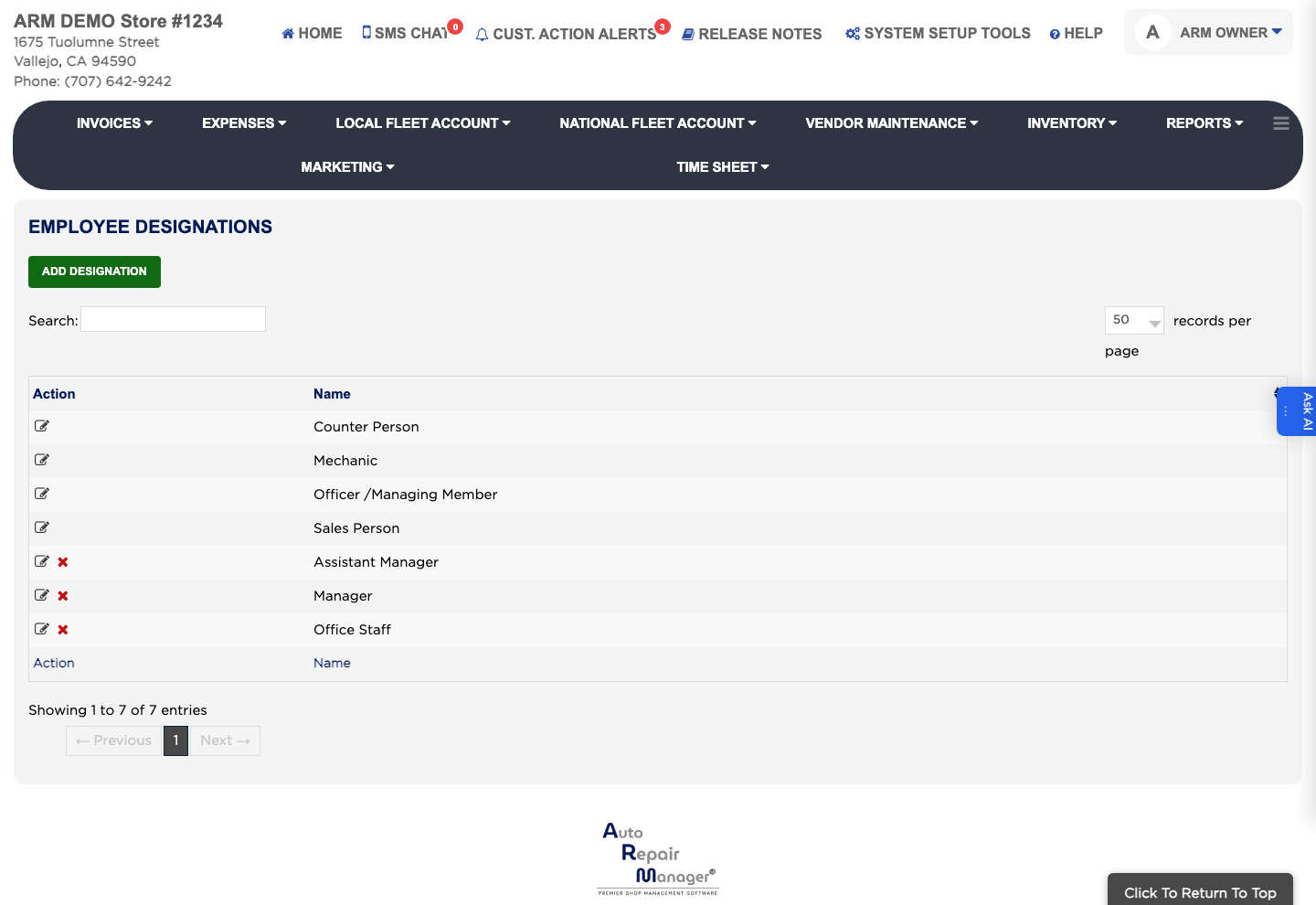
How do I add an employee designation? #
- From the Home Screen, click System Setup Tools → Employee Designations.
- Click Add Designation.
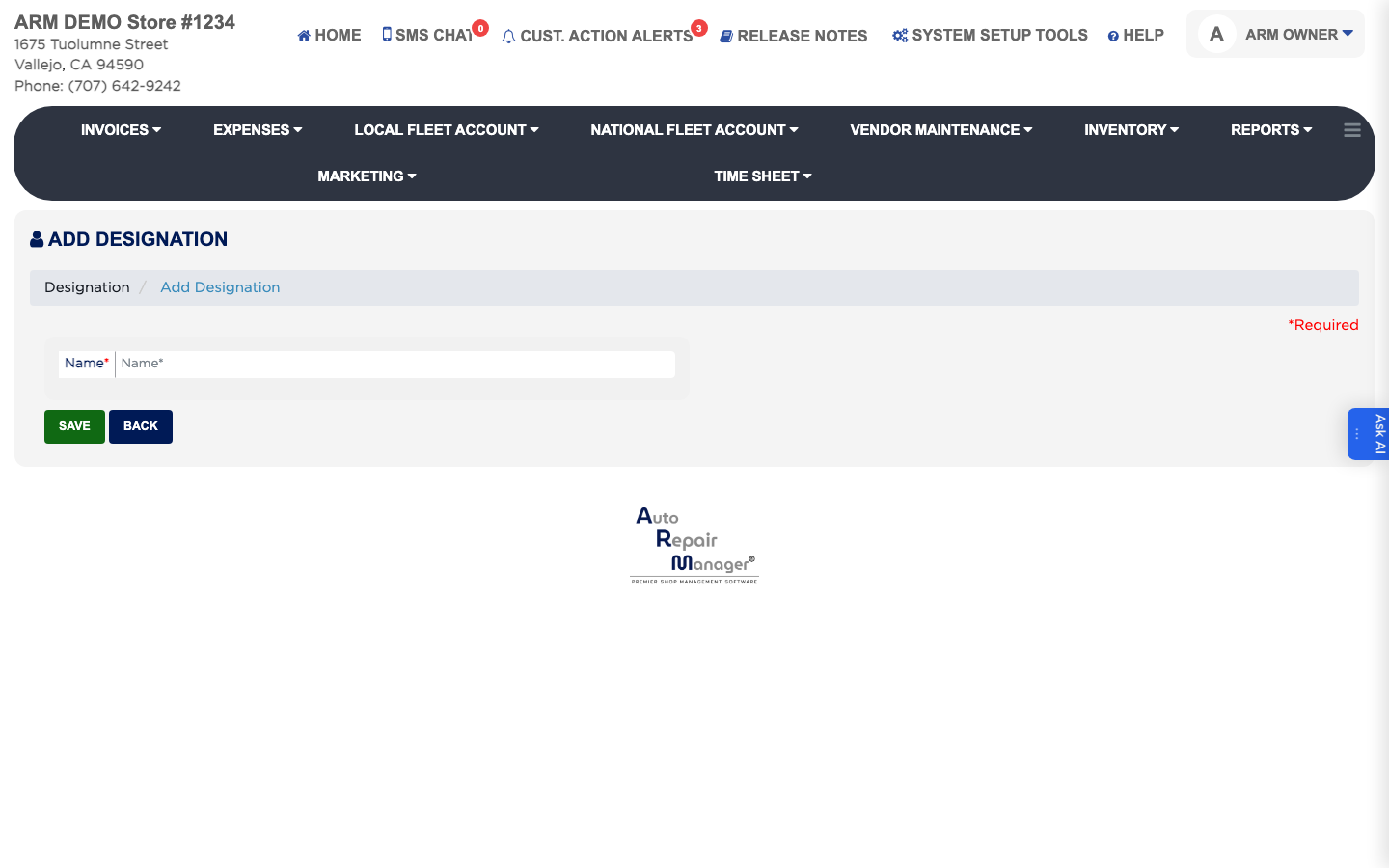
- Enter the Name of the job title. This is required.
- Click Save.
An Employee Designation is the job title you attach to an employee, such as technician, service advisor or clerk. Designations are what let you group and report on staff by the work they do, and they are separate from Groups, which control what a login can open. The list shows the Name of each designation you have defined.