How do I add an invoice term? #
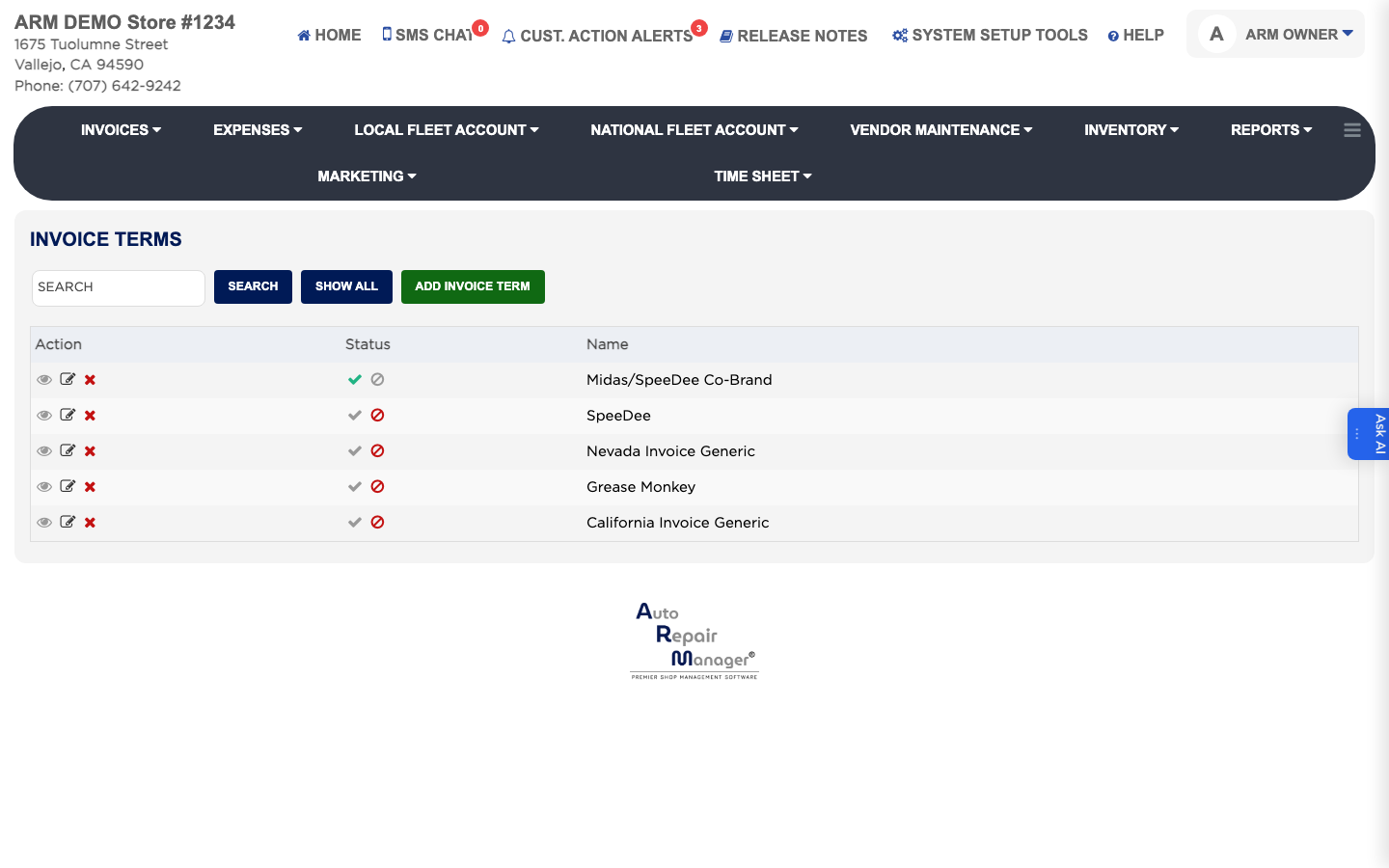
- From the Home Screen, click System Setup Tools → Invoice Terms.
- Click ADD Invoice Term.
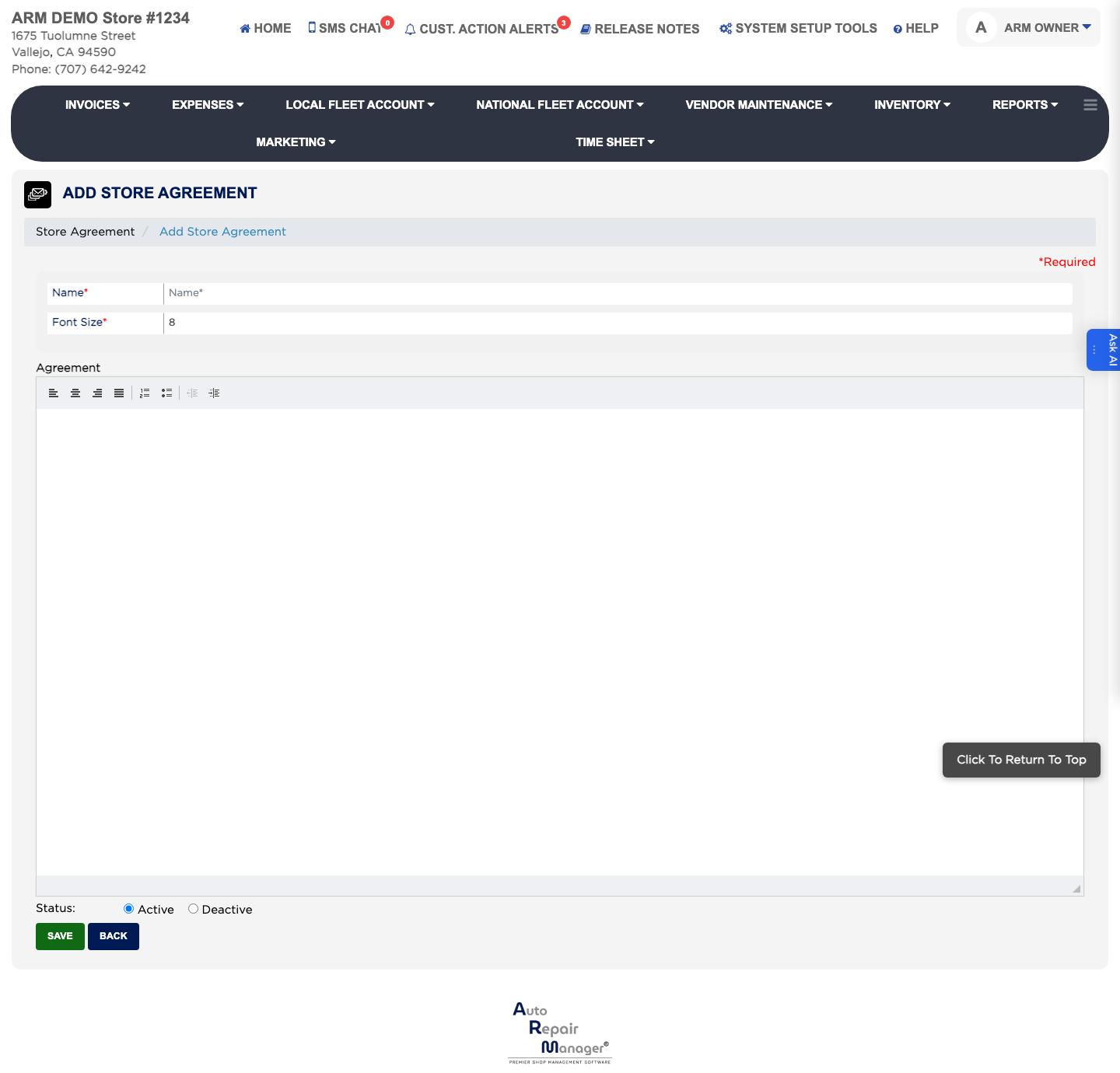
- Enter the Name you will recognise the term by. This is required.
- Enter the wording in the Message box.
- Set the Font Size the wording should print at. This is required.
- Leave Status set to Active.
- Click Save.