How do I customise a manual inspection form? #
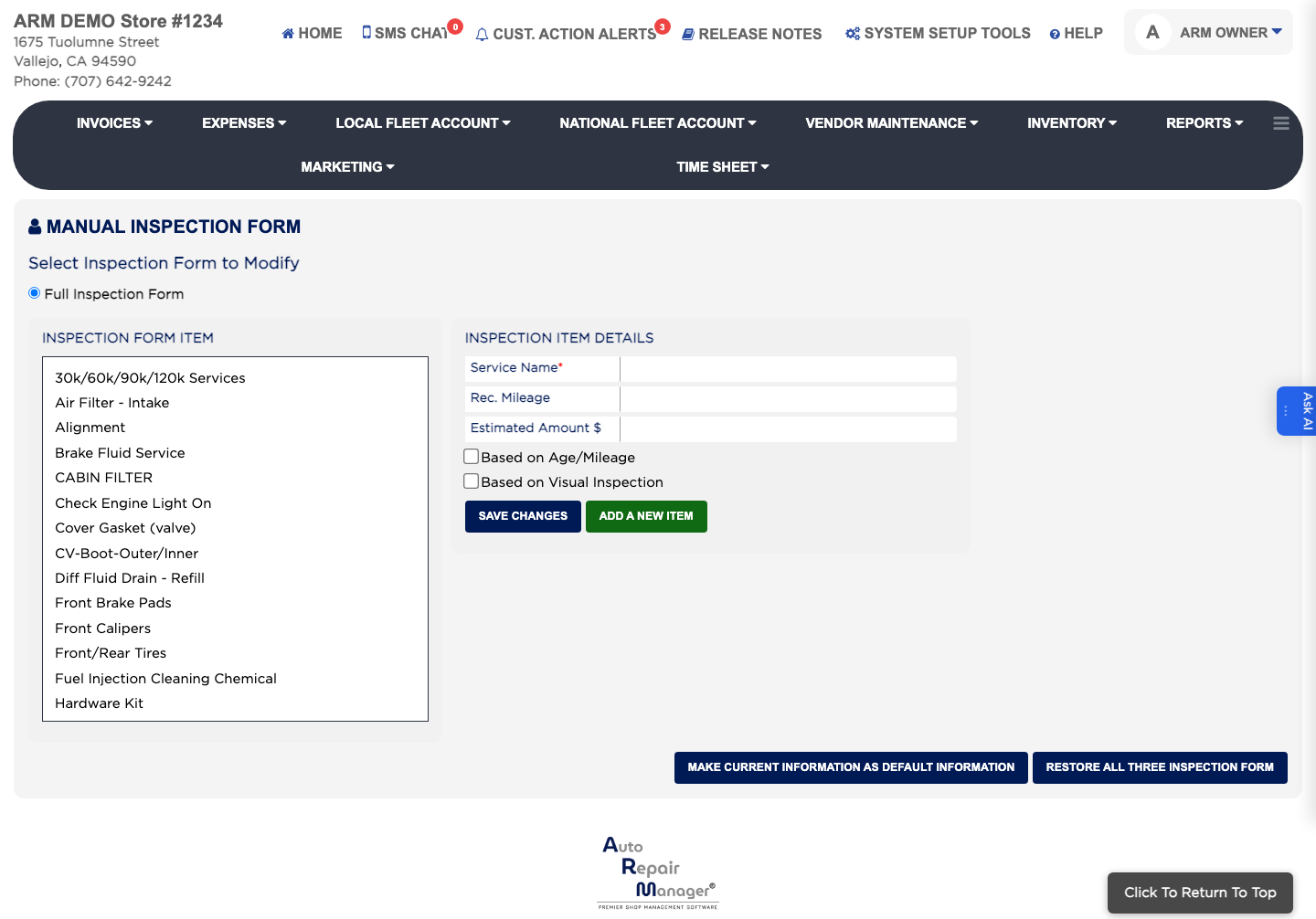
- From the Home Screen, click System Setup Tools → Manual Inspection Form.
- Under Select Inspection Form to Modify, choose the form you want to change, such as Full Inspection Form.
- Click an entry under Inspection Form Item to open it.
- Edit the Service Name, which is required, and set the Rec. Mileage and Estimated Amount $.
- Tick Based on Age/Mileage, Based on Visual Inspection, or both, to say how the item is judged.
- Click Save Changes.