How do I add a work status? #
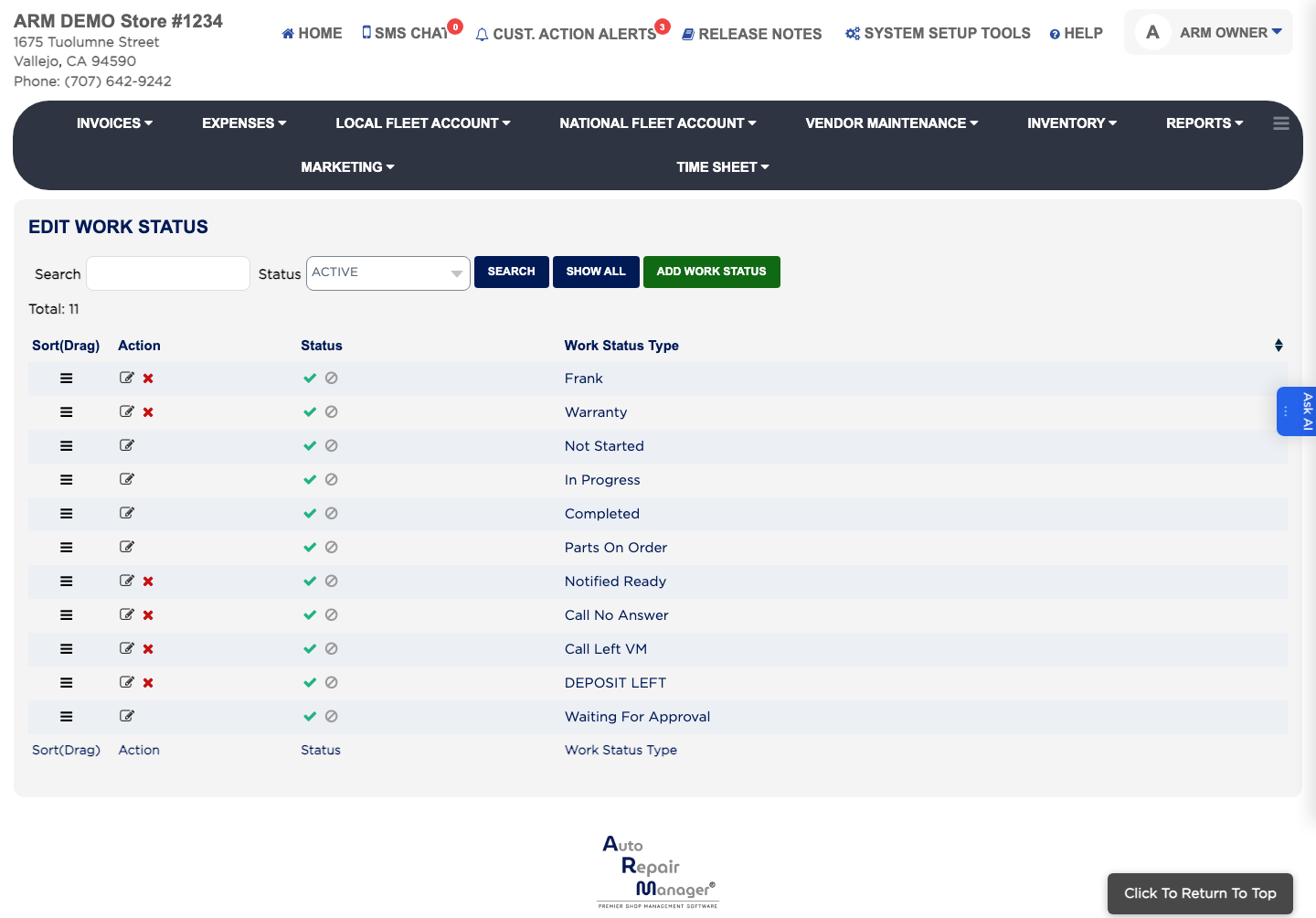
- From the Home Screen, click System Setup Tools → Edit Work Status.
- Click ADD Work Status.
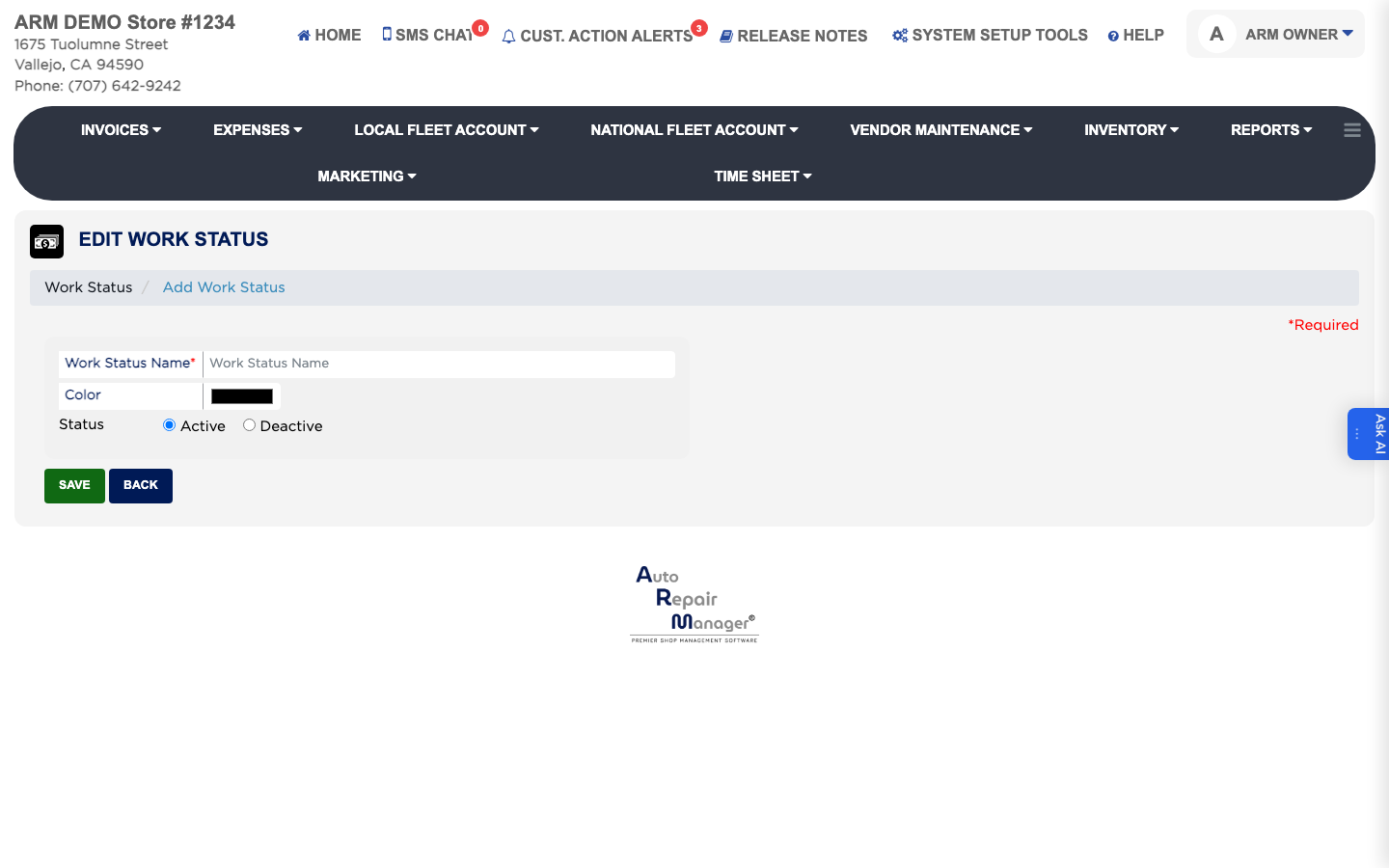
- Enter the name of the status, such as Waiting for Parts or Ready for Pickup.
- Pick the Color it should show in.
- Leave Status set to Active.
- Click Save.