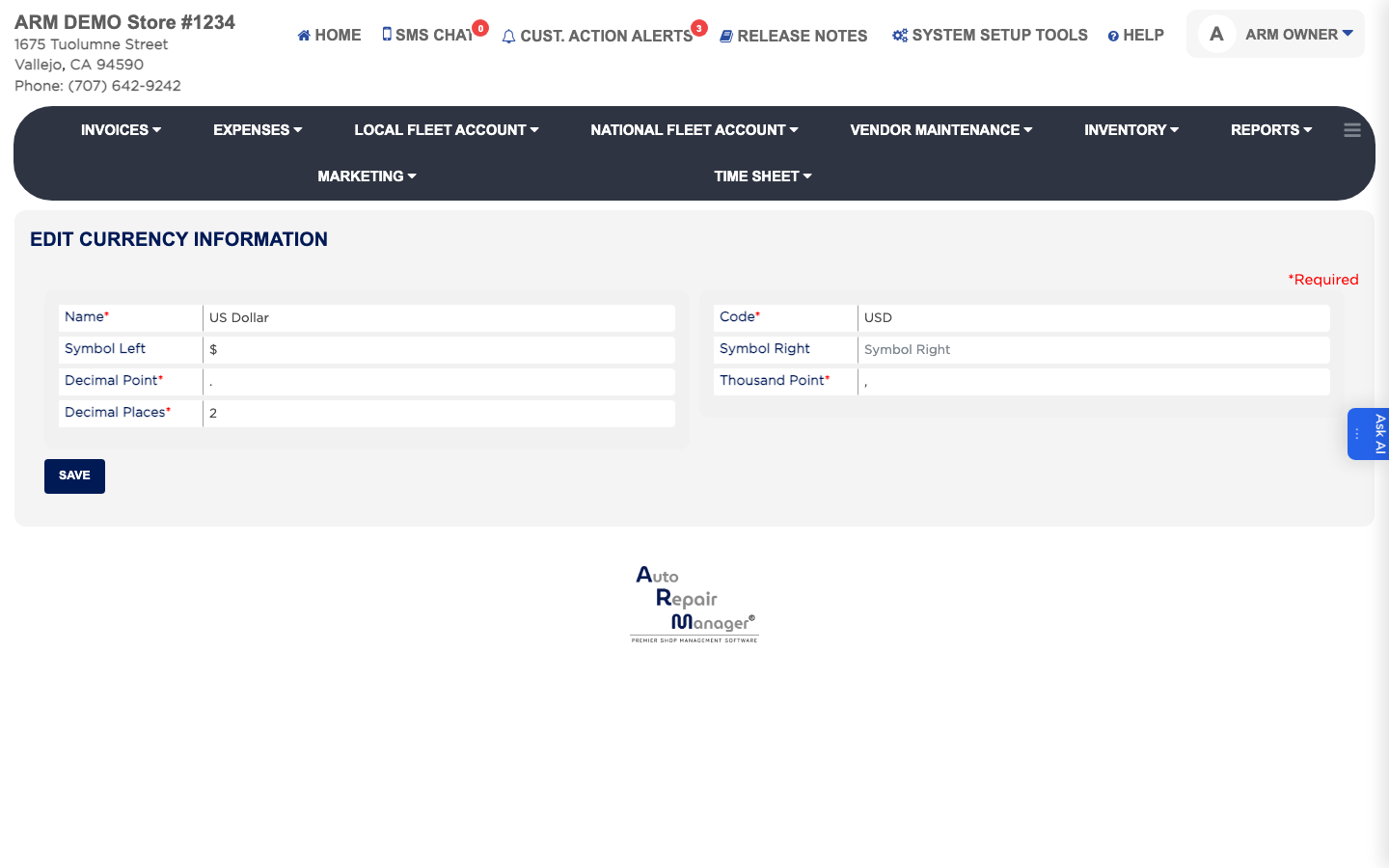
How do I set how money is displayed? #
- From the Home Screen, click System Setup Tools → Currency.
- Enter the Name of the currency, which is required, and its Code, which is also required — for example USD.
- Enter Symbol Left if the symbol goes before the amount, or Symbol Right if it goes after.
- Enter the Decimal Point character and the Thousand Point character. Both are required — for example a full stop and a comma.
- Enter the Decimal Places to show, normally 2. This is required.
- Click Save.