ARM Help

Email Header & Footer Templates

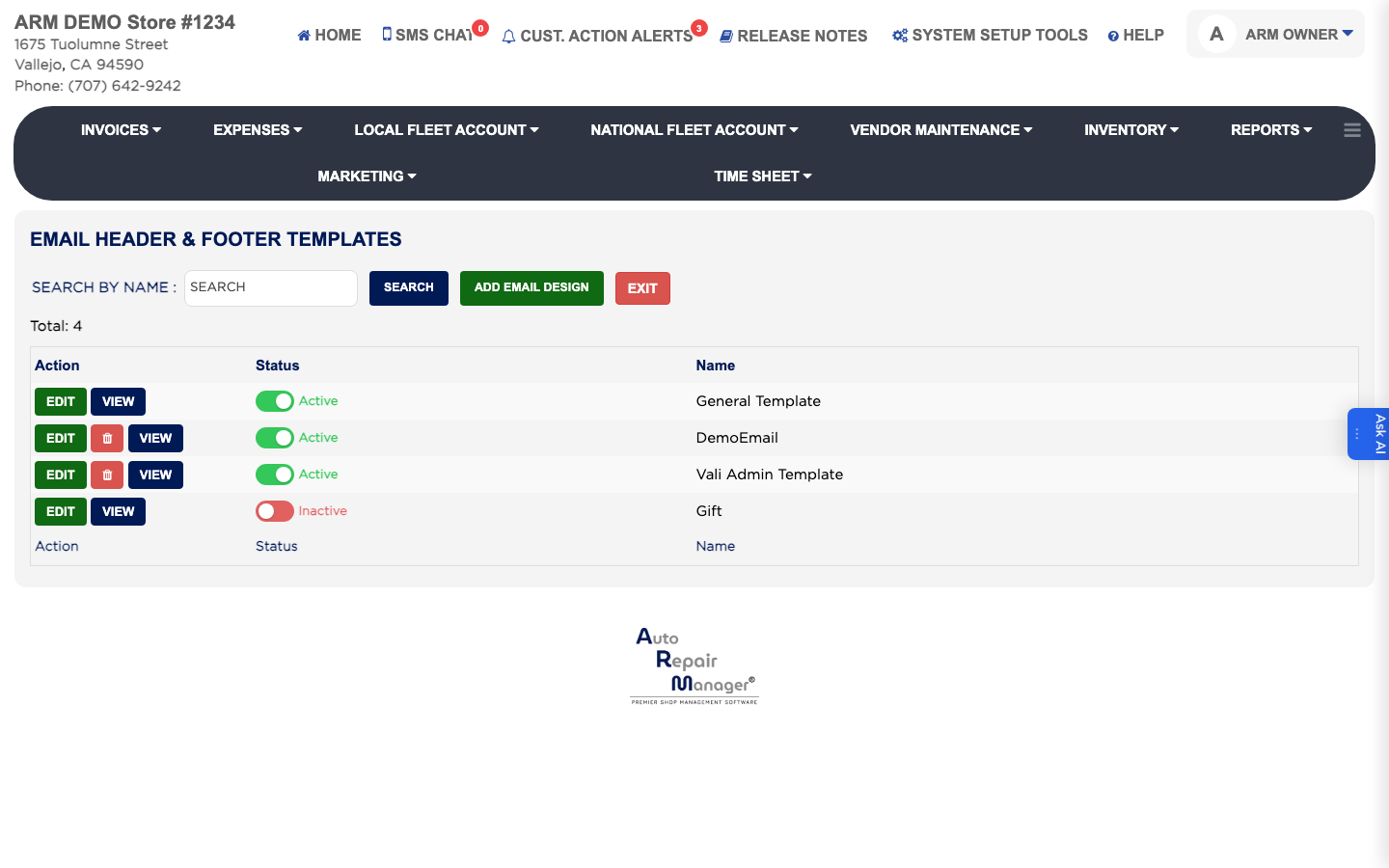
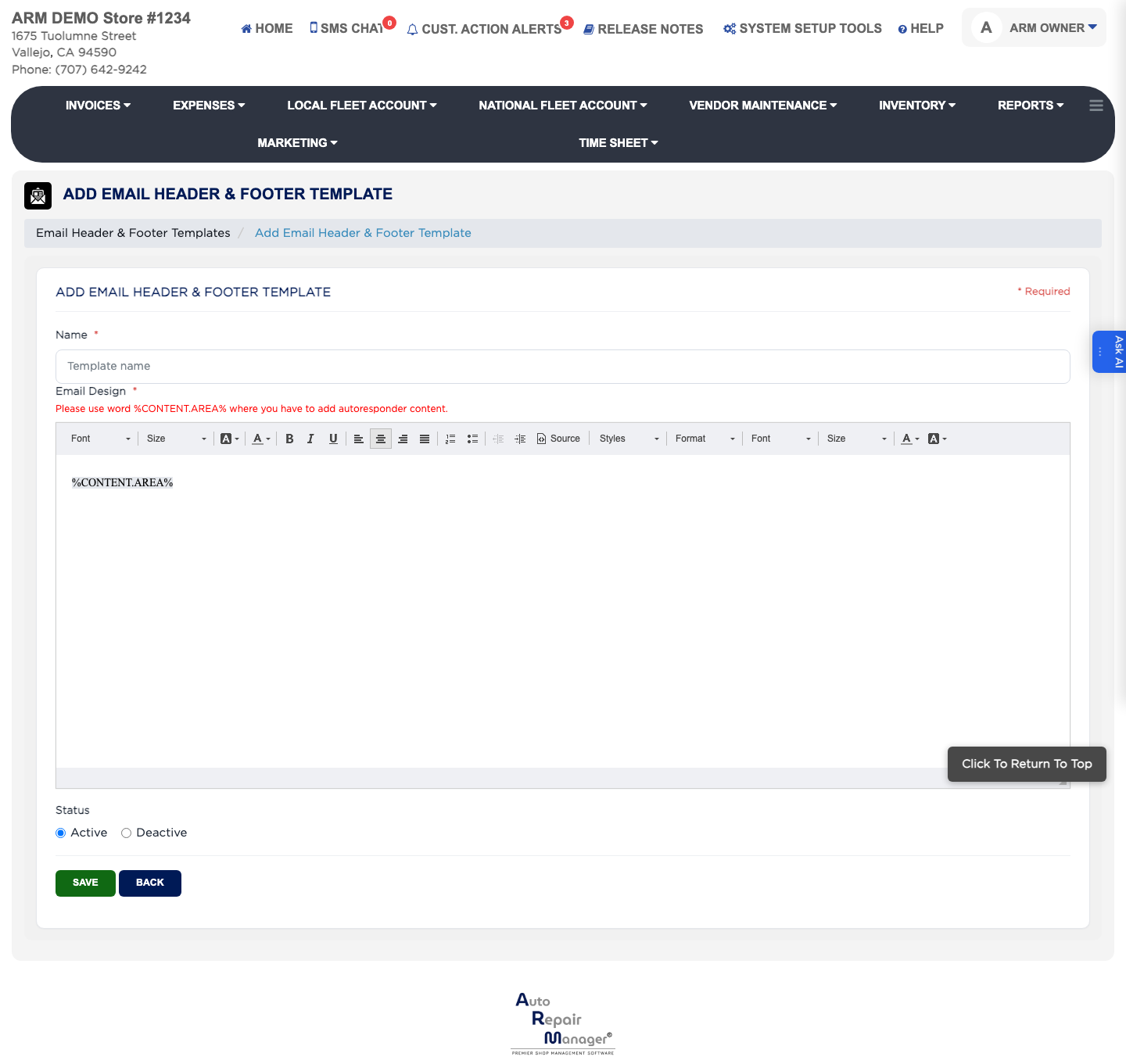
An email header and footer template is the wrapper your emails go out in — your logo, your colours, your contact details at the bottom. The message itself comes from an Email Content Template, and the two are combined when the email is sent, so changing the wrapper restyles every email at once. The list shows each design's Name and Status.

2 how-to answers 2 screenshots Open in ARM Markdown

How do I check what a design looks like before I use it? #

  1. From the Home Screen, click System Setup Tools → Email Header & Footer Templates.
  2. Type into SEARCH BY NAME and click Search, or tick Active or Inactive to narrow the list.
  3. Click VIEW in the Action column to see the design rendered.
  4. Click EDIT to change it, or Delete to remove a design no email uses.

Ask AI