ARM Help

QuickBook Integration

The QuickBooks integration passes your invoices and payments into QuickBooks so your books do not have to be keyed twice. The credentials come from the app you register in your Intuit developer account.

1 how-to answer 1 screenshot Open in ARM Markdown

How do I connect ARM to QuickBooks? #

  1. From the Home Screen, click System Setup Tools → QuickBook Integration.
  2. Enter the Client ID, the Client Secret and the Company ID from your Intuit account. All three are required.
  3. Click Save.
  4. Click Connect to QuickBooks and sign in to Intuit to authorise the link. Until you complete that sign-in nothing is sent.
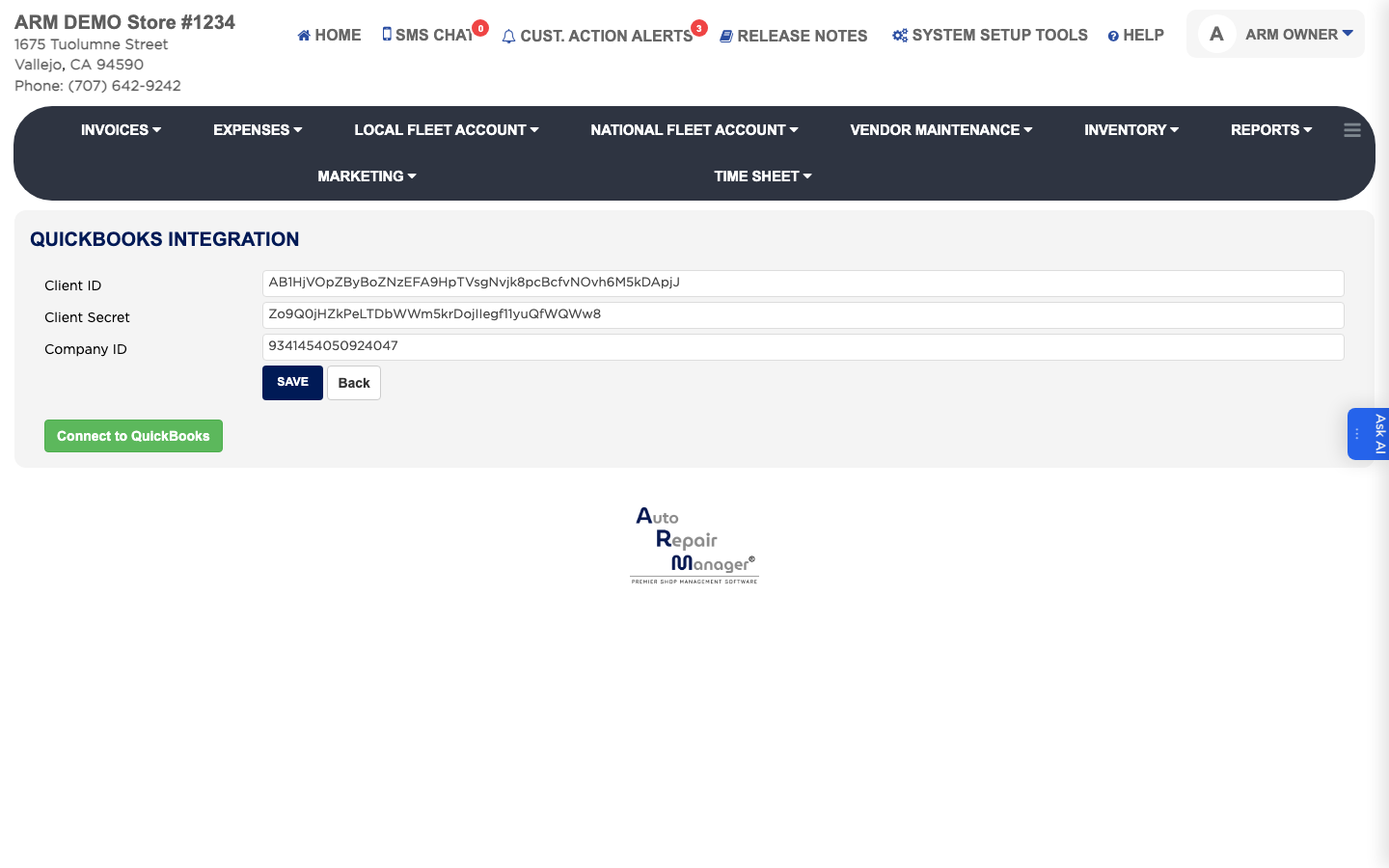
QuickBooks integration settings

People also ask

  • asked 1×
  • asked 1×

Ask AI