How do I check my email allowance? #
- From the Home Screen, click System Setup Tools → Email Plan.
- Read the list of add-ons to see what you have bought and when.
- If the allowance is used up, buy more from Other Add-ons.
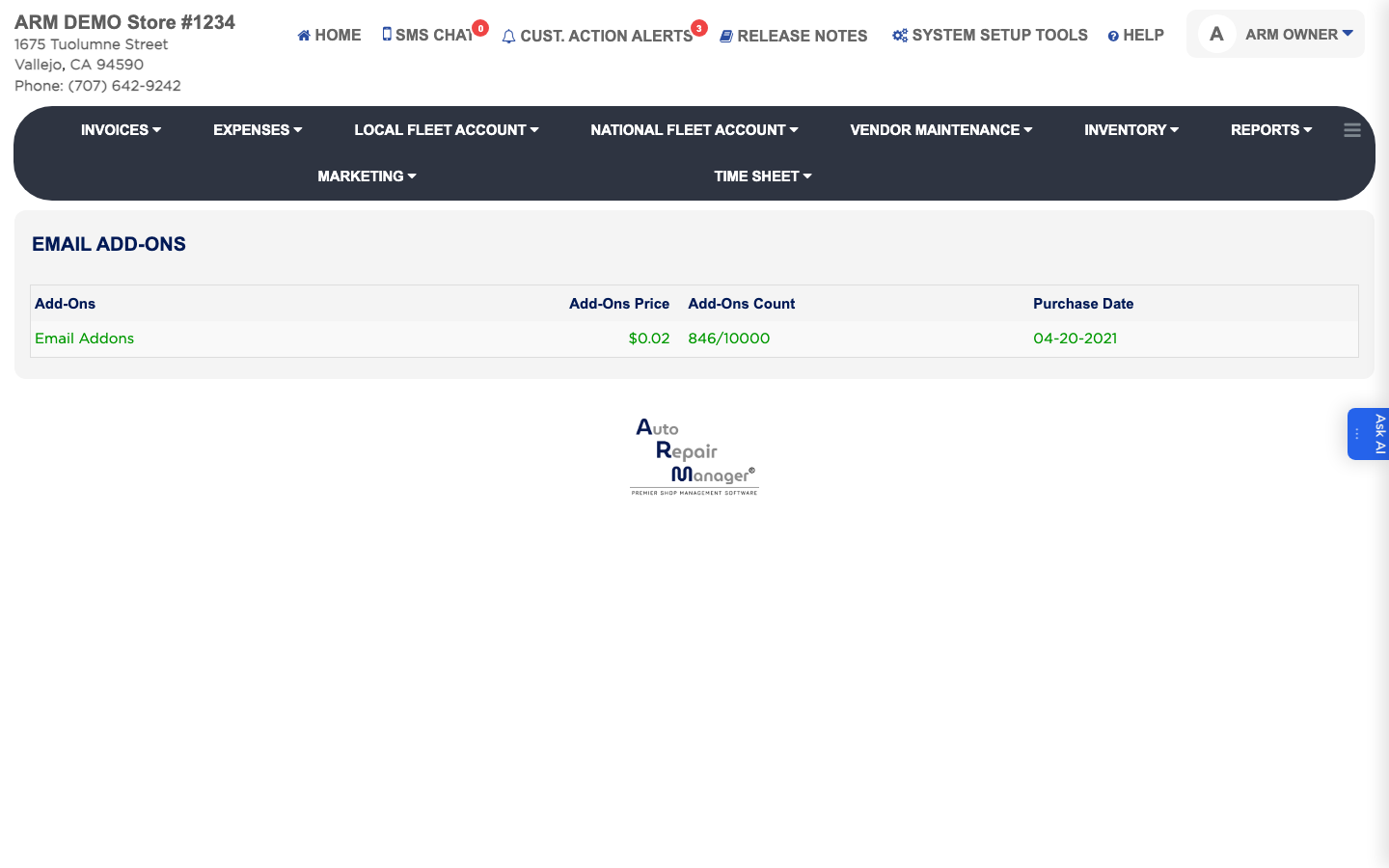
Email Plan shows the email allowance on your ARM subscription and any extra bundles you have bought. Check it here if automatic emails stop going out, because a used-up allowance is the usual reason. The list shows each purchase's Add-Ons, Add-Ons Price, Add-Ons Count and Purchase Date.