How do I add an SMS content template? #
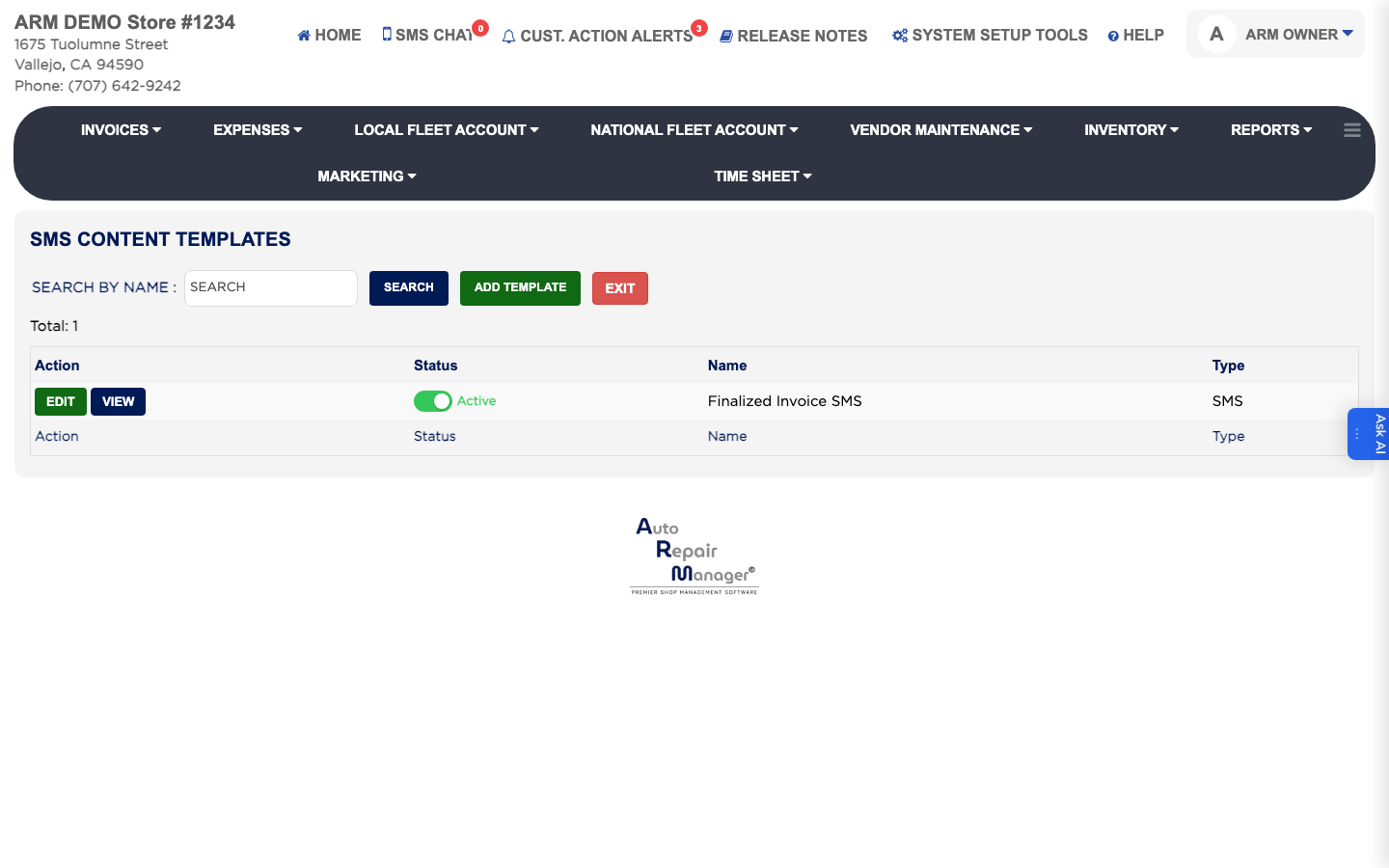
- From the Home Screen, click System Setup Tools → SMS Content Templates.
- Click Add Template.
- Set Type to SMS. This is required.
- Enter the Name. It is required.
- Write the wording in the Message box, using keywords for anything that differs per customer. Keep it inside 160 characters to stay within one text.
- Leave the status set to Active and click Save.