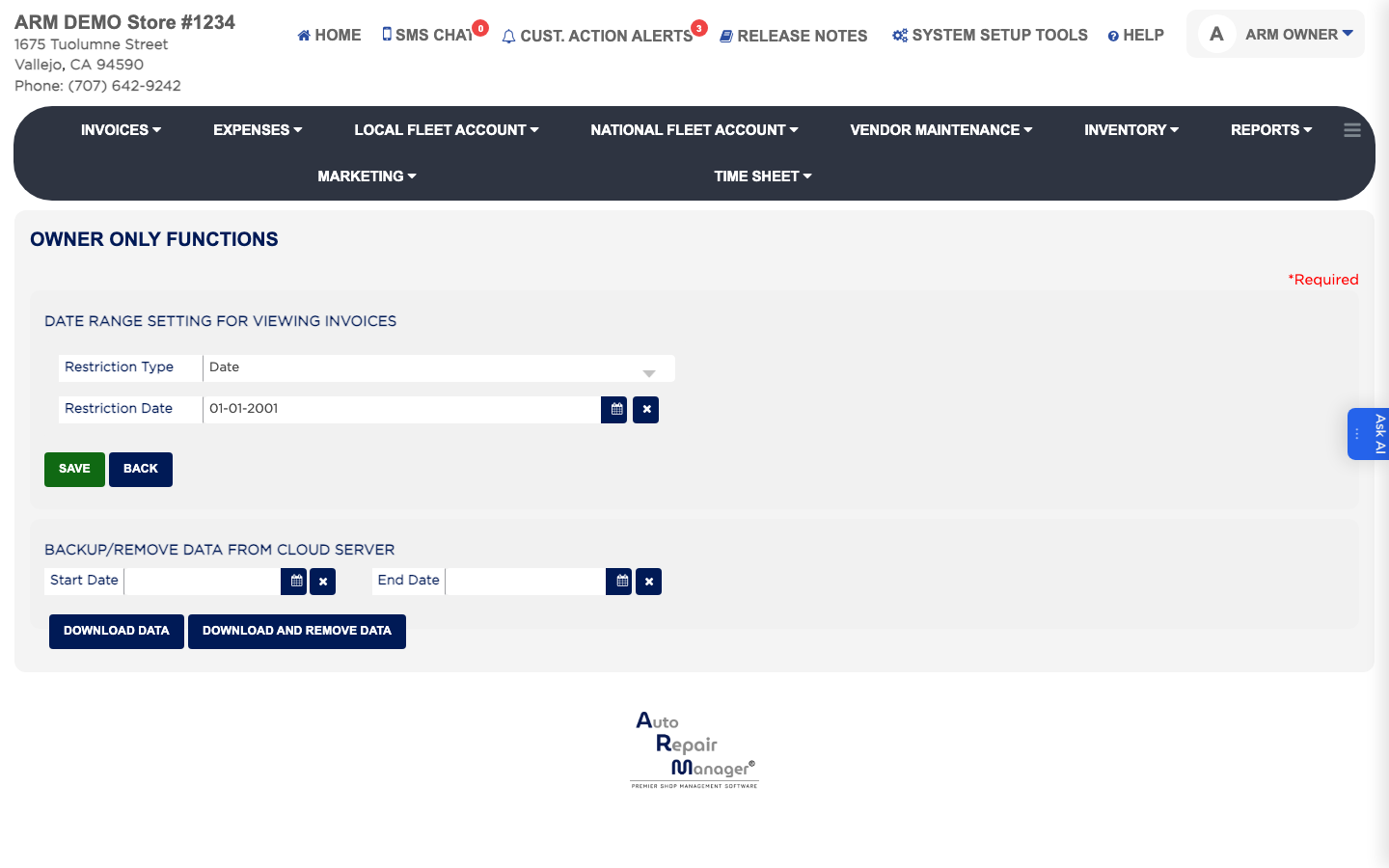
How do I limit how far back staff can view invoices? #
- From the Home Screen, click System Setup Tools → Owner Only Functions.
- Under Date Range Setting For Viewing Invoices, set Restriction Type to Date to cut off at a single day, or to Month to cut off at a whole month.
- For Date, pick the Date to cut off at, or set the Start Date and End Date to allow only that window. For Month, pick the Restriction Month.
- Click Save.