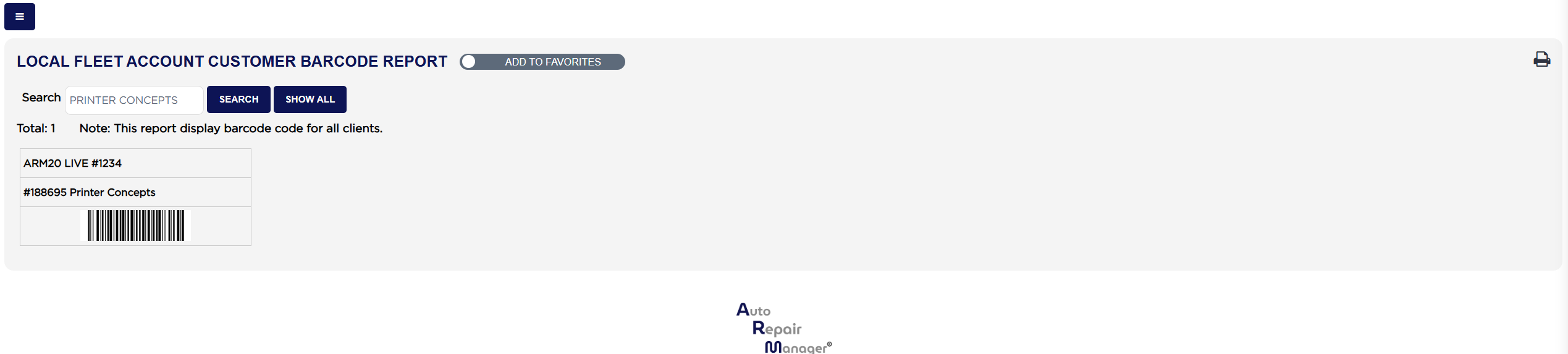
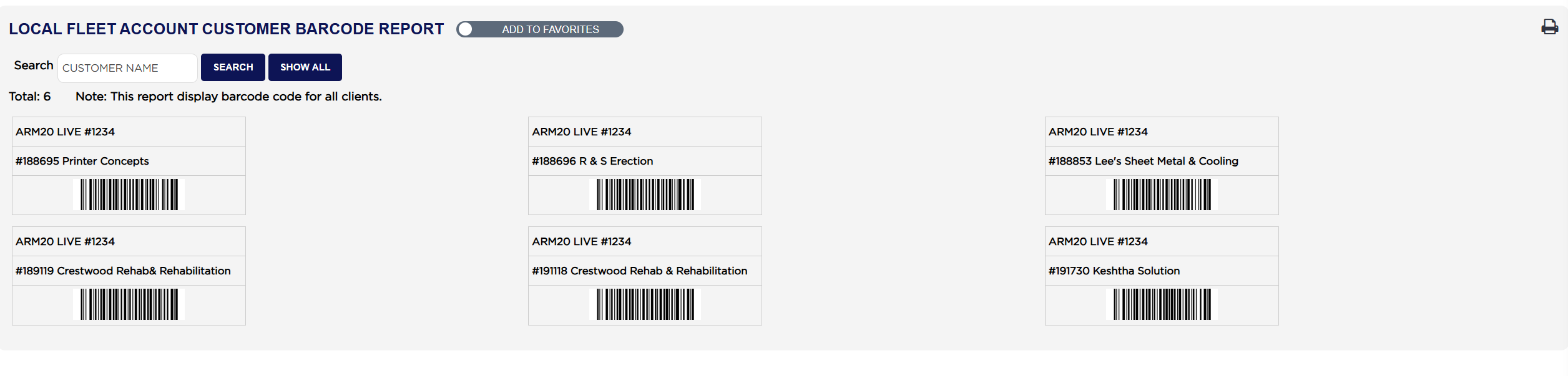
Above the sheet, Total: counts the accounts listed, beside the standing note Note: This report display barcode code for all clients. Each label carries three lines: your store name at the top, then the account's identifier and name in the form #188695 Printer Concepts, then the barcode image. The barcode holds your account number and the customer's identifier together, which is what lets a scan pick out the right fleet account.
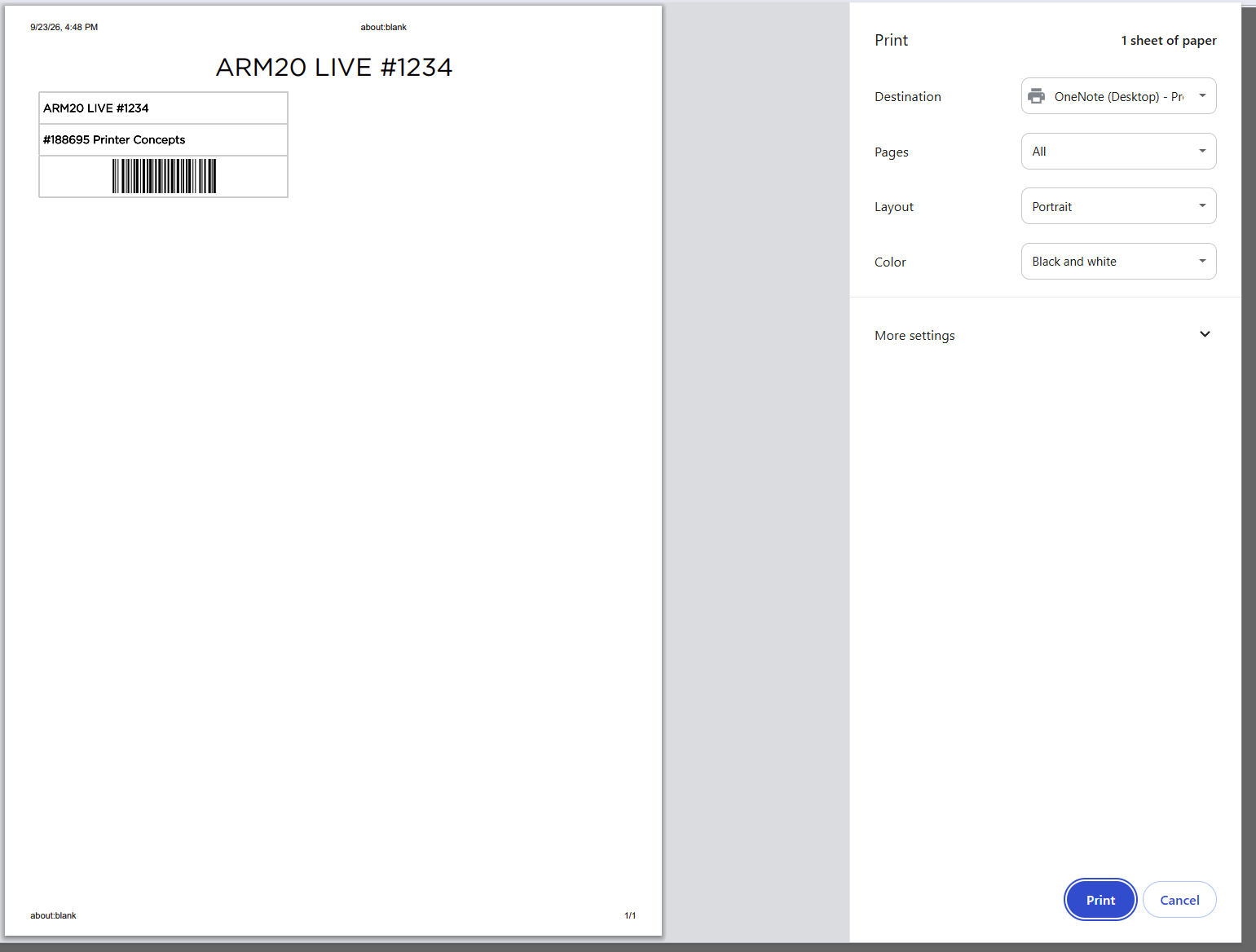
The labels print through your browser rather than as a PDF, so the browser adds its own date and page details around the edge of the sheet. Those are your browser's, not ARM's, and can be turned off in the print window's own settings. Printing a full sheet of three-across labels on a portrait page can also cut off the right-hand column, so set the print window to landscape, or filter to fewer accounts, if a label comes out short.
This report has no date range, no totals and no spreadsheet export. It lists the local fleet accounts you hold now, and its only output is the printed sheet. For the national accounts, and for what those accounts owe you, see Outstanding Local Fleet Account Customer Report and National Fleet Account Customer Statement.