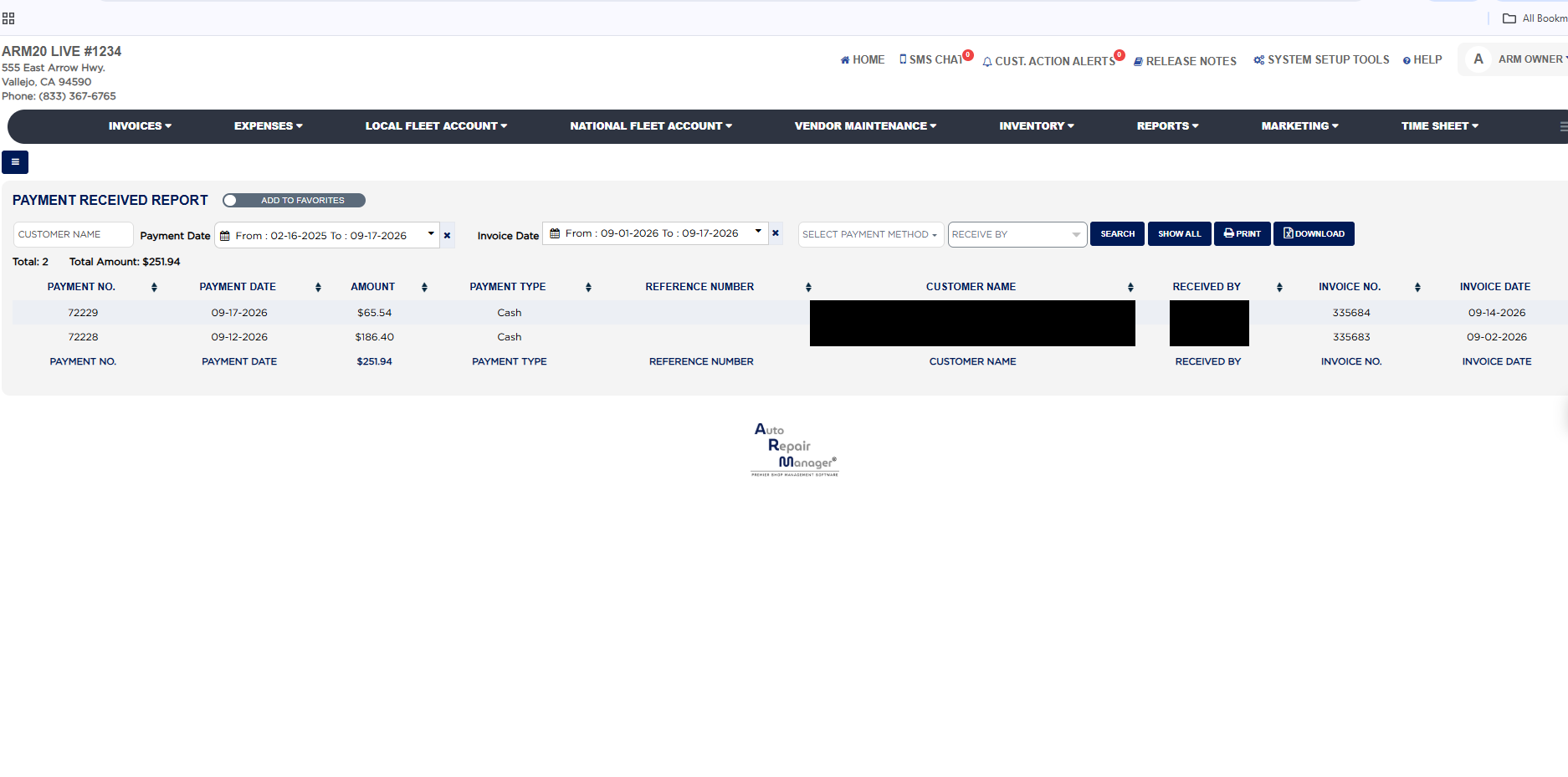
Each line shows the Payment No. (ARM's running number for the payment entry), the Payment Date it was received, the Amount, the Payment Type (Cash, a card type, Check, Gift Card, Fleet Charge and so on), the Reference Number entered with the payment, such as a check number or authorization code, the Customer Name on the invoice, Received By, which is the ARM user logged in when the payment was recorded, and the Invoice No. and Invoice Date of the invoice the payment was applied to. The row under the last payment repeats the column headings and carries the total of the Amount column for the list. Payments that were later deleted are not listed; the Payment Log Report in the same section shows those.
The Add To Favorites switch beside the heading saves the report under Favorites on the Reports page. Download asks for the permission password first when your store protects downloads. Which reports you see depends on your admin group permissions.