The Search box does not combine with the other filters. When you type in Search, the report finds every order whose invoice number, supplier invoice number or part number matches exactly, whose part name matches exactly, or whose supplier name starts with what you typed. The Date, Process and Process By settings are then ignored. Searching a supplier name with Process on Pending lists that supplier's completed orders too, from the whole history. Use Search on its own, and use the other filters without it.
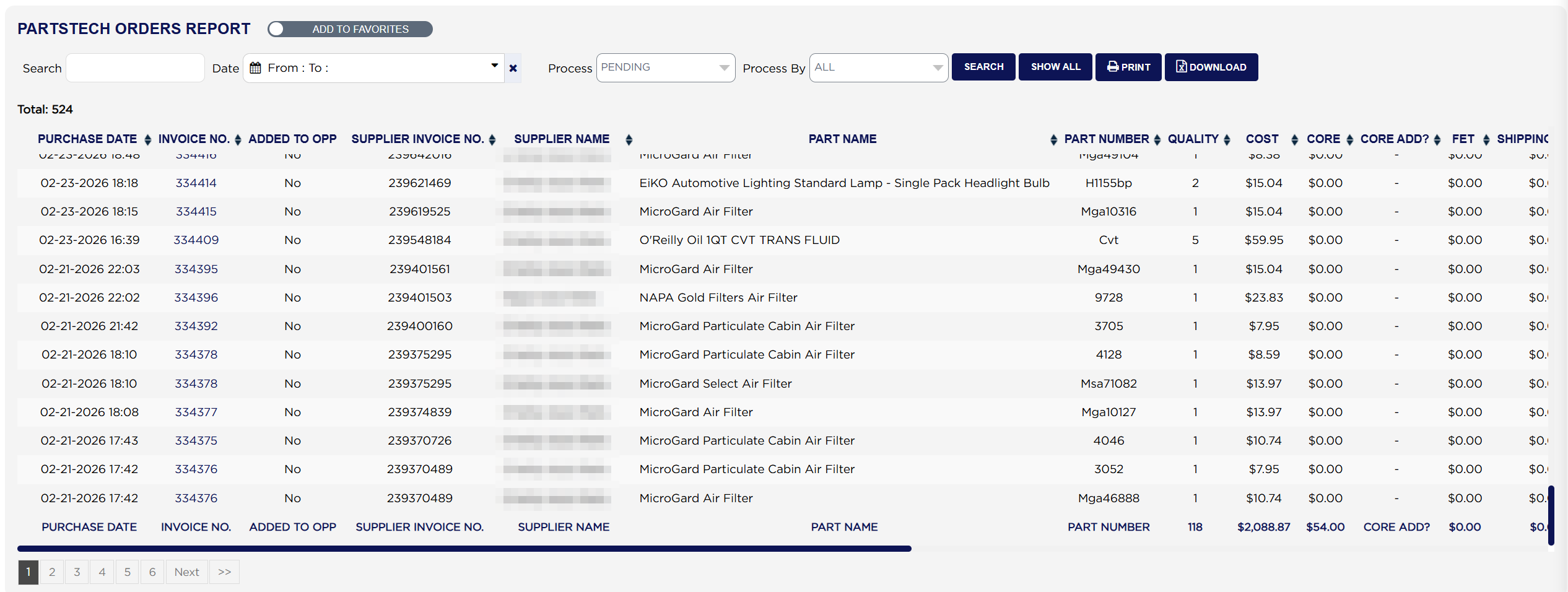
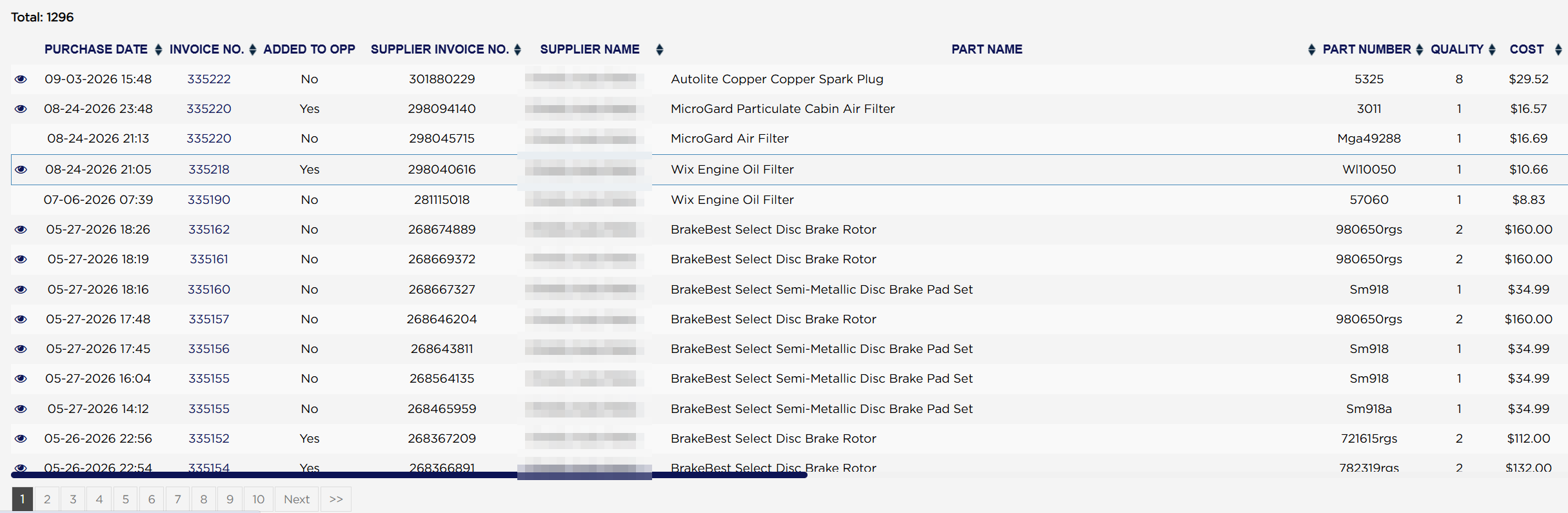
Total: above the table counts the lines found. The table is wide; scroll right to see all of it. Each line shows the PURCHASE DATE and time of the order, the INVOICE NO. it was ordered for (blank when the part was bought without an invoice), ADDED TO OPP (Yes when the part was added to the invoice as an outside part purchase), the SUPPLIER INVOICE NO. (the supplier's PartsTech order number), the SUPPLIER NAME, the PART NAME and the PART NUMBER.
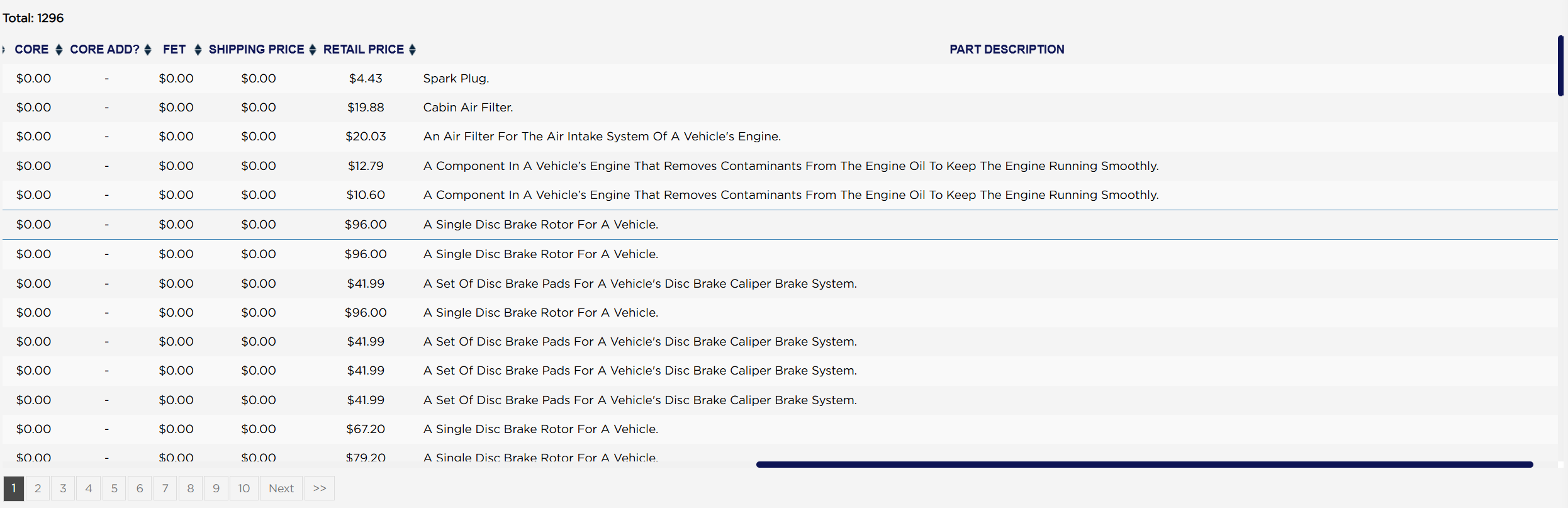
Further right come QUALITY, which is the quantity ordered, then COST, CORE, CORE ADD?, FET (federal excise tax, mostly on tires), SHIPPING PRICE, RETAIL PRICE and the PART DESCRIPTION, PartsTech's description of the type of part.
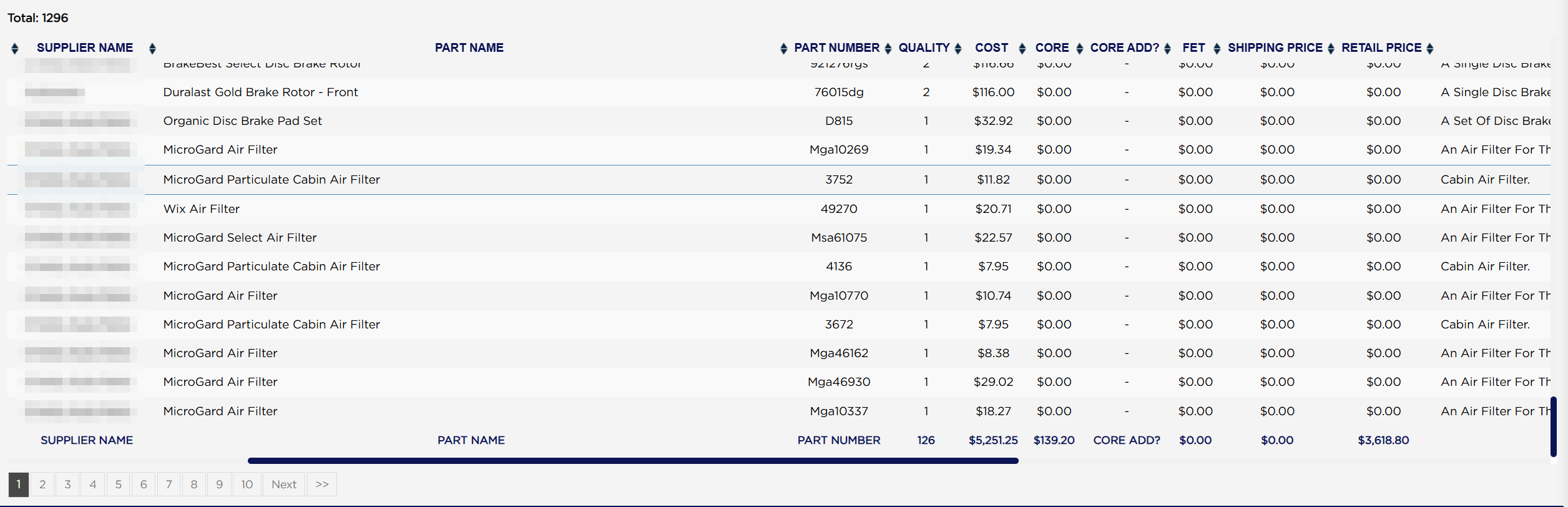
The row at the foot of the table totals QUALITY, COST, CORE, FET, SHIPPING PRICE and RETAIL PRICE for the lines on the page you are looking at. There is no report-wide money total anywhere on the page. The QUALITY figure is a count of parts, and the RETAIL PRICE figure is a total of one-part prices, so it will often be smaller than the COST total. Example: page one of the whole history shows 126 parts, $5,251.25 cost and $3,618.80 retail. To total a period, set a range that fits on one page or use DOWNLOAD and total the spreadsheet.
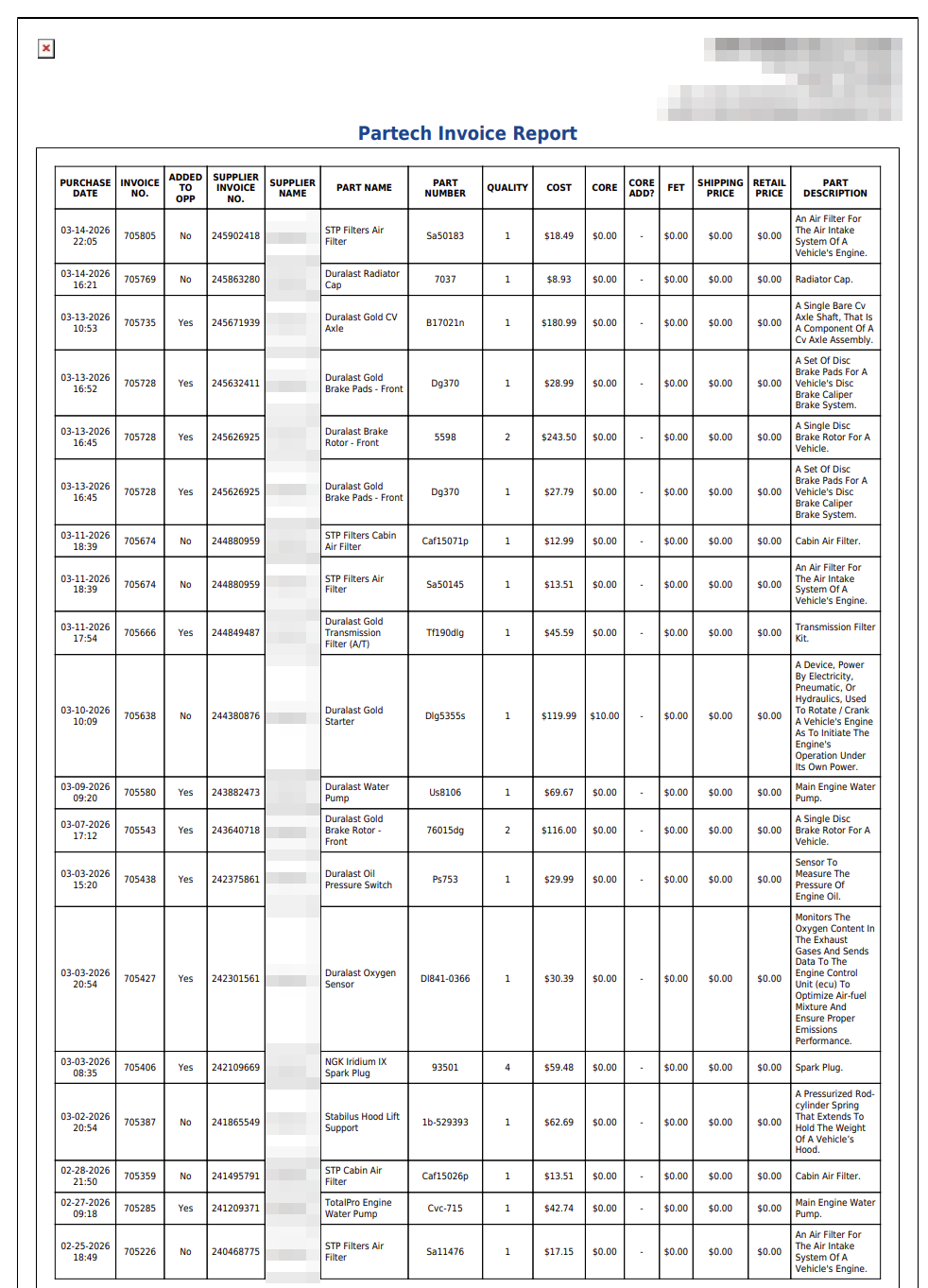
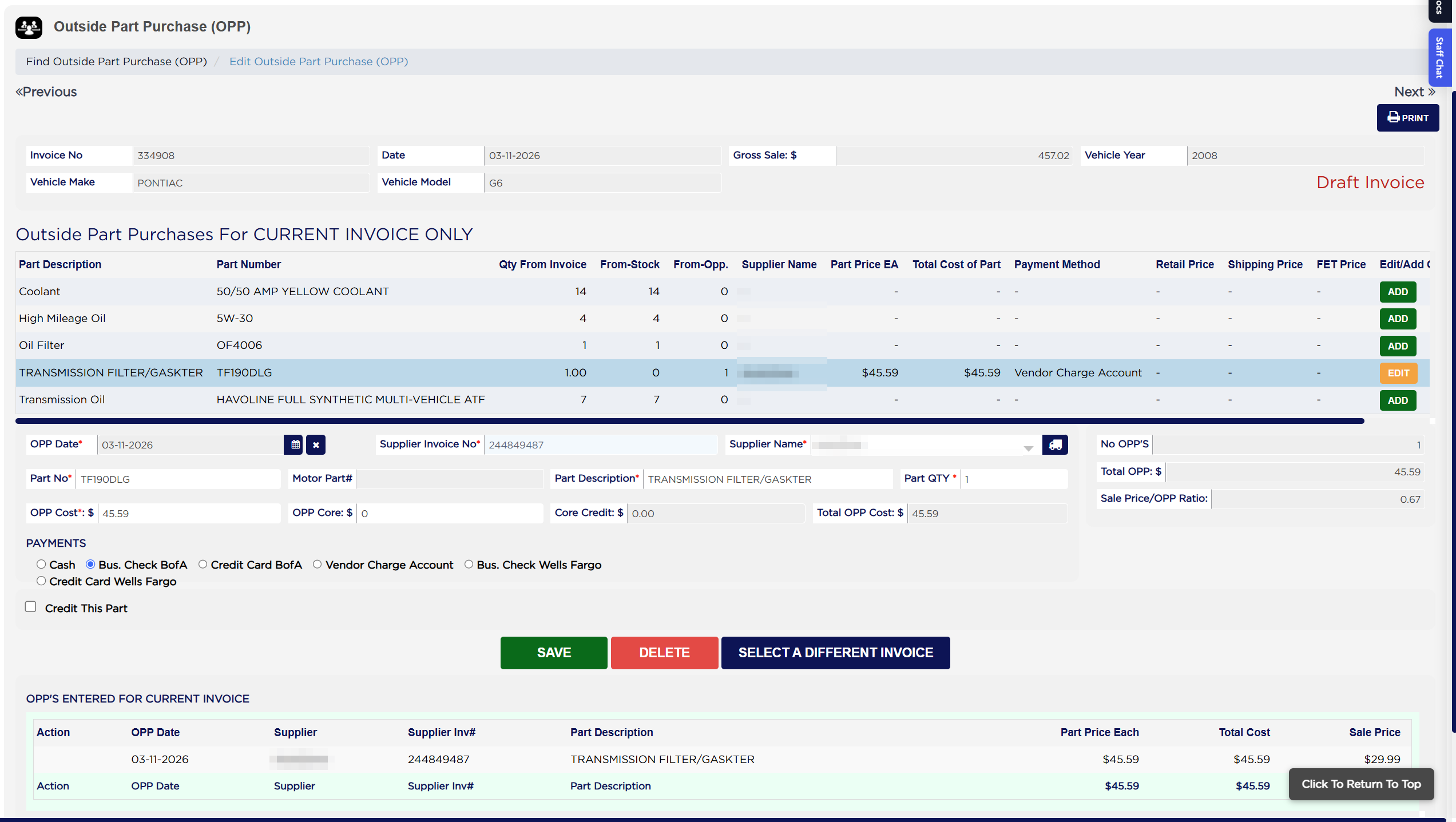
The printout is headed Partech Invoice Report and carries the same fifteen columns in one continuous list, with no totals row. Its INVOICE NO. column prints ARM's internal reference for the invoice, not the invoice number, so it will not match the numbers on screen. Example: a part on invoice 334908 is printed against 705666. To match a printed line to an invoice, use the SUPPLIER INVOICE NO., or use DOWNLOAD, whose invoice numbers are the real ones.
To see the labor that came with these parts, run PartsTech Labor Report. For tire sizes and ratings on tires ordered through PartsTech, run PartsTech Tire Report.