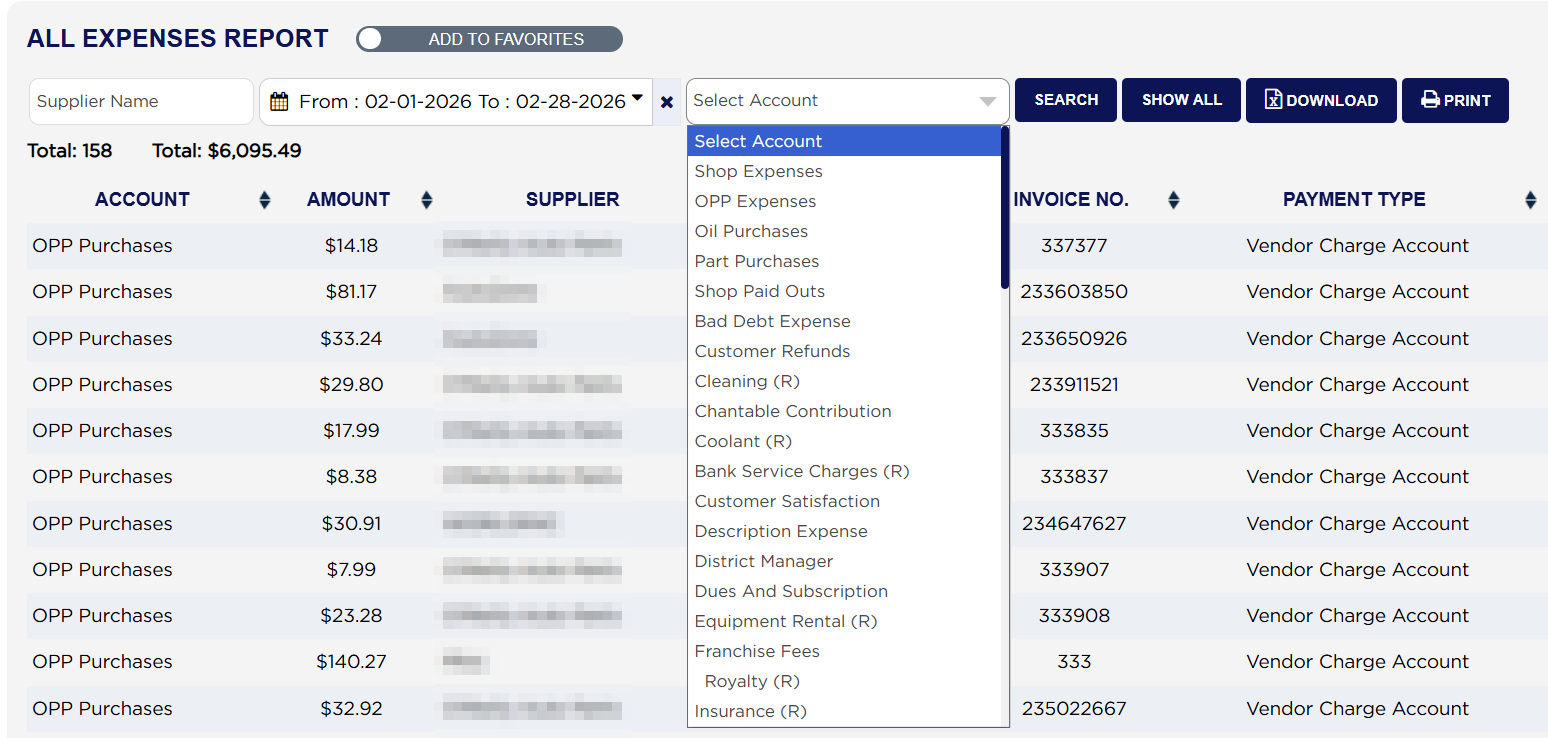
The Select Account list offers two groups first and then every expense account the store uses. Shop Expenses gives everything except oil purchases and part purchases. OPP Expenses gives the outside part purchases only, the parts bought in for a job. Below those comes each account on its own: Oil Purchases, Part Purchases, Shop Paid Outs, Bad Debt Expense, Customer Refunds and the rest of the store's chart of accounts. Sub-accounts are indented under their parent account, such as Royalty under Franchise Fees. An account marked (R) is a recurring expense such as insurance or equipment rental.
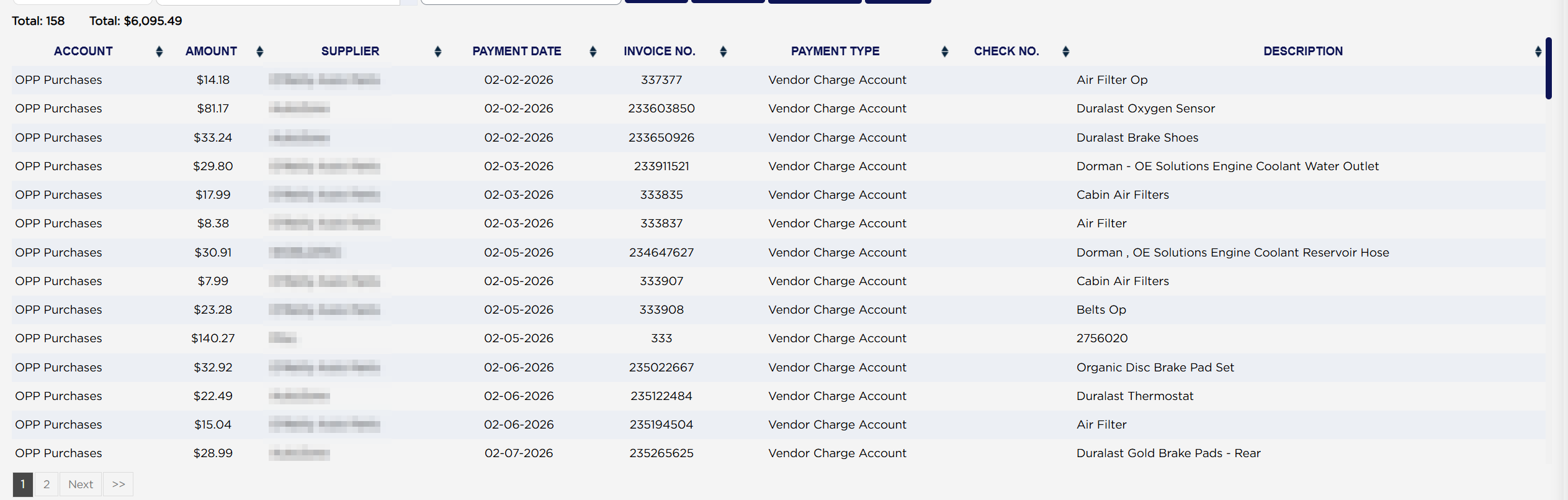
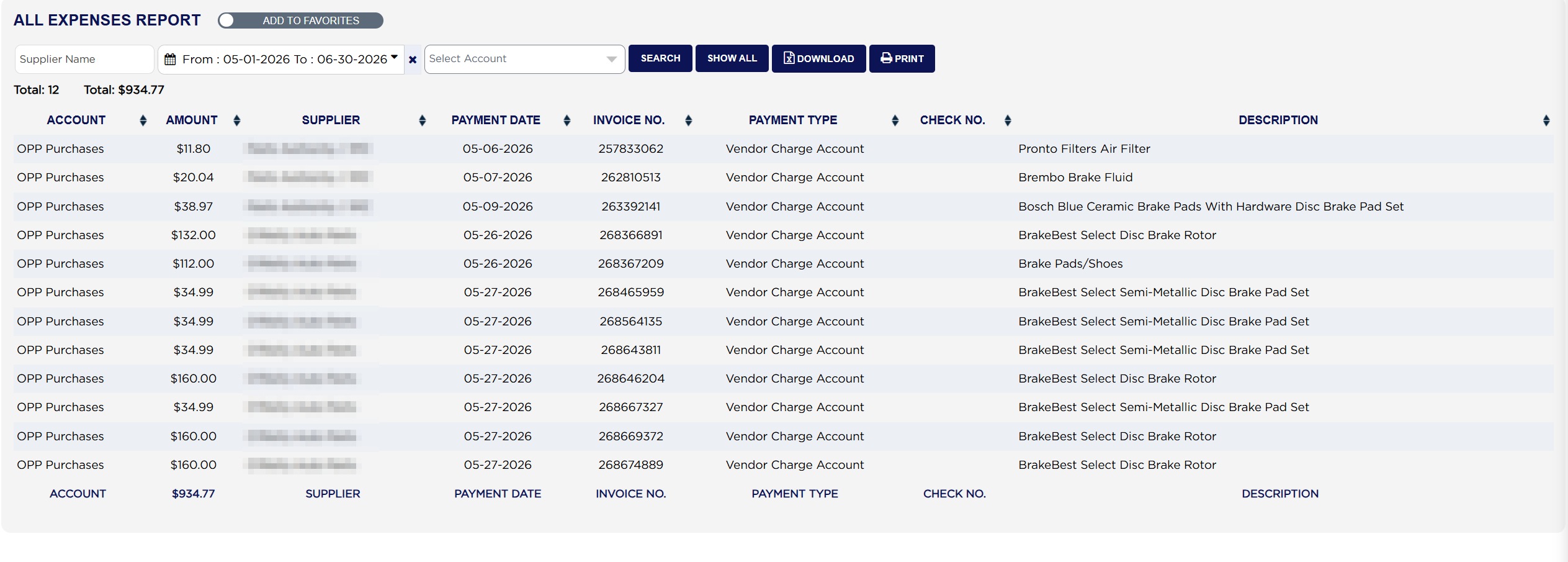
Above the table are two figures. The first Total: counts the expenses found. The second Total: is the amount of all of them together, for the whole report. Each line shows the ACCOUNT the expense was posted to, the AMOUNT, the SUPPLIER, the PAYMENT DATE, the INVOICE NO. (the supplier's own invoice or order number, not an ARM invoice), the PAYMENT TYPE such as Cash, a business cheque, a credit card or Vendor Charge Account, the CHECK NO. where a cheque number was entered, and a DESCRIPTION of what was bought. The report shows a limited number of lines per page; use the page numbers under the table to move through it.
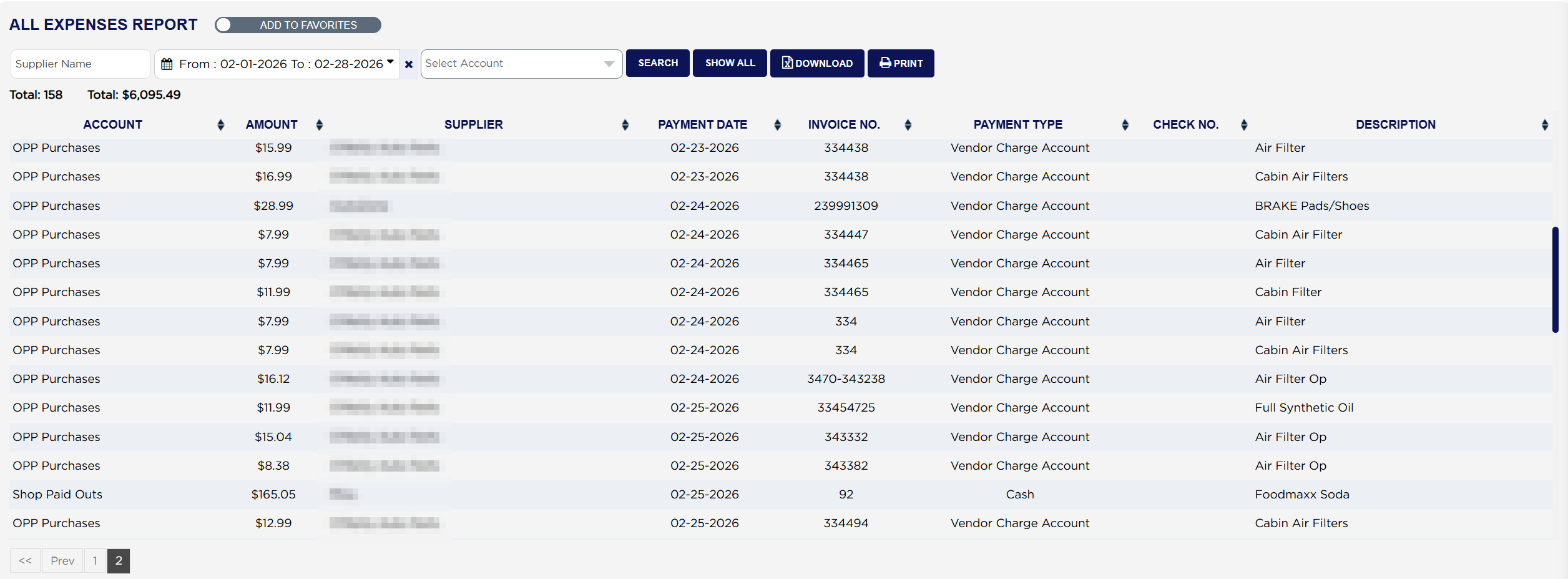
The money figure above the table stays the same on every page, because it covers the whole report. Page two of a February run still reads Total: 158 Total: $6,095.49.
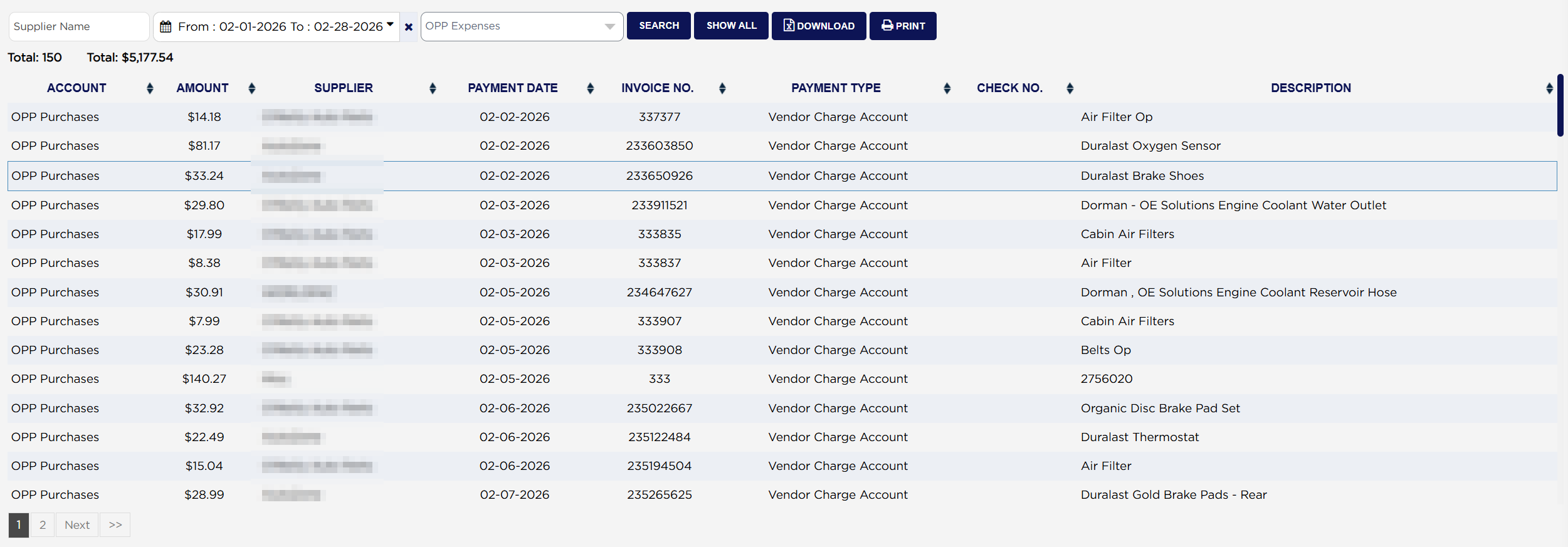
Choosing OPP Expenses in Select Account for the same month cuts the list to the outside part purchases. The two totals above the table change to match: Total: 150 and $5,177.54, against 158 and $6,095.49 for everything.
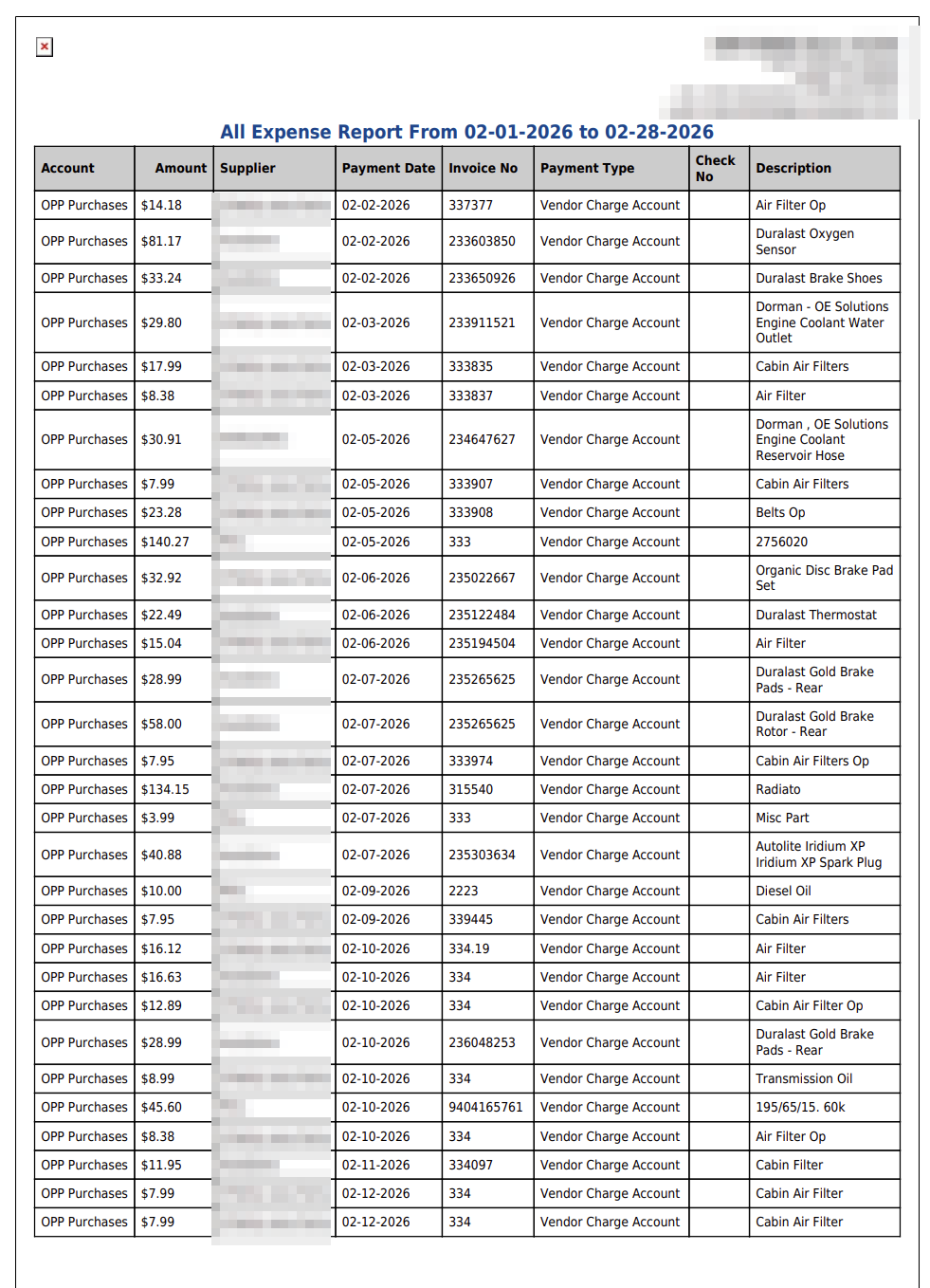
The printout is headed All Expense Report From with the dates you ran. It carries the same eight columns and prints every line in one continuous list rather than in pages. It lists the same expenses as the screen, line for line.
For a period's total spend, always use the money Total: above the table. To see purchases through one supplier listed and totalled supplier by supplier, run Expense Report by Vendor. For shop paid outs alone, with their account and recurring details, run Shop Paid Outs Expense Report.