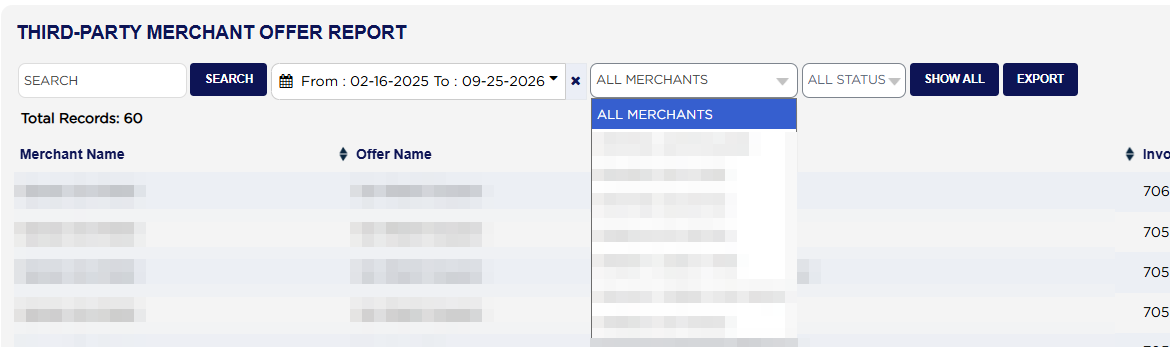
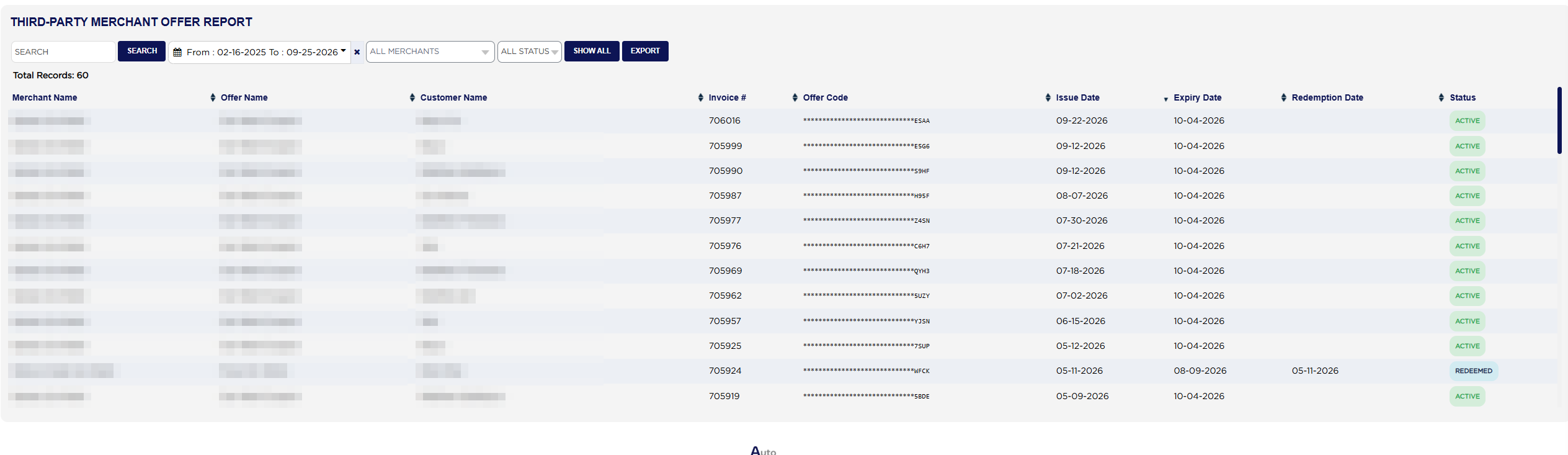
Total Records: above the table counts the codes found. Each line shows the Merchant Name, the Offer Name, the Customer Name it was issued to, the Invoice #, the Offer Code, the Issue Date, the Expiry Date (No Expiry if none was set), the Redemption Date once it has been used, and a Status badge. Click any heading with arrows to sort by it. The list opens newest issue first.
The Offer Code shows only its last four characters; the rest are hidden with stars, on screen and in the export. The Invoice # column shows ARM's internal reference for the invoice, not the invoice number the customer sees, so it cannot be used to look an invoice up. One invoice can carry more than one code, from the same or different merchants.
The Status badge reads ACTIVE for a code not yet used and not past its expiry date, REDEEMED once it has been used, and EXPIRED for a code that was never used and is now past its expiry date.
This report counts codes; it has no money columns. Offer codes are issued from the invoice, and the merchants and their offers are set up in ARM's third-party merchant settings.