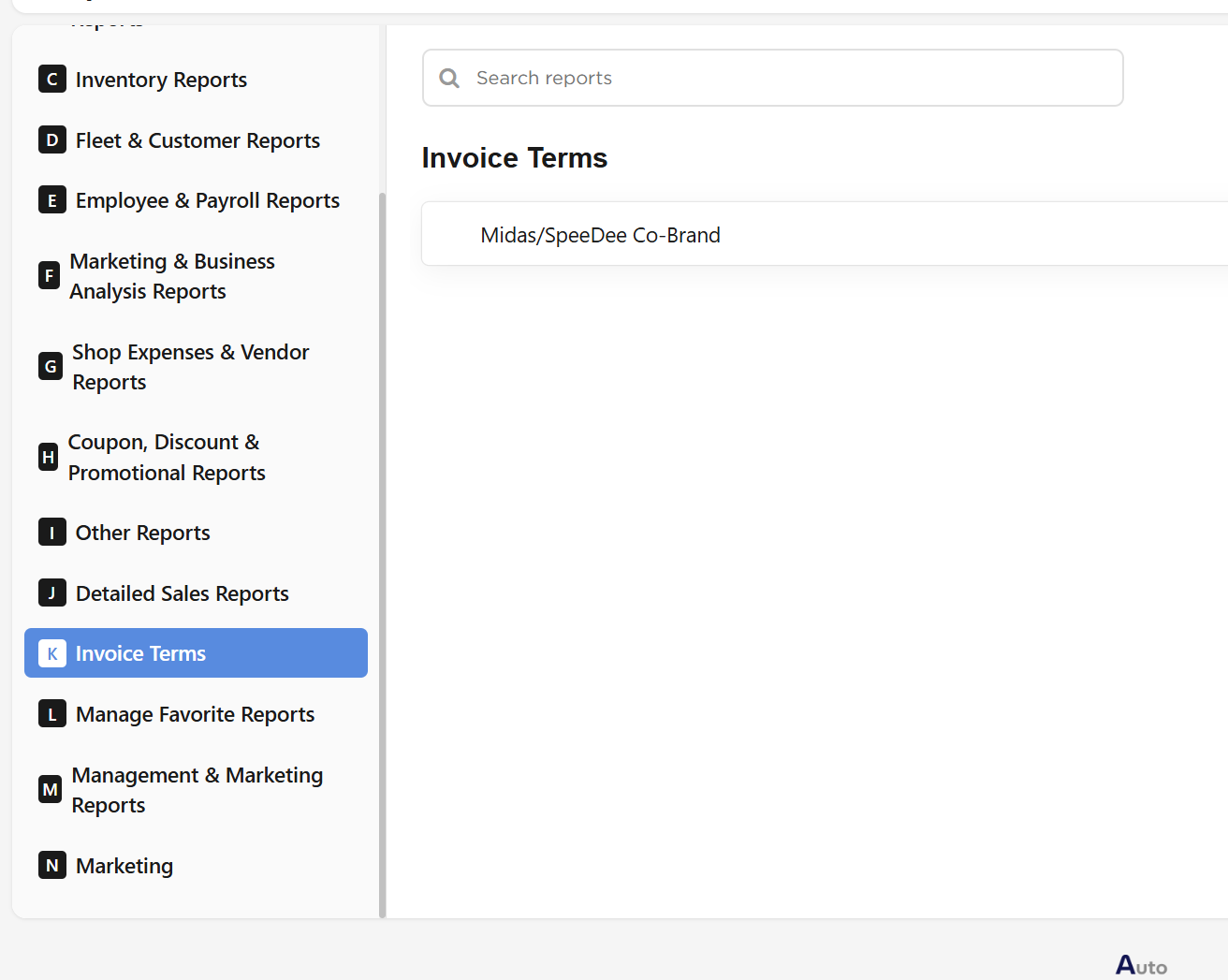
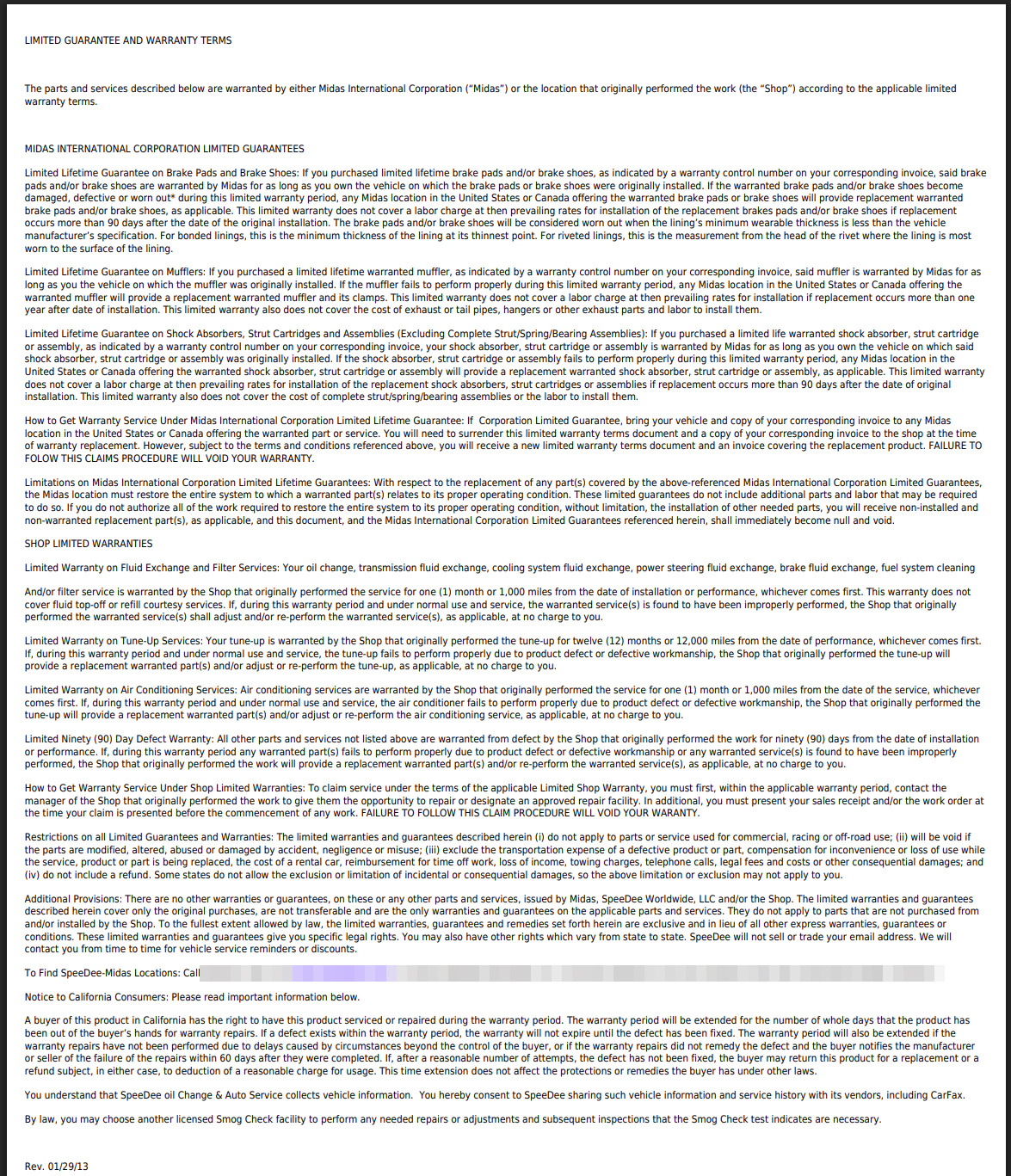
The PDF contains the terms text only, in the font size set for that document. It carries no store name, title or print date, so if the wording has a revision date, that is the only way to tell versions apart on paper.
Where do the terms documents come from?
They are written and maintained on the Invoice Terms page in the store's settings. There you can add a document with ADD Invoice Term, giving it a Name, a Font Size, the terms wording and a status of Active or Inactive, and edit or delete existing ones. Only Active documents appear on the Reports page.
The same wording is shown to customers on their invoice and on the signature screen, and is attached when an invoice is emailed. If more than one document is active, the invoice always uses the oldest one, even though the Reports page lists them all. When you replace your terms, make the new document active and set the old one to Inactive, so customers receive the new wording.