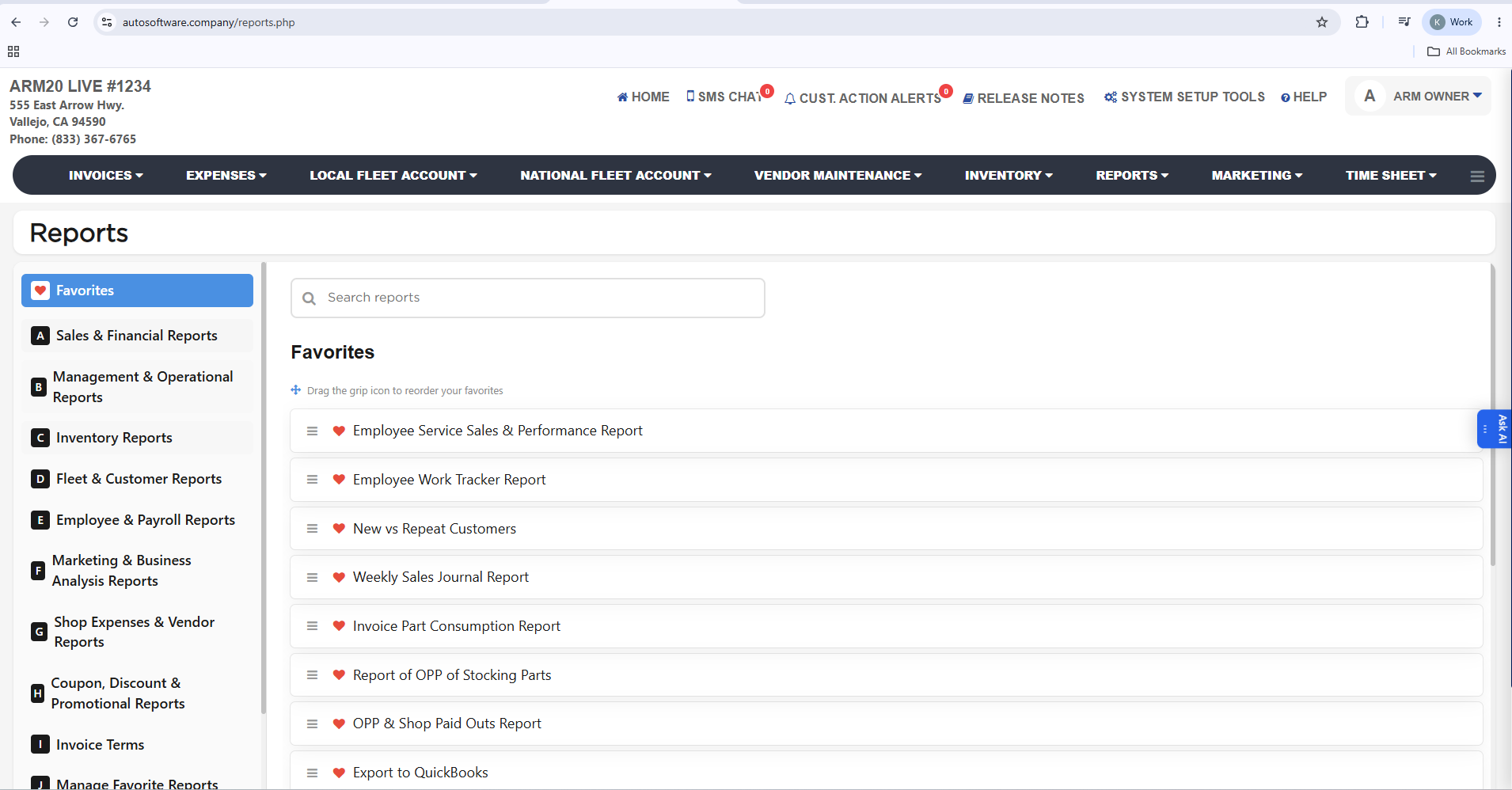
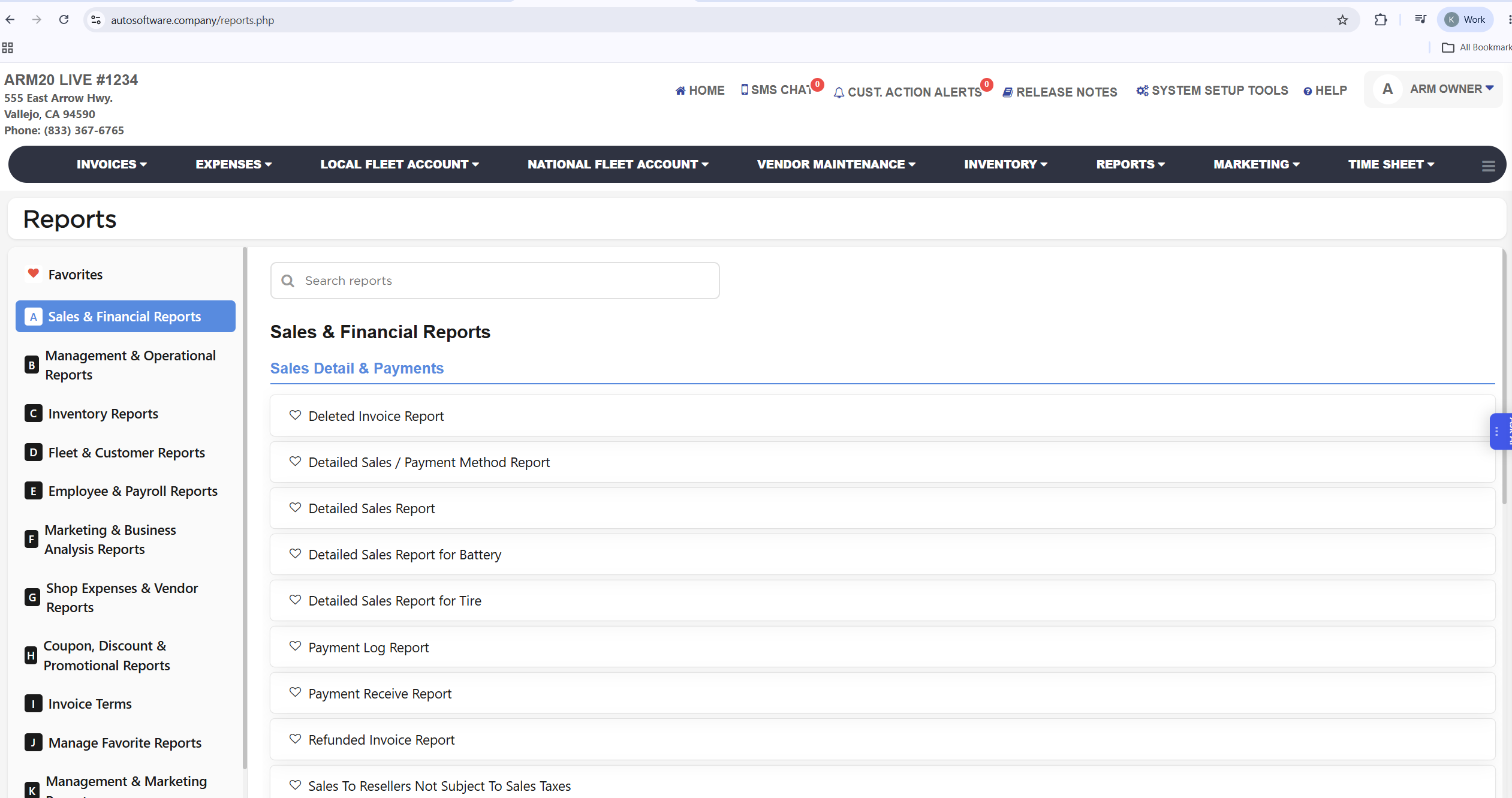
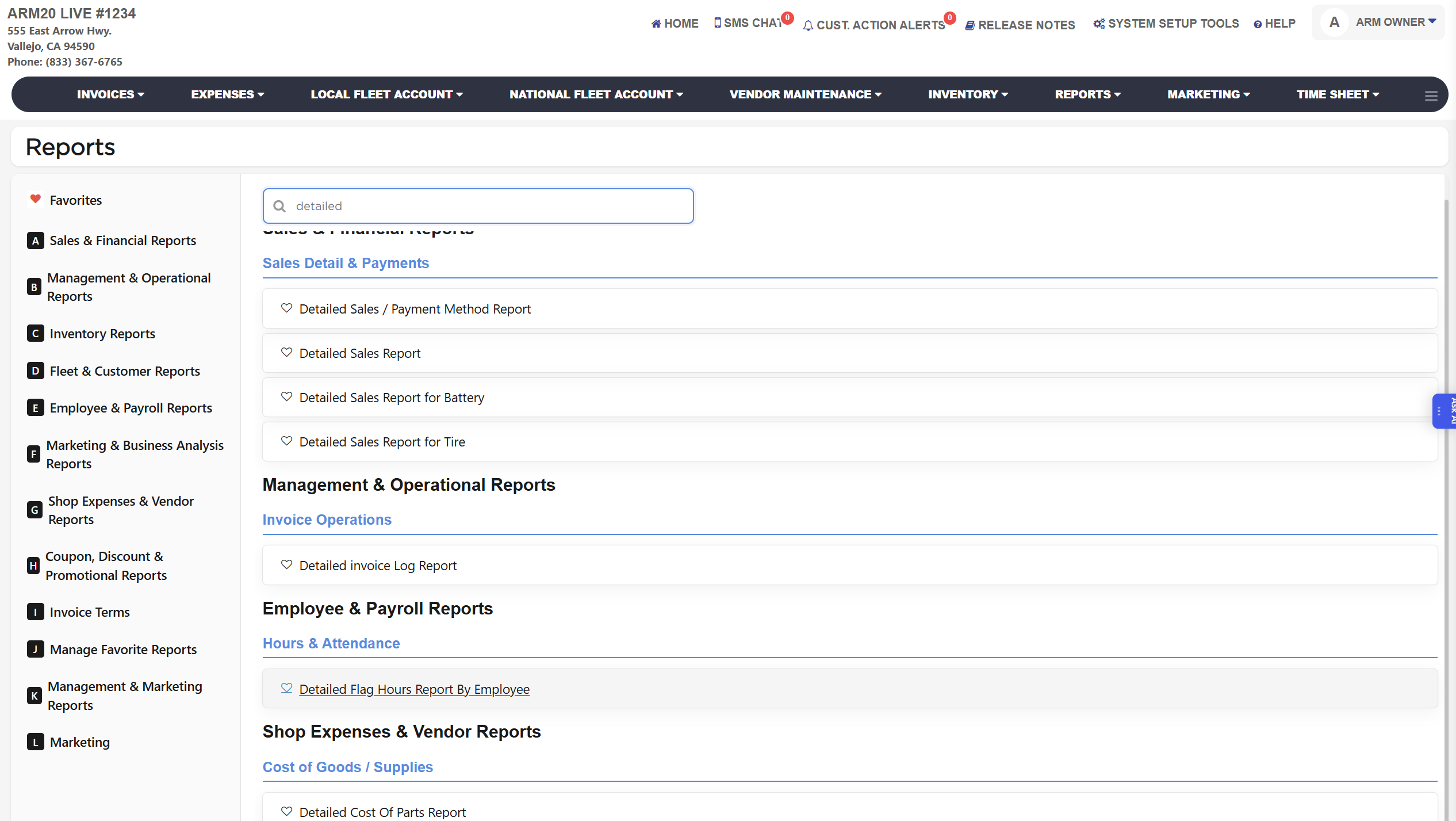
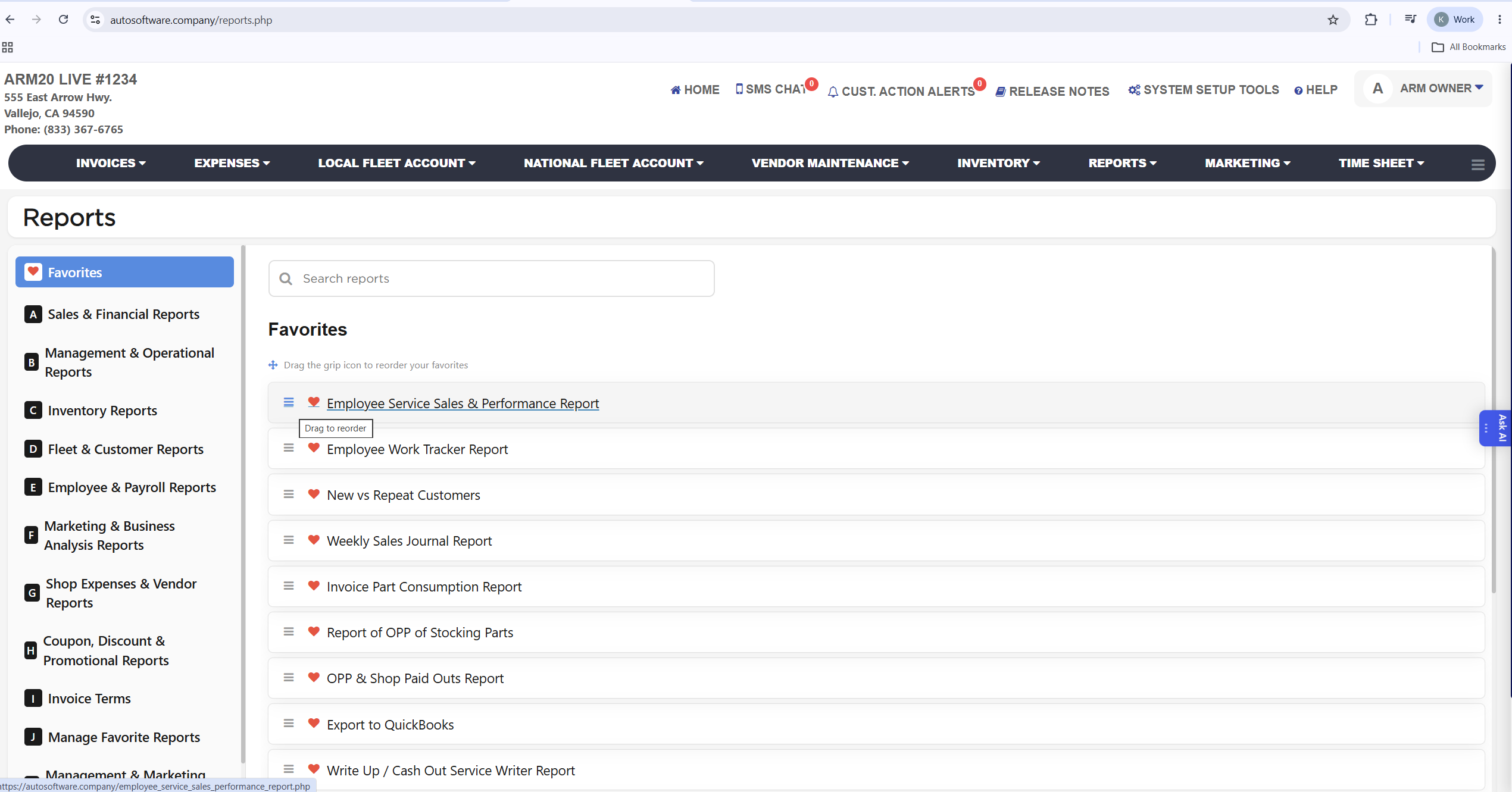
The letters are assigned top to bottom, so a section's letter can differ from one store to another; the names stay the same. The sections are Sales & Financial Reports (detailed sales, payment, tax, refund, void, gift card and cash drawer reports), Management & Operational Reports (End of Day / Week / Month / Year, Daily Management, Gross Profit, Weekly Sales Journal, invoice and customer communication reports), Inventory Reports (stock on hand, usage, tracking, orders and barcodes), Fleet & Customer Reports (local and national fleet statements, outstanding balances, customer lists), Employee & Payroll Reports (time sheets, flag hours, commissions, salary and performance), Marketing & Business Analysis Reports (referral and zip code trackers, traffic, sales mix, prior year comparisons, royalty marketing), Shop Expenses & Vendor Reports (expenses, paid outs, cost of parts, PartsTech orders), Coupon, Discount & Promotional Reports (coupon and discount tracking, third-party merchant offers), Other Reports for reports that do not belong to a section, Detailed Sales Reports (royalty and payment fail reports), Invoice Terms (opens your store's customer agreement, for example Midas/SpeeDee Co-Brand, as a PDF in a new tab), Manage Favorite Reports, Management & Marketing Reports (franchise royalty marketing reports) and Marketing (New vs Repeat Customers). Inside a section the reports are grouped under blue sub-headings such as Sales Detail & Payments, Invoice Operations, Hours & Attendance or Cost of Goods / Supplies, so related reports sit together. Sections you do not have permission for are not shown, and a section only appears when your store has at least one report in it.
Each report page shares the same layout: the filters and date range at the top, a Search button to run it, Print and Download buttons for a PDF copy or a spreadsheet export, and an Add To Favorite switch beside the title. The report list on the left of every report page lets you move to another report without going back to the Reports page. Which reports you see depends on the permissions of your admin group, and some reports ask for the permission password before they open.