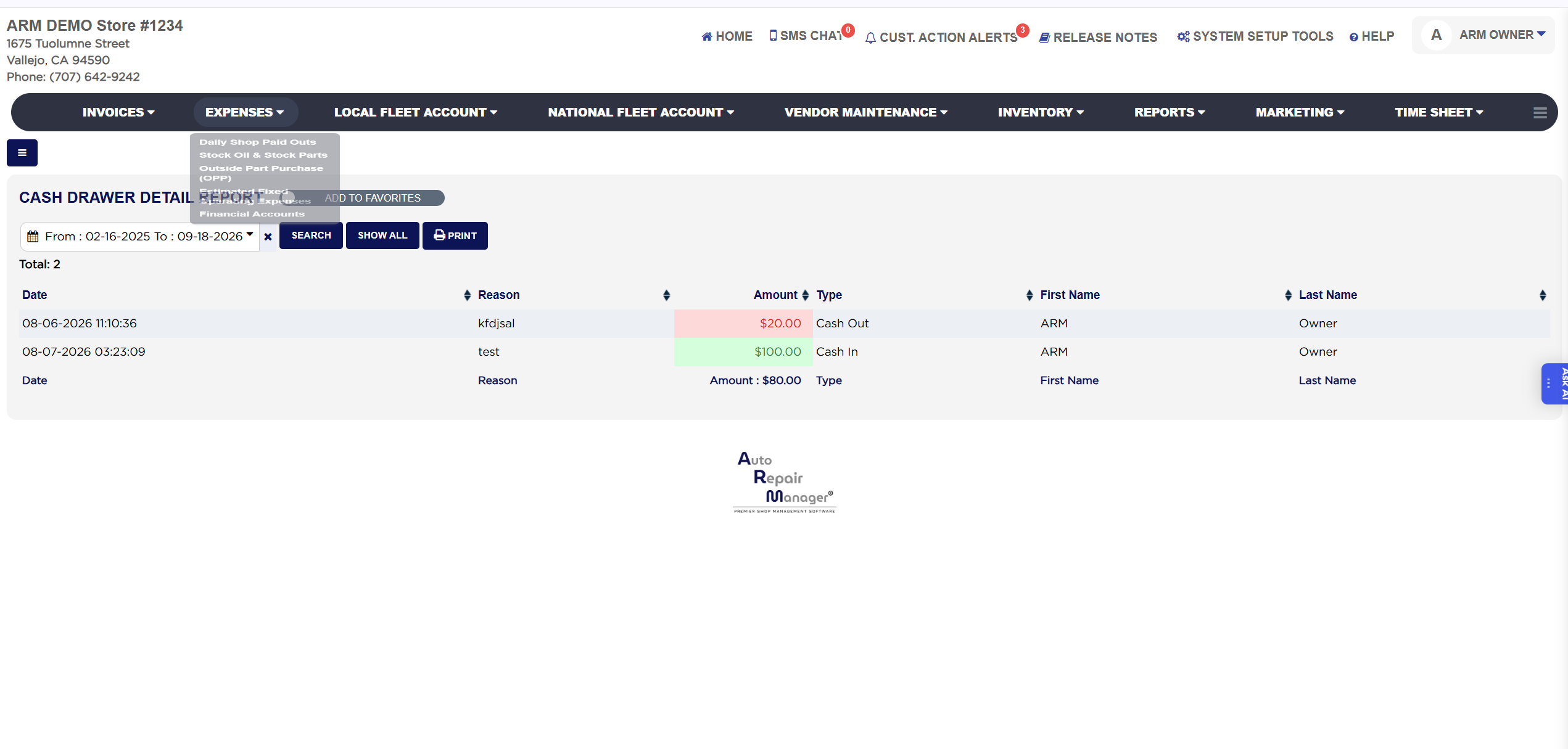
Cash Drawer Detail Report
The Cash Drawer Detail Report lists every cash movement that was logged against the drawer outside of invoice payments: each Cash In, such as the opening float or change brought from the bank, and each Cash Out, such as a paid-out for supplies or a bank drop, with the reason typed at the time, the amount and the user who did it. These entries are made from the Cash Drawer button on the Home Screen, where staff choose Cash In or Cash Out, type a reason and an amount. Use the report to reconcile the drawer at the end of the day, to see who took cash out and why, and to explain a difference between the drawer count and the cash sales.